AI Image Generation
- Free AI image generator
- Image-to-image and inpainting
- AI outpainting and style transfer

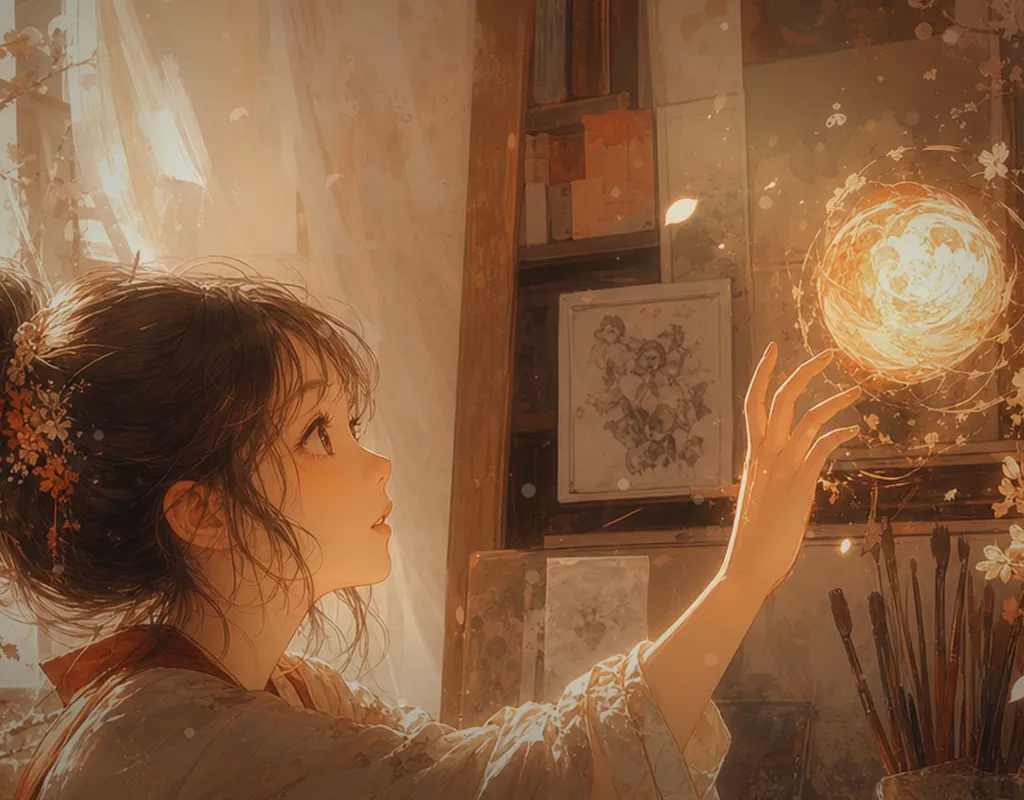
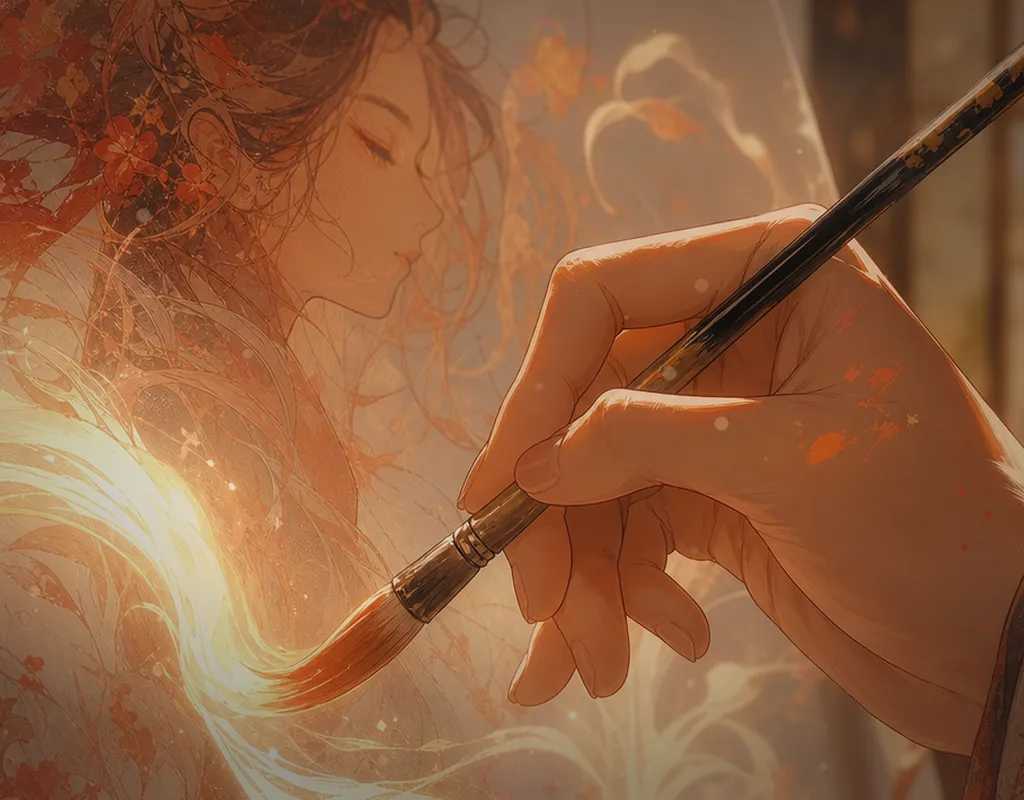
Powered by Seedream 4.5, Gemini 3 Pro, Wan 2.7, Seedance 2.0, and Kling to generate visuals, short videos, badge concepts, and family albums from one workspace.
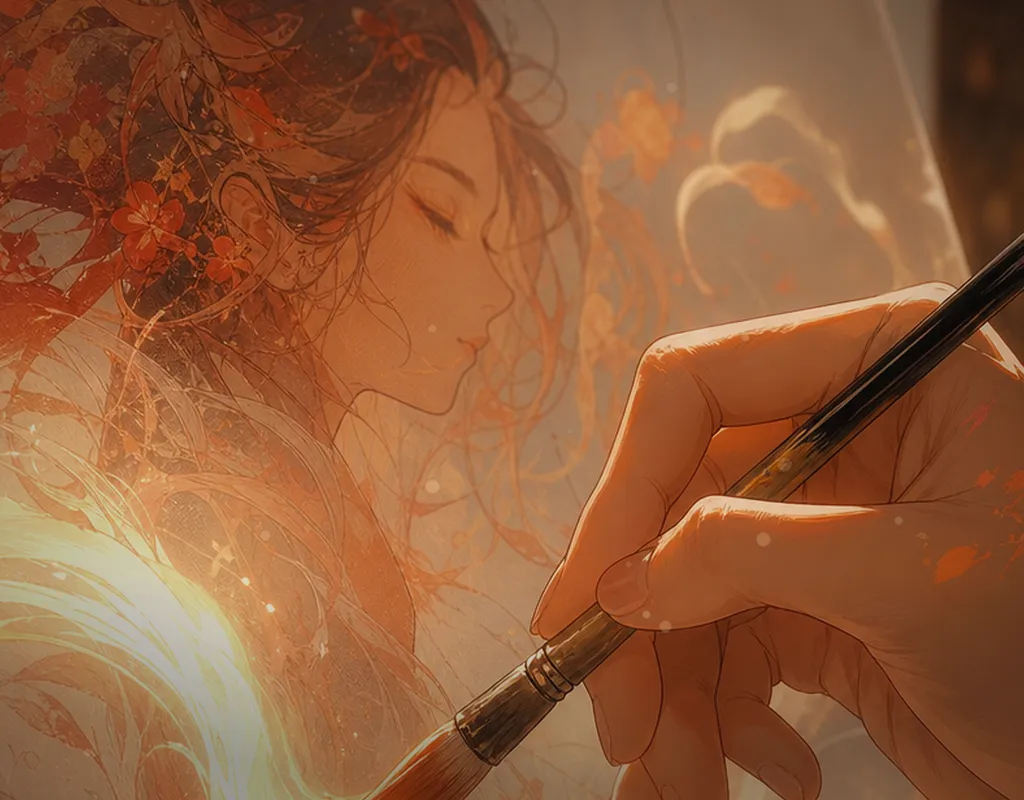
 AI Image & Video
Professional visual generation
AI Image & Video
Professional visual generation
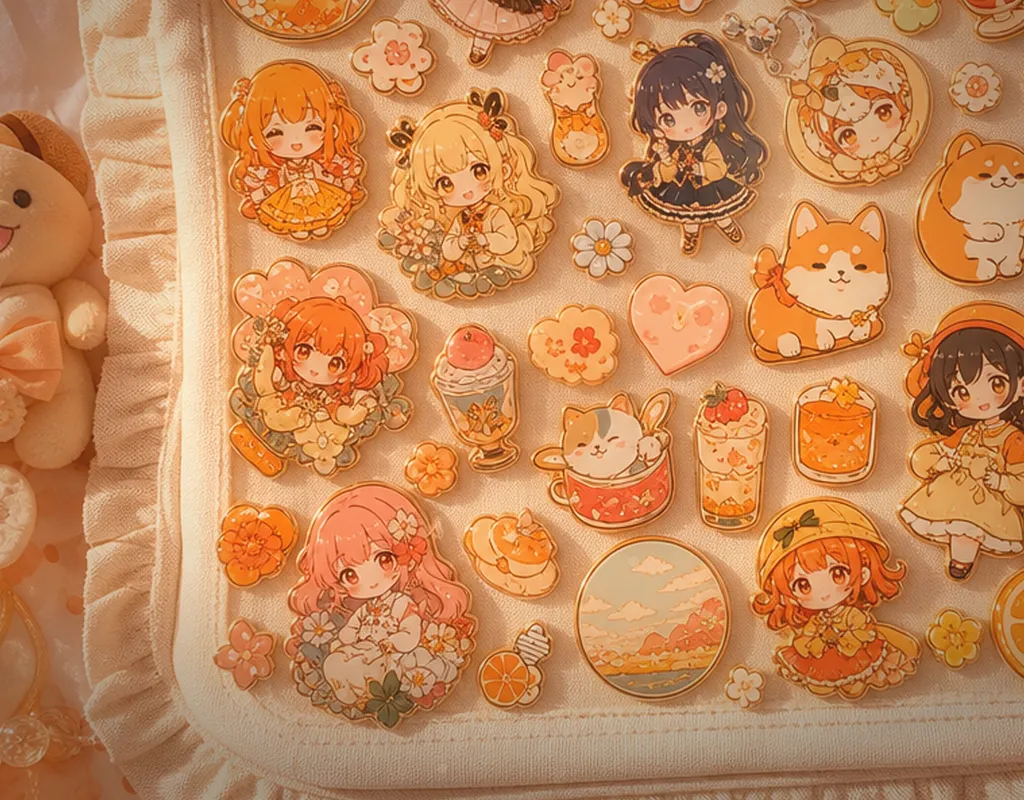
 Album & Sticker Pack
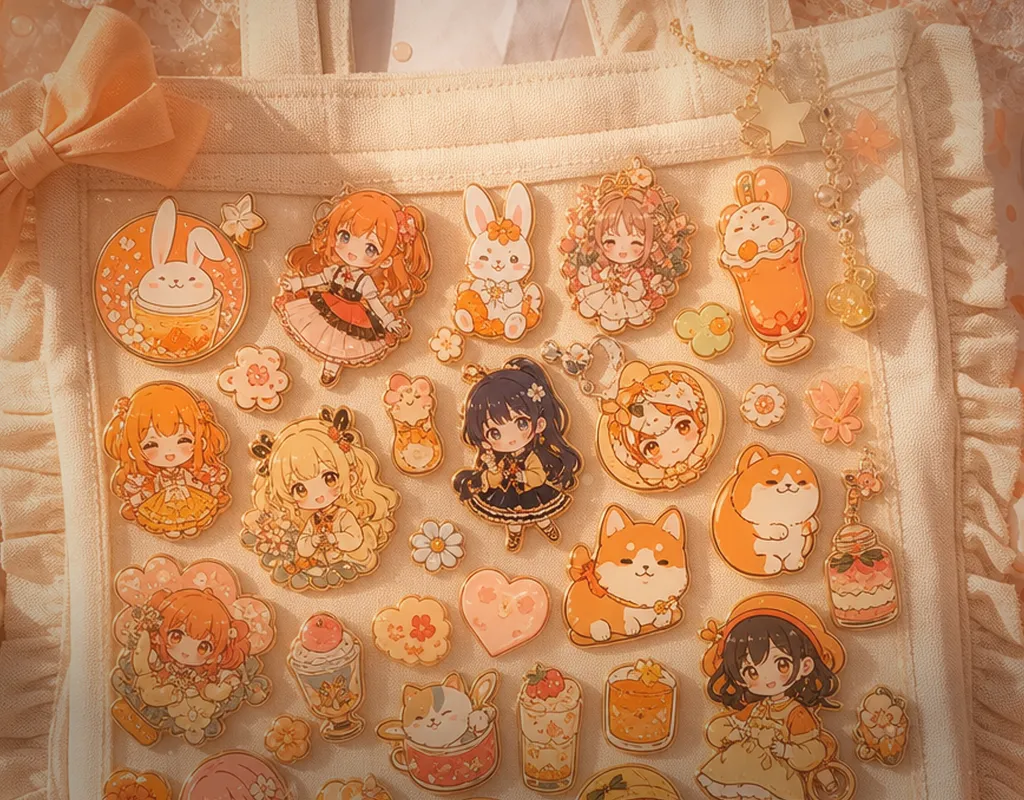
Create warm albums and playful stickers
Album & Sticker Pack
Create warm albums and playful stickers
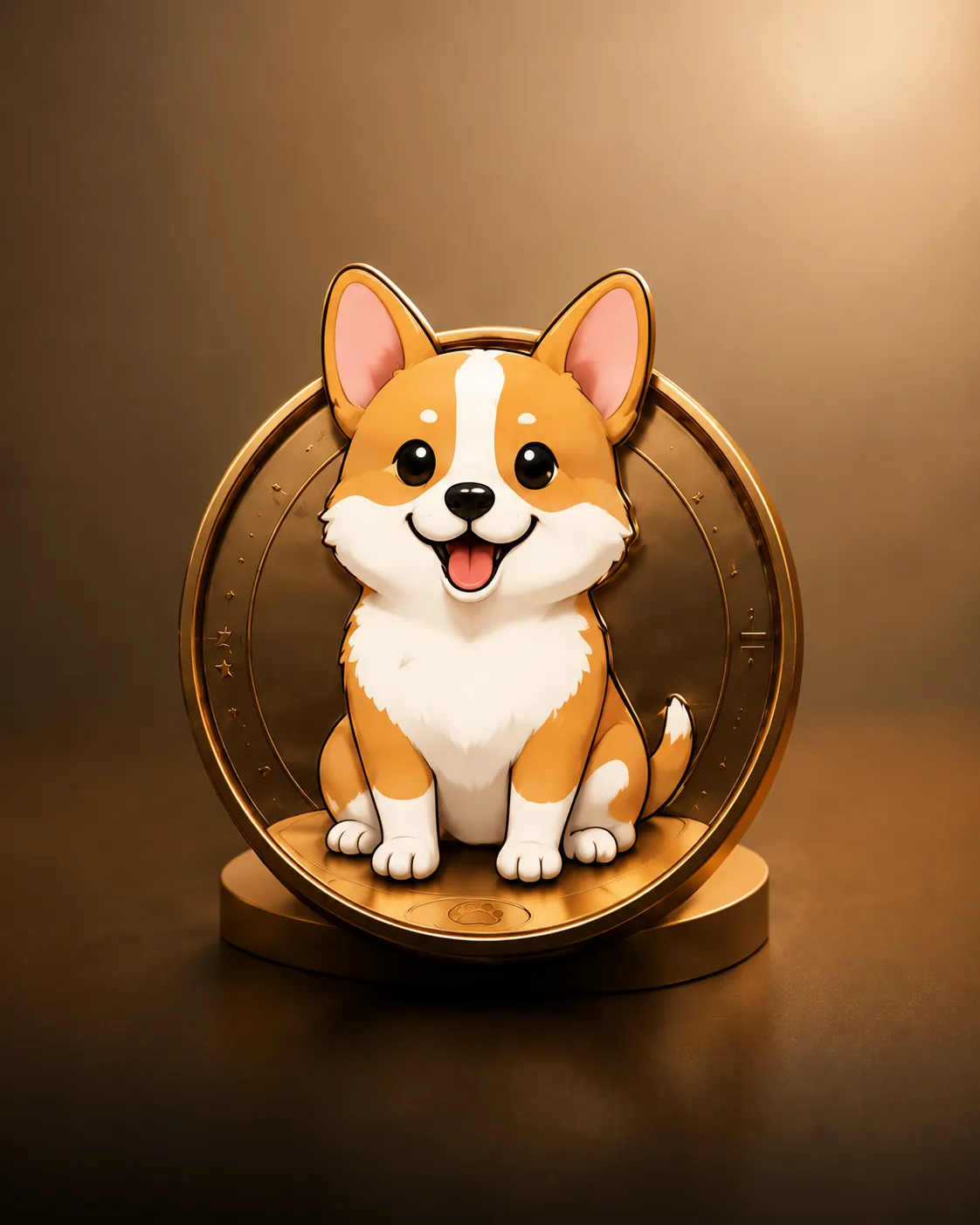 Badge Design
Turn ideas into polished badge mockups
Badge Design
Turn ideas into polished badge mockups
Sign up free to unlock every tool and start creating without limits.
Focused entry pages for Pin Maker, AI Pin Maker, Custom Pin Maker, Lapel Pin Maker, Enamel Pin Generator, custom enamel pins, and pin mockups keep the main site aligned with high-intent pin design workflows.
Start with an image or a focused creative brief
Explore multiple AI visual directions quickly
Simplify shapes, colors, and production details
Move the strongest concept into your design workflow
Pick the right model for each workflow: image generation, image-to-image, text-to-video, image-to-video, and video editing.
Generate pin concepts, style references, and prompt directions around AI pin maker and pin design workflows.
Explore design directions for custom enamel pins, soft enamel pins, and hard enamel pins.
Build lapel pin design and pin mockup references for event merchandise, gifts, and collectibles.
Generate anime pin ideas for character badges, cute mascots, fandom merch, and collectible artwork.
Create brand merchandise pins and presentation images for ecommerce, IP campaigns, and events.
AI Pin Maker helped me compare stronger visual directions before commissioning final artwork.
The AI baby preview flow gave our family a warm portrait idea we could share immediately.
The badge design workflow is simple enough for quick concepts but specific enough for production review.
Switching between Seedream and Gemini per shot saved me hours on a merch collection brief.
Image-to-video turned my pin concepts into short clips I could post the same day.
The production brief output made supplier conversations much faster for our enamel pin run.
Quick answers about credits, models, privacy, commercial use, community, and paid plans.
AI Pin Maker is an all-in-one AI creation platform that helps independent creators, brand designers, and small merch teams move from a rough idea to a production-ready concept in minutes. It covers enamel pin and badge design, AI image generation, AI video generation, and AI photo album workflows — all in a single workspace. Instead of stitching together separate tools for prompts, mockups, and exports, you describe your subject once, pick the right model route, and review the result against manufacturing or publishing constraints. The platform is tuned for high-intent creative work: pin mockups headed to a factory, AI portraits for family albums, marketing visuals, and short-form videos for product launches. The same workspace also keeps a versioned history of your concepts so you can compare variants, restore an earlier direction, and hand off a clean brief to a manufacturer or client without exporting screenshots between unrelated tools.
Yes. Every new account starts with a pool of free credits that covers a meaningful number of image and pin concept generations, plus periodic promotional credit events that refresh the balance. You can explore the full pin maker, text-to-image, image-to-image, and basic video workflows without entering payment details. Free credits are enough to generate several variations of a pin concept, test prompt directions across models, and download production-ready assets for a first project. When your creation volume grows — typically once you start running batch concepts for clients, merch drops, or weekly content — you can upgrade to a credit pack or subscription that matches your actual usage. There is no automatic billing while you are on the free tier, so a free account can stay free indefinitely if your usage stays within the trial allowance.
Image workflows support Seedream 4.5, Seedream 5.0 Lite, Gemini 3 Pro, Gemini 3.1 Flash, Gemini 2.5 Flash, GPT-Image-2, Wan 2.7 Pro, Wan 2.7, Wan 2.6 — covering photo-realistic, stylized, illustrative, anime, and product-mockup directions. Video workflows support Seedance 2.0, Seedance 2.0 Fast, Kling v3, Kling v3 Omni, Veo 3.1 Fast, Veo 3.0, Wan 2.6 Video, HappyHorse 1.0 for previews, cinematic clips, and motion editing. Each route is tagged with its strengths (character consistency, prompt fidelity, motion smoothness, photo realism) so you can match the model to the brief rather than guess. New models are added as they reach production-grade quality, and the routing layer keeps prompt syntax consistent so you can swap models without rewriting your brief. The model picker also remembers your last successful direction for a given category so repeat workflows feel familiar across sessions.
Yes — generated images, pin concepts, mockups, and short videos can be used in commercial design workflows, including factory briefs, marketing pages, social posts, merch drops, and client deliverables. Commercial use is allowed when your prompts, reference images, and final outputs respect the platform terms and any model-specific licensing (some models have additional rules around recognizable likenesses, protected characters, and brand logos). The platform does not check intellectual property for you, so you should review trademarks, licensed franchises, and identifiable people in your prompts before sending designs to a manufacturer or publishing them publicly. For client work, treat each generated asset like a draft visual: pair it with a written brief, confirm the IP scope with the client, and keep the source prompt in your project history as evidence of the creative direction. A short IP checklist before publishing takes minutes and prevents the disputes that stall merch drops.
Start from the pin maker, text-to-image, image-to-image, or video workflow on the home page. Describe the subject in one short sentence, then add the style direction (chibi anime, retro 80s, soft watercolor, product photo), the format (size, aspect ratio, color count for enamel pins), and any hard constraints (no real-person likeness, specific color palette, manufacturing rules). Pick a model that fits the direction — Seedream for photo-realistic, Wan for stylized, Gemini for illustrative — and generate three to six variations. Refine the strongest result with image-to-image edits or move it directly to a mockup, pin brief, or video handoff. If the first batch misses your direction, tighten the prompt with one extra constraint per attempt rather than rewriting the whole brief — small adjustments converge faster than complete rewrites. Most creators land a usable direction within two or three batches once the constraint order clicks.
Most image and pin concept generations finish in 5 to 60 seconds, depending on the model, resolution, and current queue. Image-to-image edits and mockup generation typically complete in under a minute. Video generation takes longer — Seedance 2.0 Fast clips finish in 1 to 3 minutes, Seedance 2.0 standard quality in 3 to 8 minutes, and longer Kling clips can take 5 to 15 minutes depending on duration and source assets. The actual wait can be longer during peak hours or for very long video jobs, but the workspace queues your requests so you can keep iterating on other prompts while a long render finishes in the background. Notifications surface in the workspace as soon as a job finishes, so you can return to a long video render without polling the page. Average first-preview time across all image routes stays under 30 seconds in normal load.
Yes. Every project and generation is stored in a private workspace tied to your account by default, and only visible to you unless you explicitly share, export, or publish the result. Source photos uploaded for AI baby albums, image-to-image edits, or reference-driven prompts are used to generate the requested output and then dropped — they are not added to a public training dataset or shared with other accounts. You control when a piece of work becomes public: download it as a private asset, share a link with collaborators, or publish to a connected social or storefront channel only when you choose to. Project deletion is permanent and applies across both the workspace history and any cached renders, so removing a sensitive brief actually clears it instead of leaving a residual copy. Workspace privacy applies equally across all four language regions and every model route.
The product is fully localized into English, Simplified Chinese, Japanese, and Korean — each with its own entry point, navigation, FAQ, and creation routes tuned to local naming conventions for pin and badge categories. Prompts can be written in any of the four supported languages, and the underlying models accept English-equivalent terms transparently, so you do not need to translate your brief manually. Localized customer support, Discord channels, and help articles are available so that creators in each region can ask product questions, share prompt patterns, and get free-credit announcements in their preferred language. Region-specific creation routes also surface the most relevant model presets for each market, and language preference is remembered per account so collaborators in different regions can each work in their preferred interface. Switching languages never resets your project history, credits, or saved model presets.
Join the official Discord community for product updates, weekly prompt challenges, free-credit drops, beta-model previews, and creator discussions across the four supported languages. The Discord is the fastest place to share work-in-progress concepts, get feedback from other pin designers and AI artists, ask for prompt help, and report bugs directly to the product team. There are also seasonal events (merch month, baby-album showcases, anime-pin weeks) that hand out bonus credits to active participants. New members can introduce themselves in the welcome channel and pick up the role tags for the workflows they use most. Office-hour threads with the product team also surface every month so creators can ask roadmap questions without waiting for a formal release note. Community size keeps prompt help fast — most questions get a working answer within the hour. Joining is free and takes one click from any page footer.
Open the pricing page from the navigation, compare the available credit packs and monthly subscriptions, and choose the option that matches your creation volume. Credit packs are best for one-off projects — for example, a 200-credit pack covers a batch of pin concepts for a single merch drop. Monthly subscriptions are best for ongoing work: they refresh credits automatically, unlock priority queue access during peak hours, and include extra storage for project history. You can change or cancel a subscription at any time, and unused credits in your account stay valid for the lifetime of the account, so there is no pressure to use them in a fixed window. Invoices and receipts are available in the account settings for accounting handoff, which is useful when reimbursing creative spend through a studio or client. Plan changes apply immediately and prorate automatically, so upgrading mid-project never wastes paid credits.
Hand-picked guides for AI pin design, AI image workflows, and production review. The full library lives on the blog.
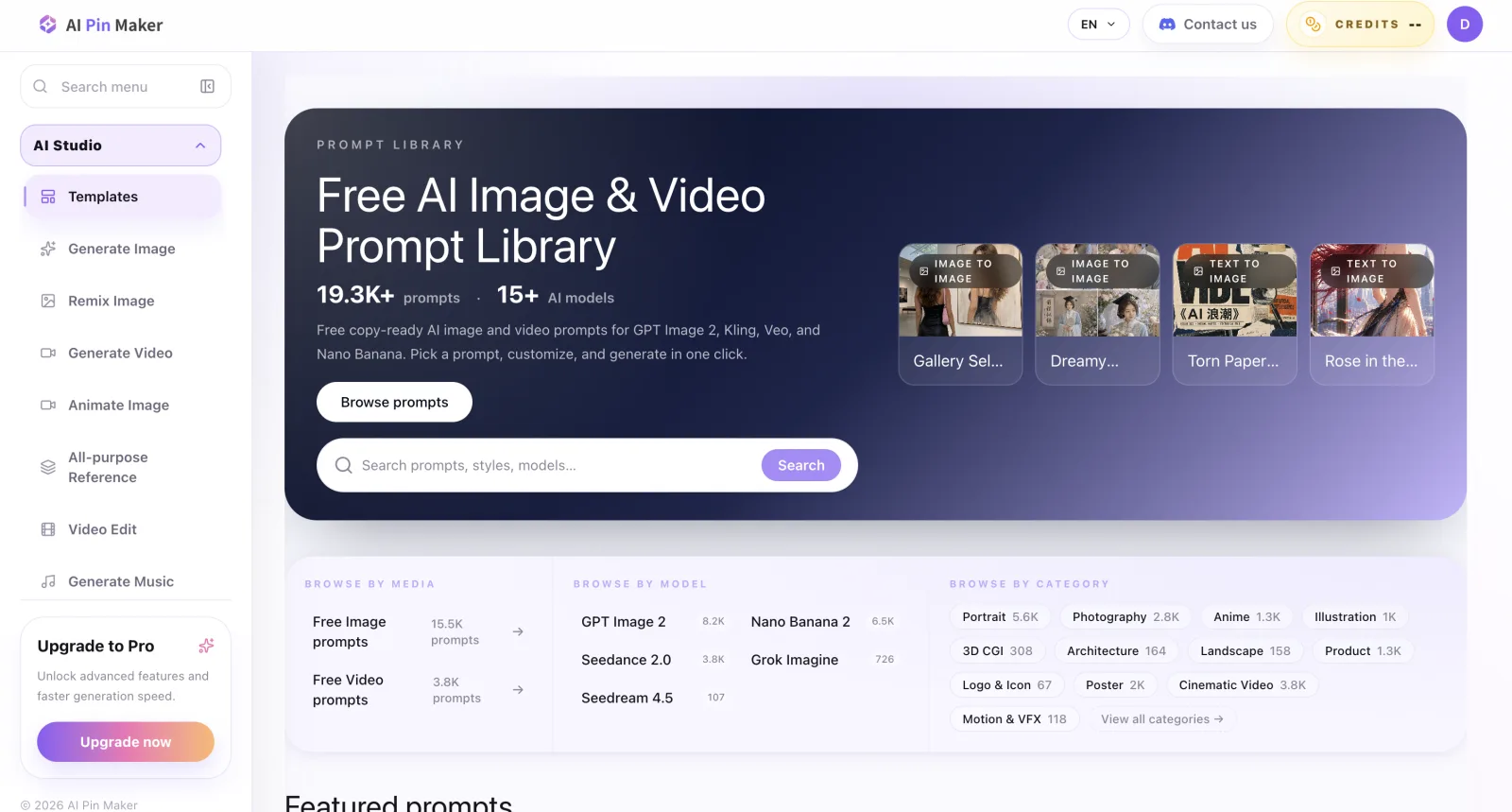 Which AI Websites Have the Most Complete Toolsets?
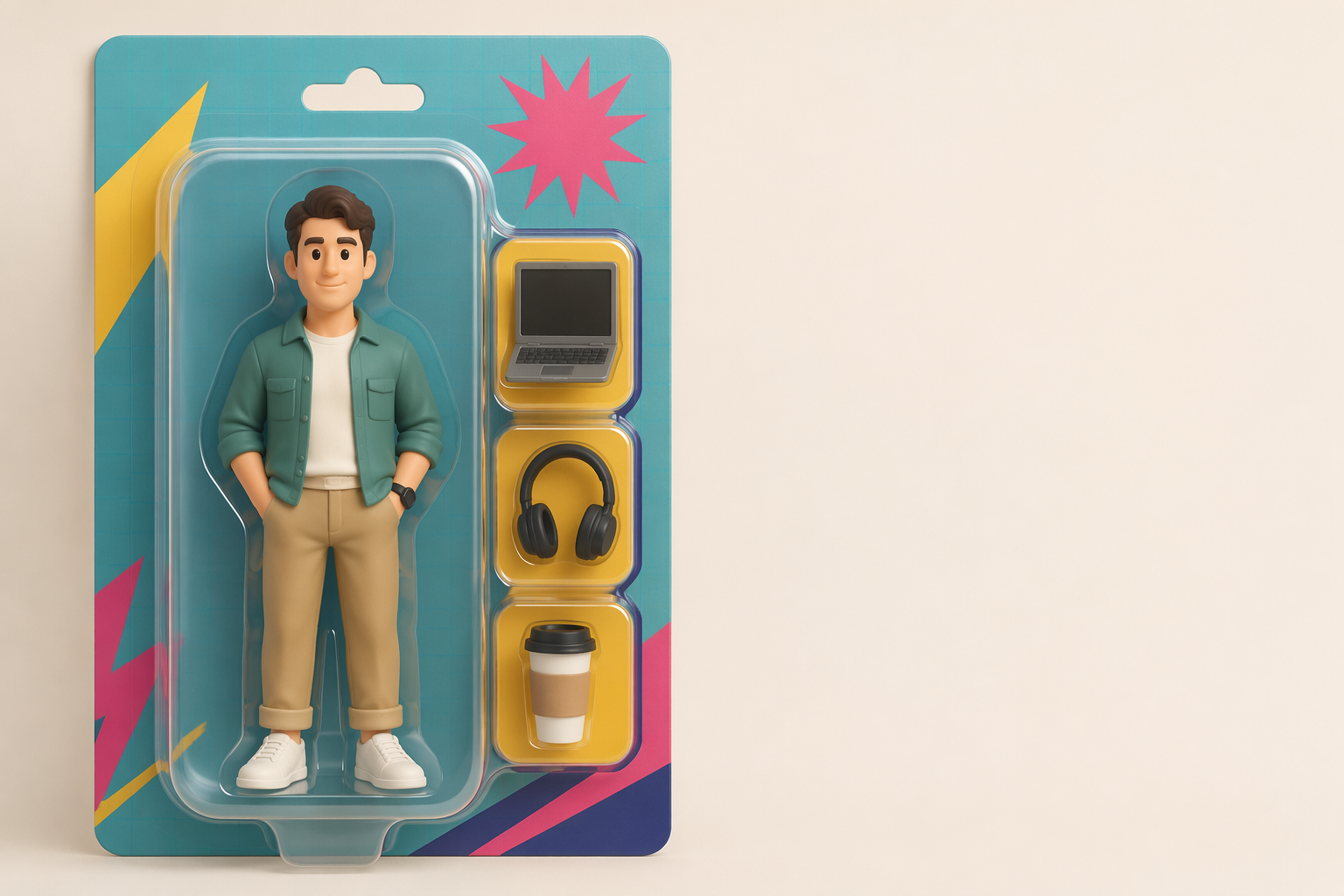 AI Action Figure Generator: Complete Guide to Turning Yourself Into a Collectible Toy
 AI Jersey Generator: Put Your Face On Any Sports Jersey (World Cup, NBA, Premier League)
 AI Polaroid Generator: Turn Any Photo Into the Viral Gemini Polaroid Look
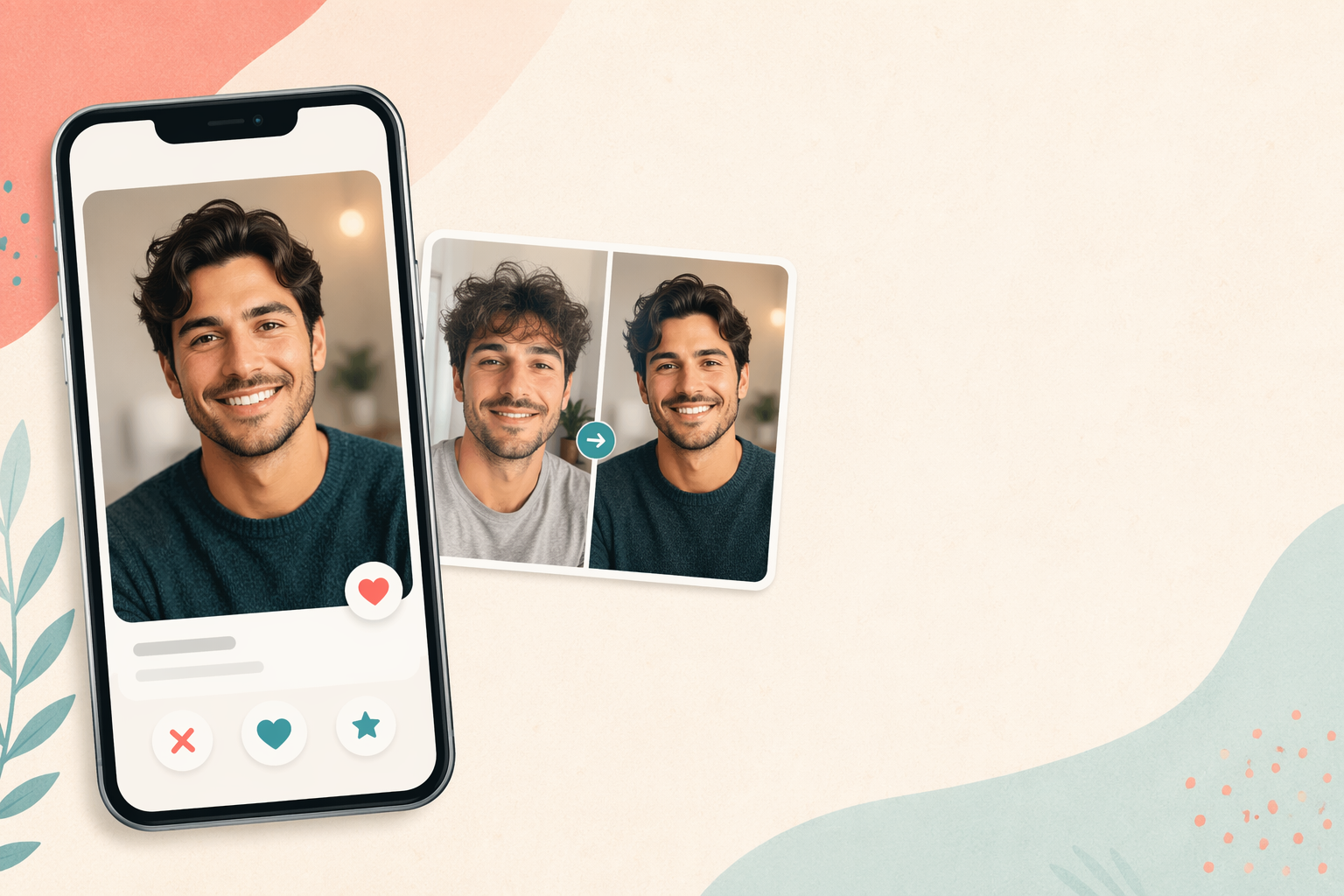 AI Dating Photos for Tinder, Hinge & Bumble: What Actually Works (Without Getting Banned)
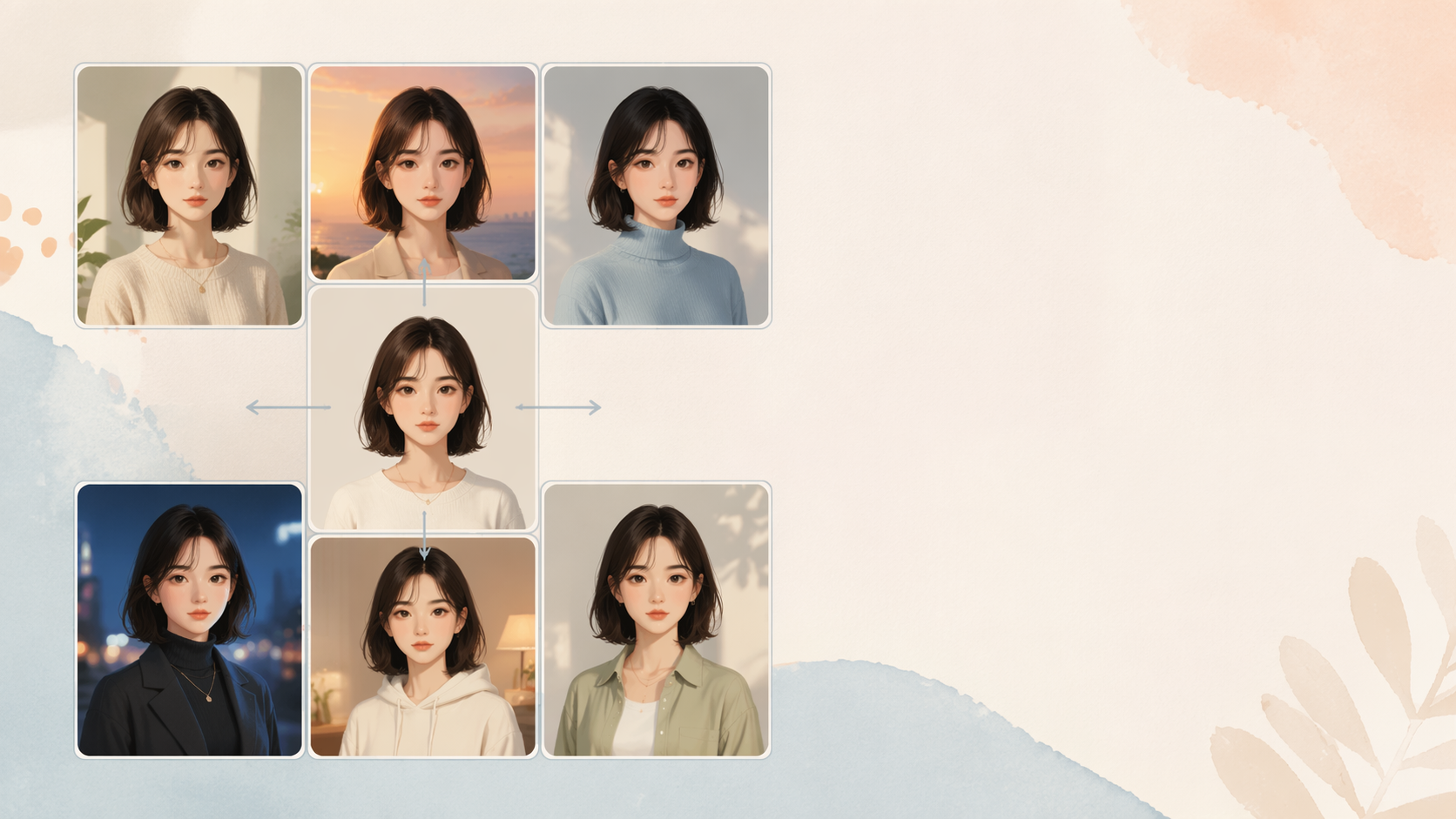 AI Influencer Generator: How to Build a Face-Consistent Persona (Creator Playbook)
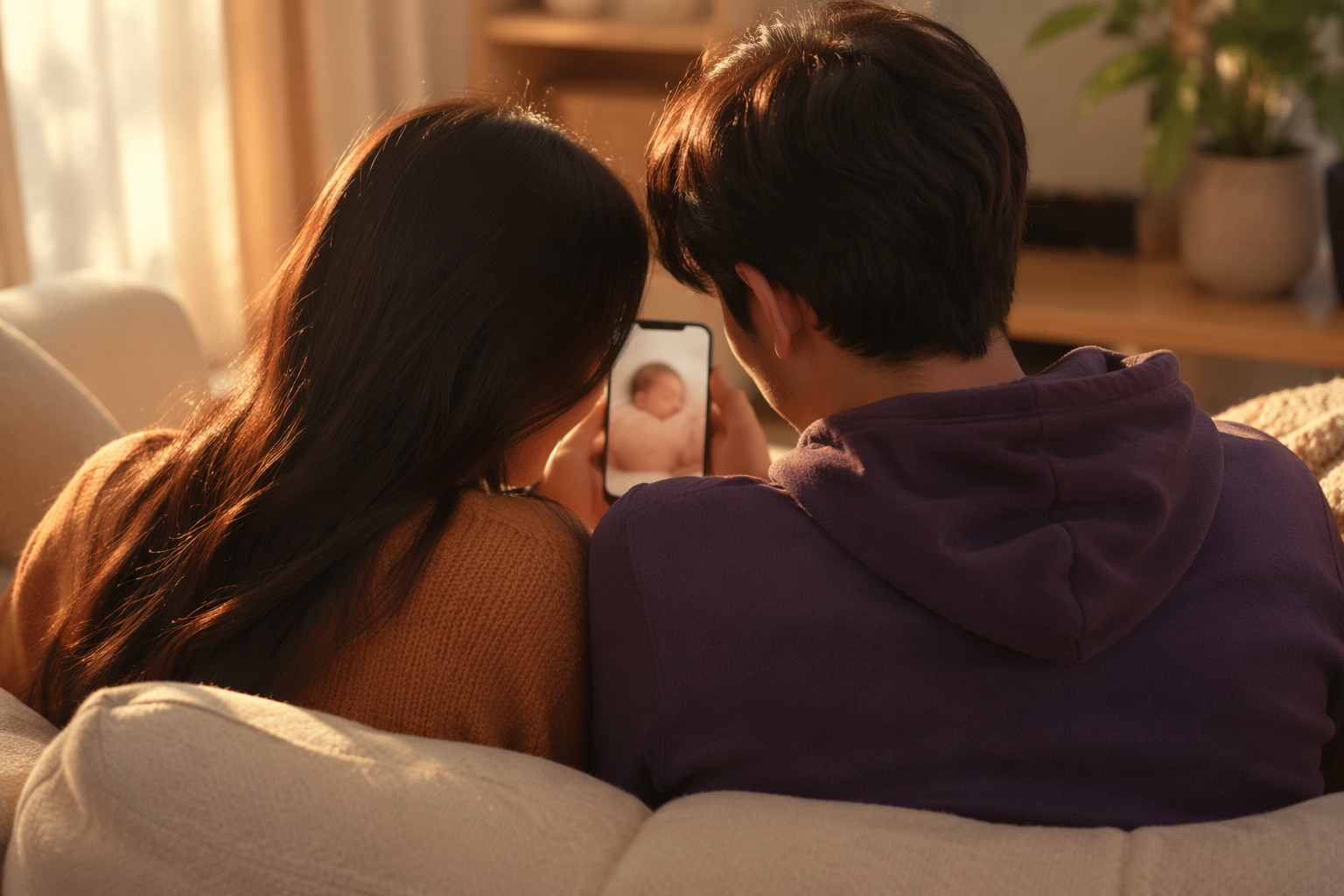 Is AI Baby Generator Accurate in 2026? A 70-Landmark Genetics Test Across 5 Tools
 Why Does My AI Baby Look Like a Cartoon? 6 Photo Fixes That Force Photorealism
 AI Pet Memorial Portrait: Turning One Last Photo Into a Keepsake Pin in 4 Steps
 Gender Reveal With an AI Future Baby Photo: 7 Ideas Couples Are Using in 2026
 Upload Two Parent Photos, Get a Realistic AI Baby: Step-by-Step With Real Settings
 Best AI Baby Generator From Parents Photos in 2026: Hands-On Test of 7 Tools
 12 AI Couple Portrait Styles That Outperform Generic Wedding Filters
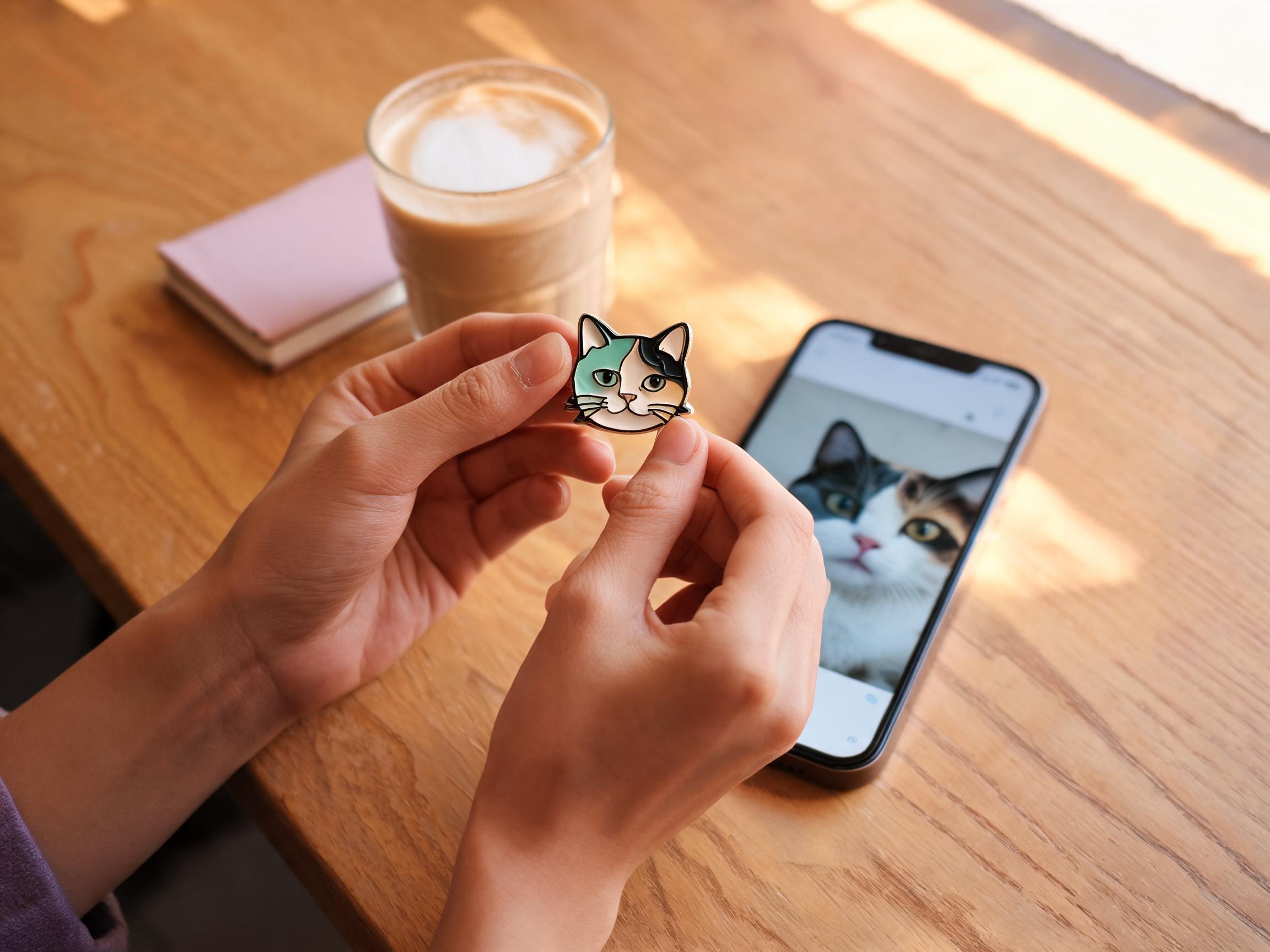 From Pet Selfie to Enamel Pin: A 30-Minute AI Workflow Without Hiring a Designer
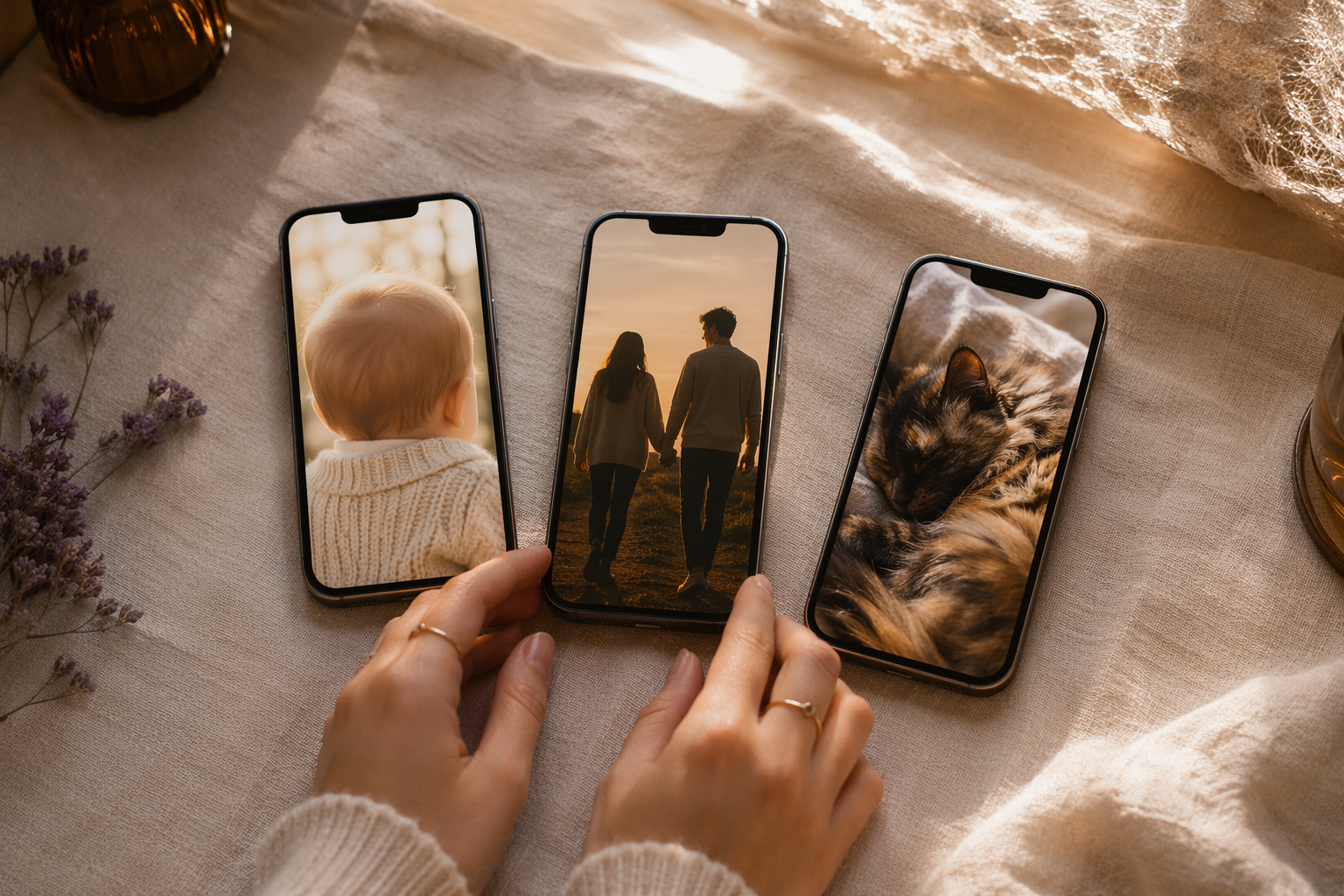 Seedream vs Nano Banana vs Gemini 3 Pro: Which Model Wins for Baby, Couple, Pet Photos
 AI Baby Generator Not Working? 9 Errors and Exact Fixes (With Screenshots)
 Is It Safe to Upload Family Photos to an AI Baby Generator? A 2026 Privacy Audit
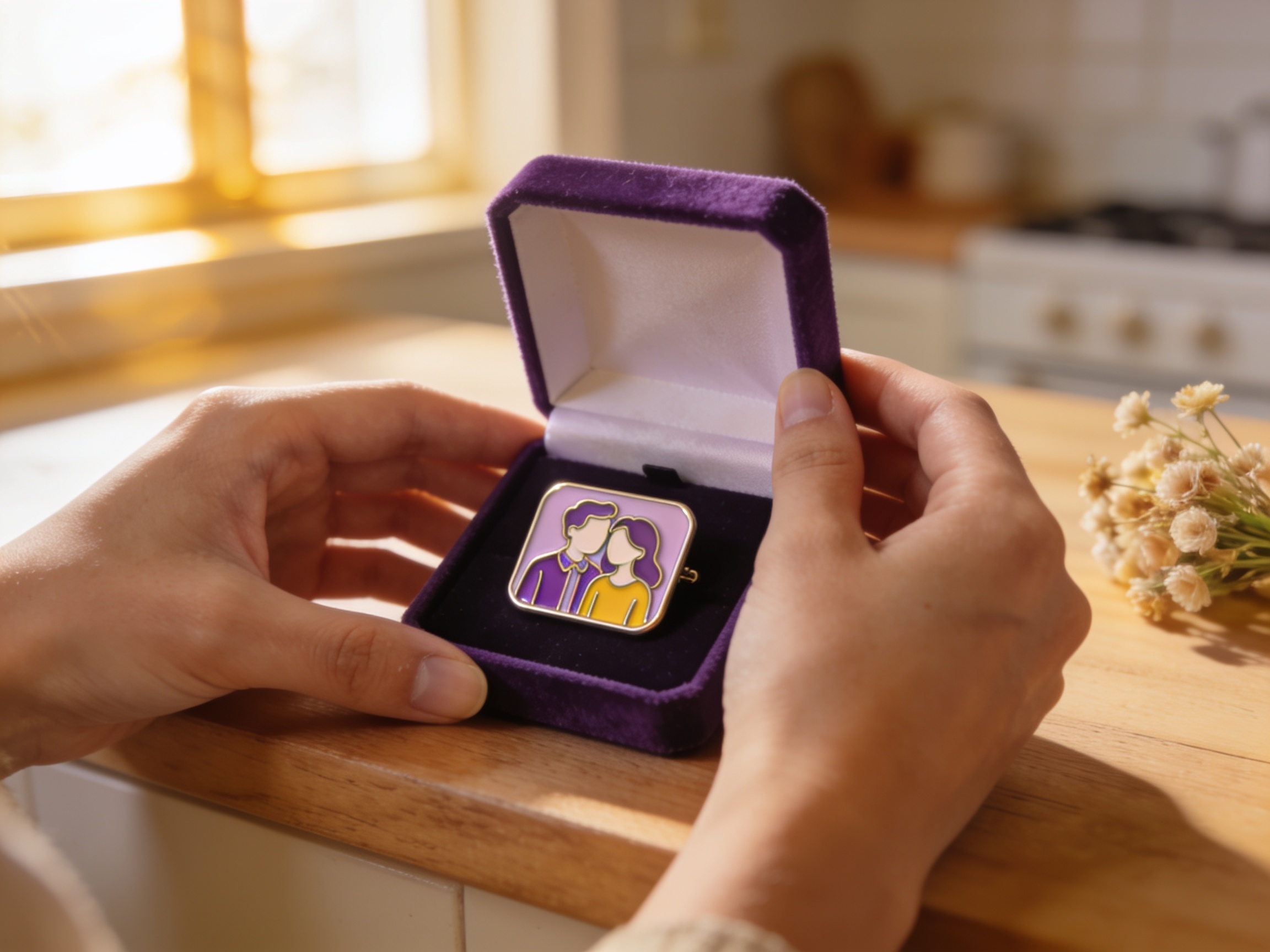 AI-Generated Couple Pins Are Replacing Flowers as Anniversary Gifts in 2026
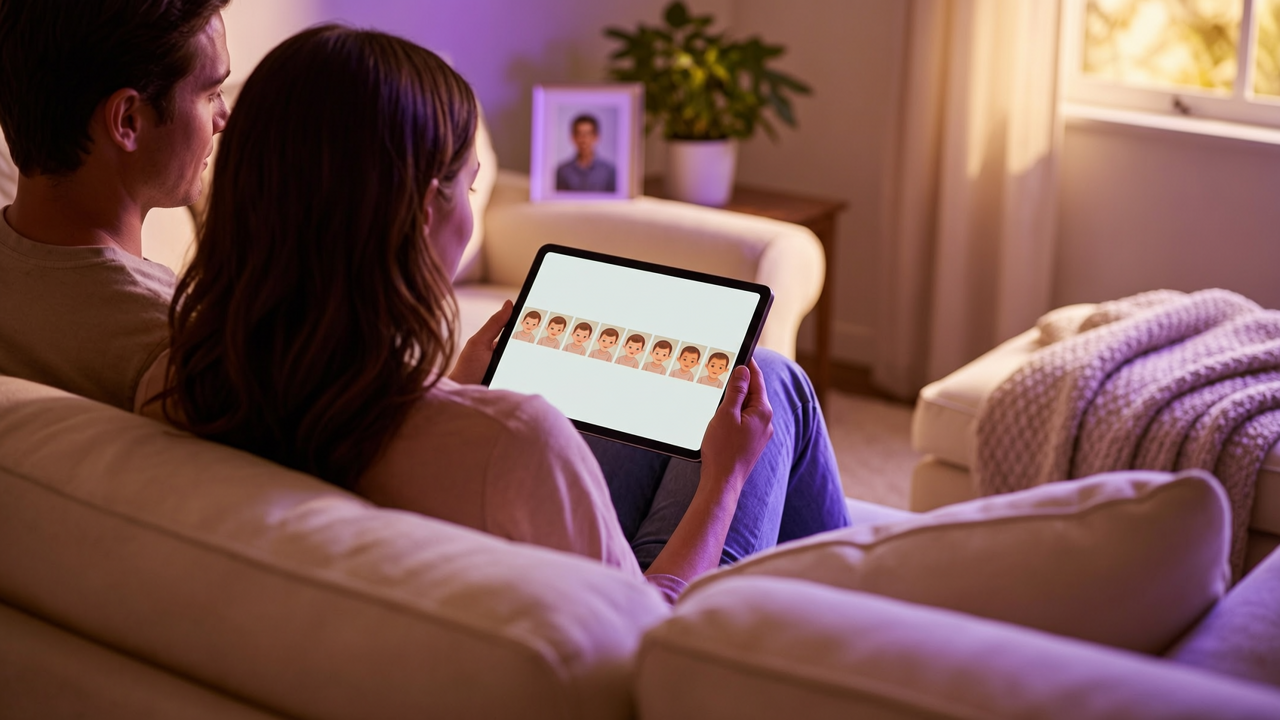 AI Baby Growth Album: Generate Newborn to Age 18 in One Consistent Face
 AI Pet Photoshoot at Home: 20 Studio Poses Without a Studio
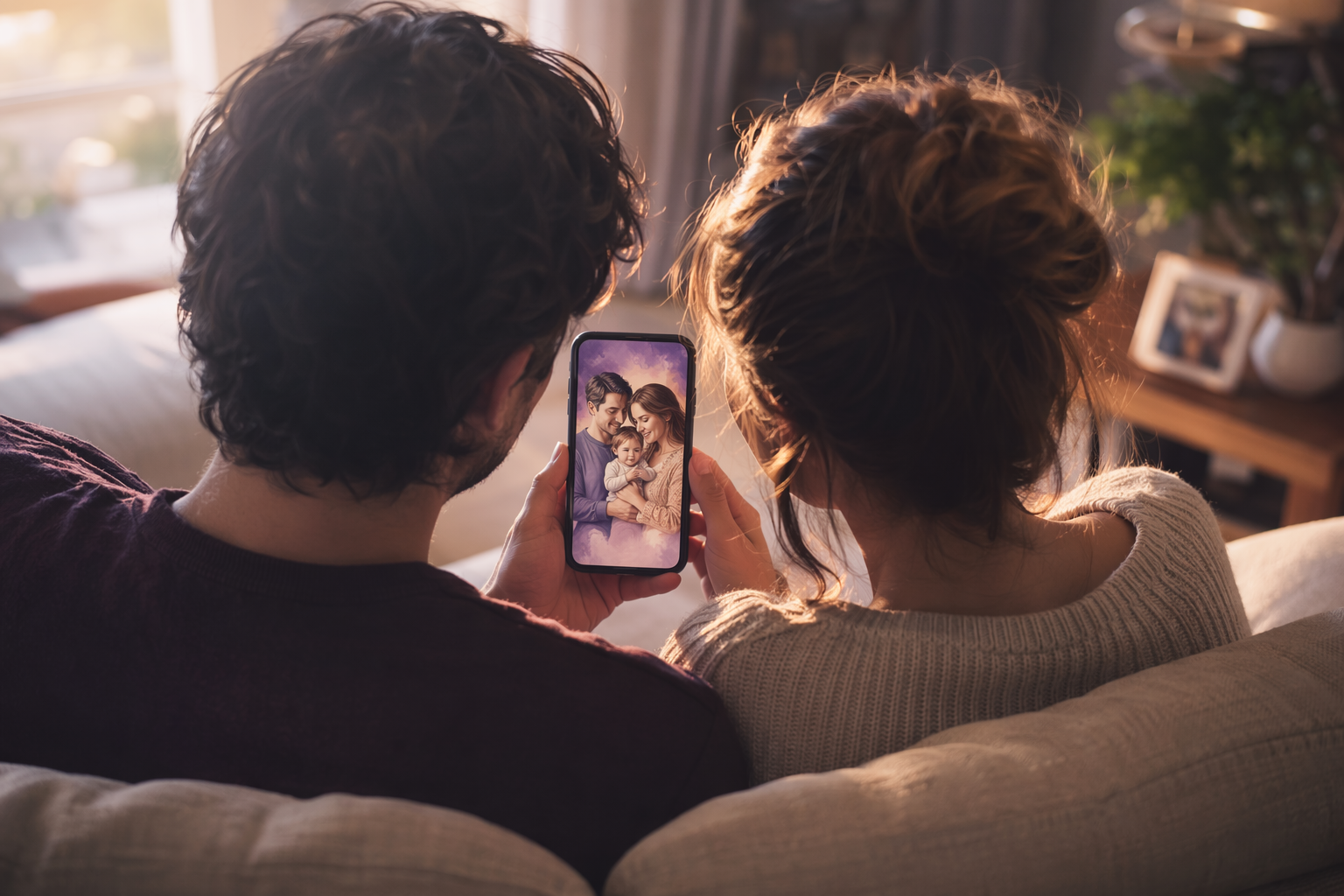 Future Family Portrait With AI: Visualizing You, Your Partner, and Your Future Kids
 Best Free AI Girlfriend Apps in 2026: Hands-On With 9 Tools
 AI Girlfriend Chat: What 30 Days Felt Like (Real User Review)
 How to Make Your Own AI Girlfriend in 10 Minutes (Beginner Guide)
 AI Girlfriend No Sign Up: 6 Tools You Can Try in One Click
 Best Free AI Headshot Generator 2026: 8 Tools Tested With Real Photos
 Are AI Headshots Worth It? An Honest 200-Photo AI Headshot Review
 How to Make AI Headshots That Look Professional (Settings Inside)
 AI Headshot for LinkedIn: 5 Styles Hiring Managers Actually Click
 AI Boyfriend Apps 2026: 6 Tools That Feel Like a Real Connection
 How to Get an AI Boyfriend in 2026: Complete Beginner Guide
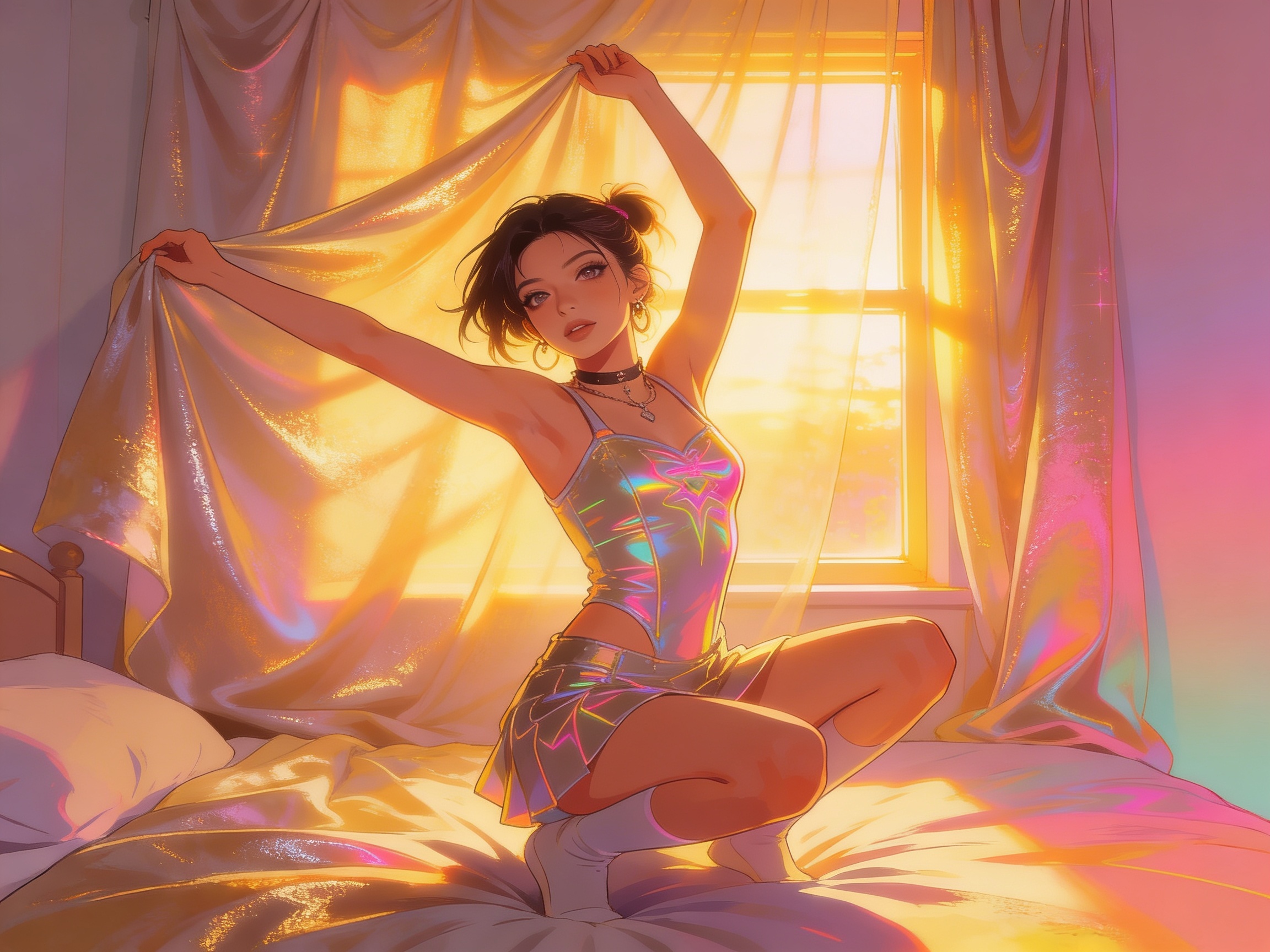 AI Photoshoot at Home: 12 Aesthetic Looks Trending in 2026
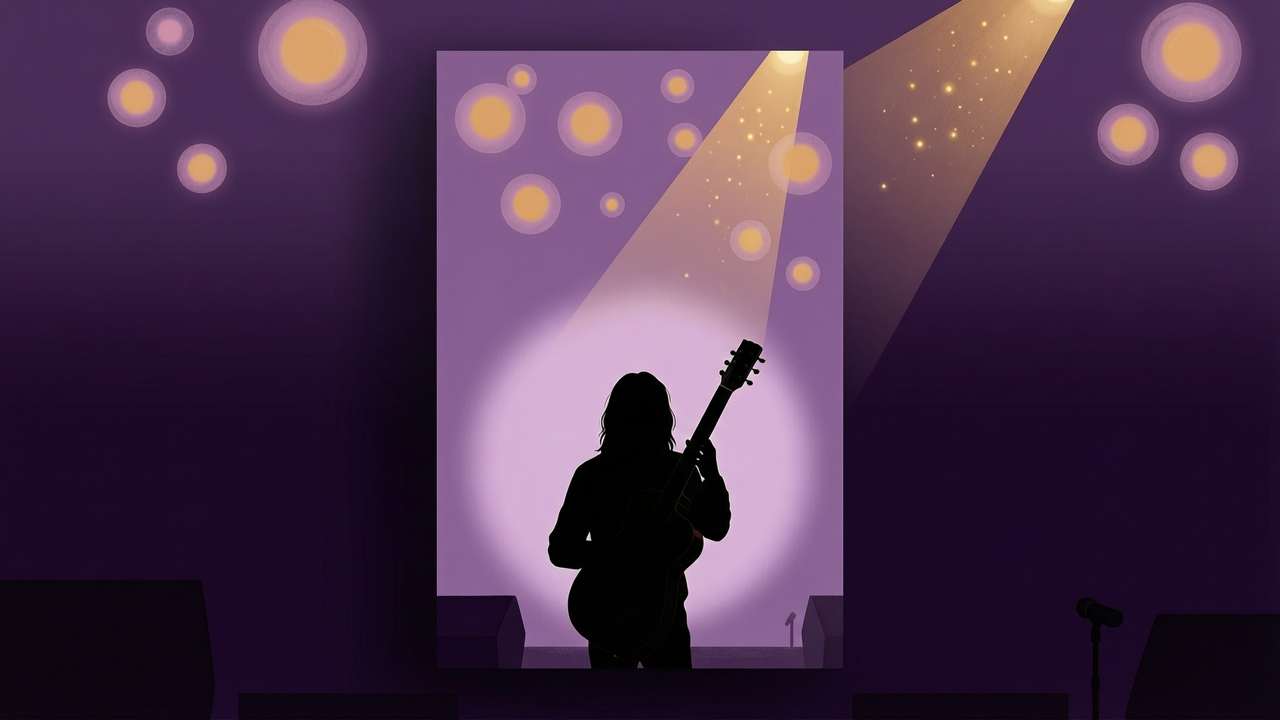 AI Musician Photoshoot With Your Own Face: 8 Album Cover Styles
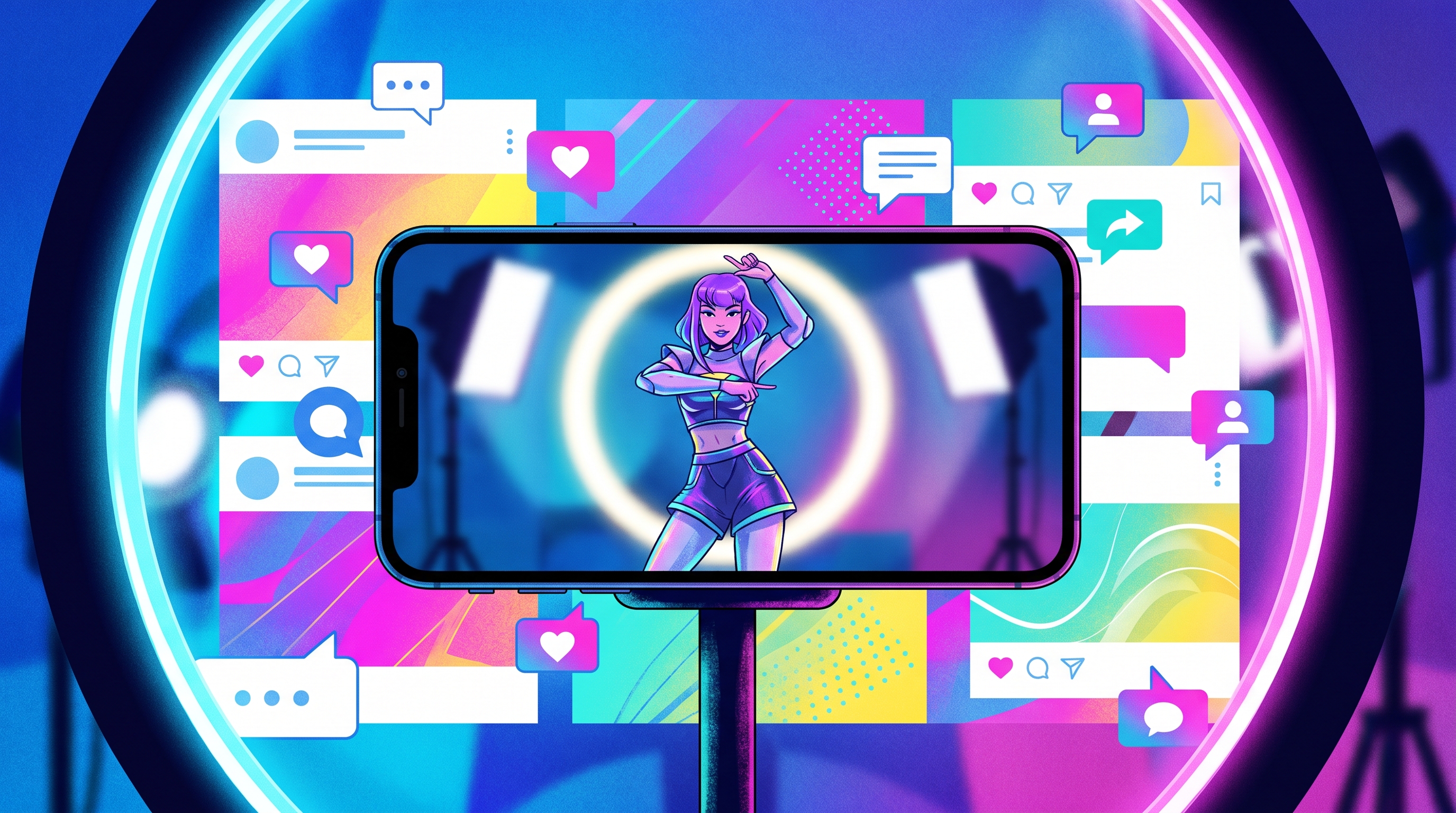 AI Influencer Generator: How to Build a Virtual Persona in 2026
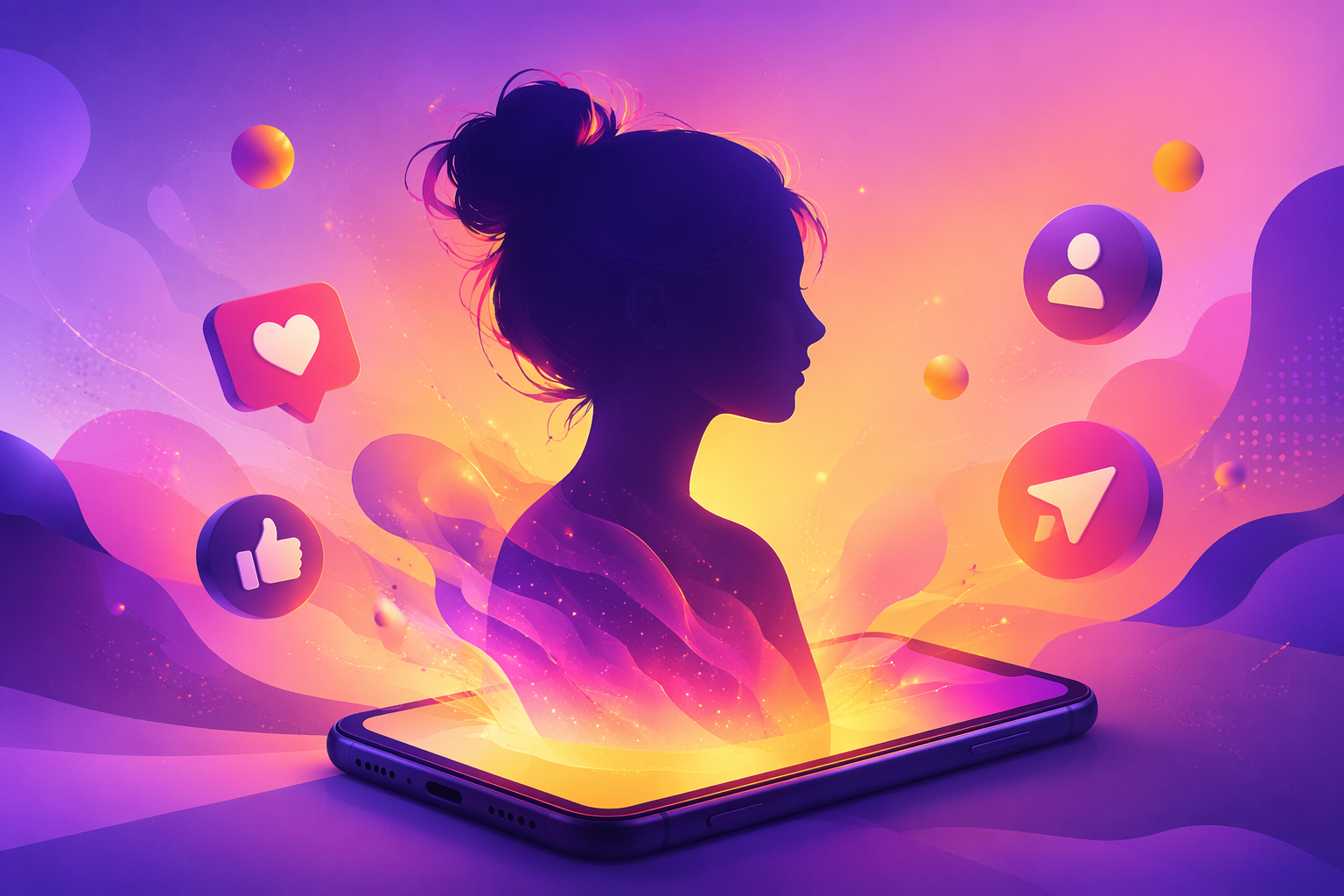 AI Model Girl: The 2026 Trend Map From Avatar to Influencer
 AI Virtual Companion vs Real Connection: An Honest Survey
 AI Image Generator Content Policies Compared (2026 Guide)
 AI Ticket Maker Workflow for Event Badge Assets
 Bookmark Design Workflow for AI Pin Merch Sets
 Keychain Maker Workflow for AI Pin Merch Sets
 AI Patch Generator Workflow for Pin Identity Packs
 AI Stamp Generator Workflow for Pin Seal Assets
 AI Postcard Generator Workflow for Pin Mailer Assets
 AI Brochure Generator Workflow for Pin Catalog Assets
 AI Sign Generator Workflow for Pin Event Assets
 AI Decal Generator Workflow for Pin Sticker Assets
 AI Coupon Generator Workflow for Pin Drop Cards
 AI Certificate Generator Workflow for Pin Award Assets
 AI Planner Generator Workflow for Pin Schedule Assets
 Name Tag Maker Workflow for AI Pin Badge Assets
 Button Maker Workflow for AI Pin Badge Assets
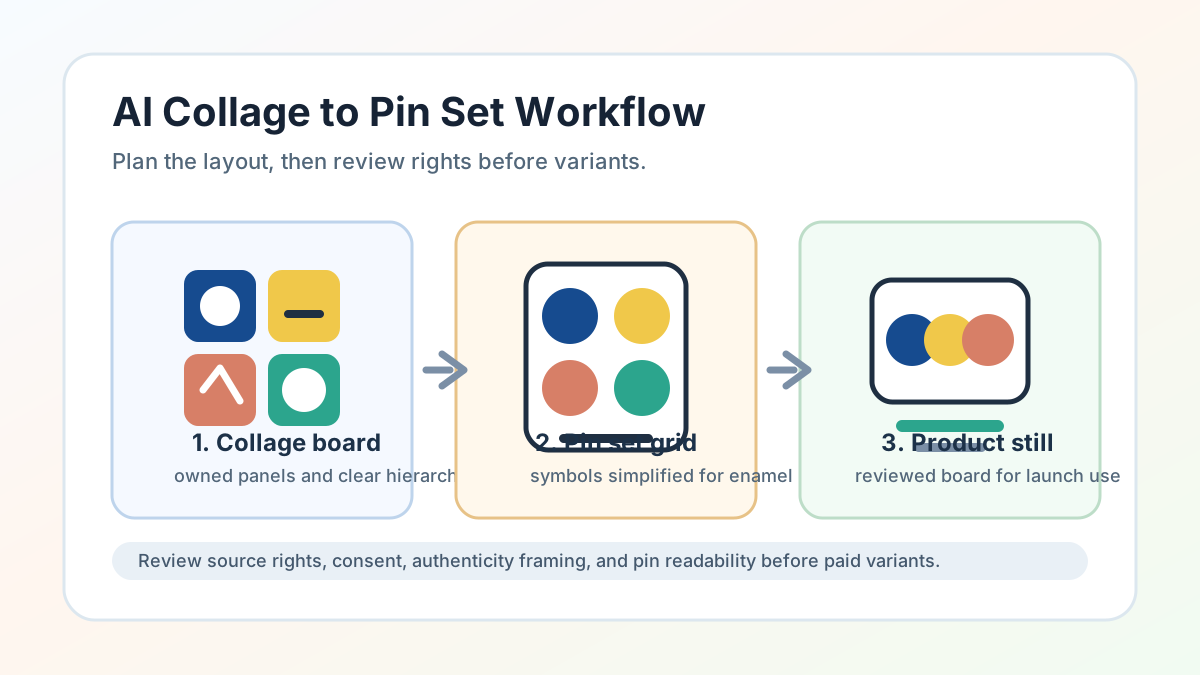 AI Collage Generator Workflow for Pin Set Layouts
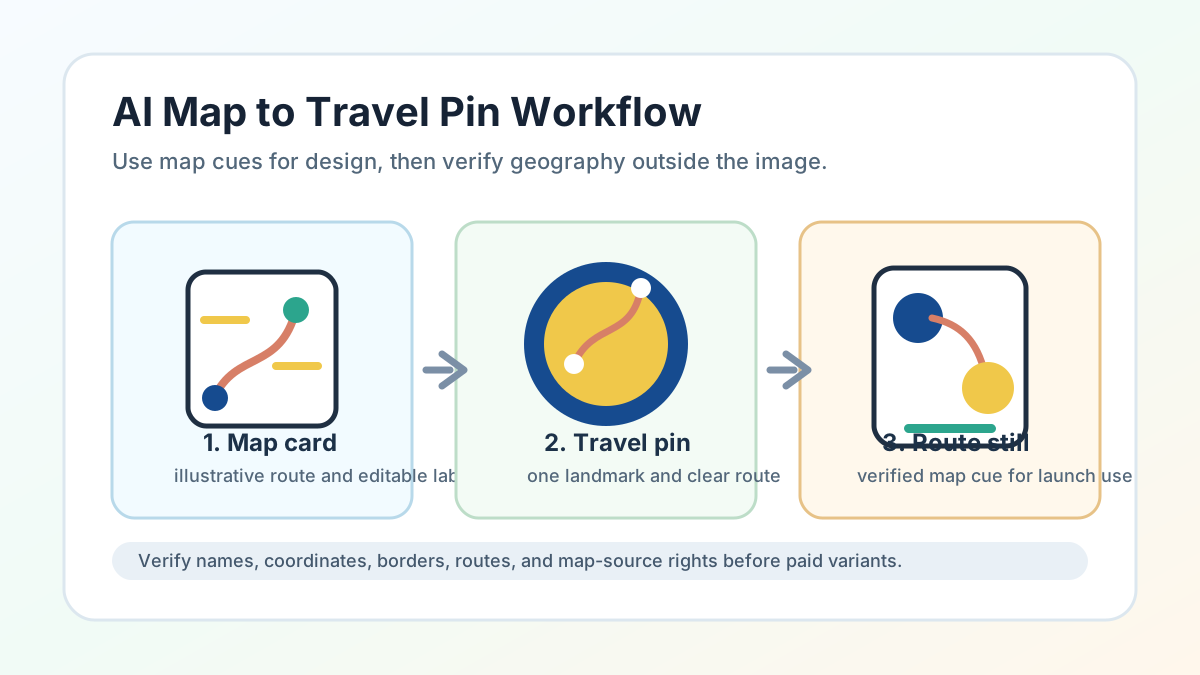 AI Map Generator Workflow for Travel Pin Cards
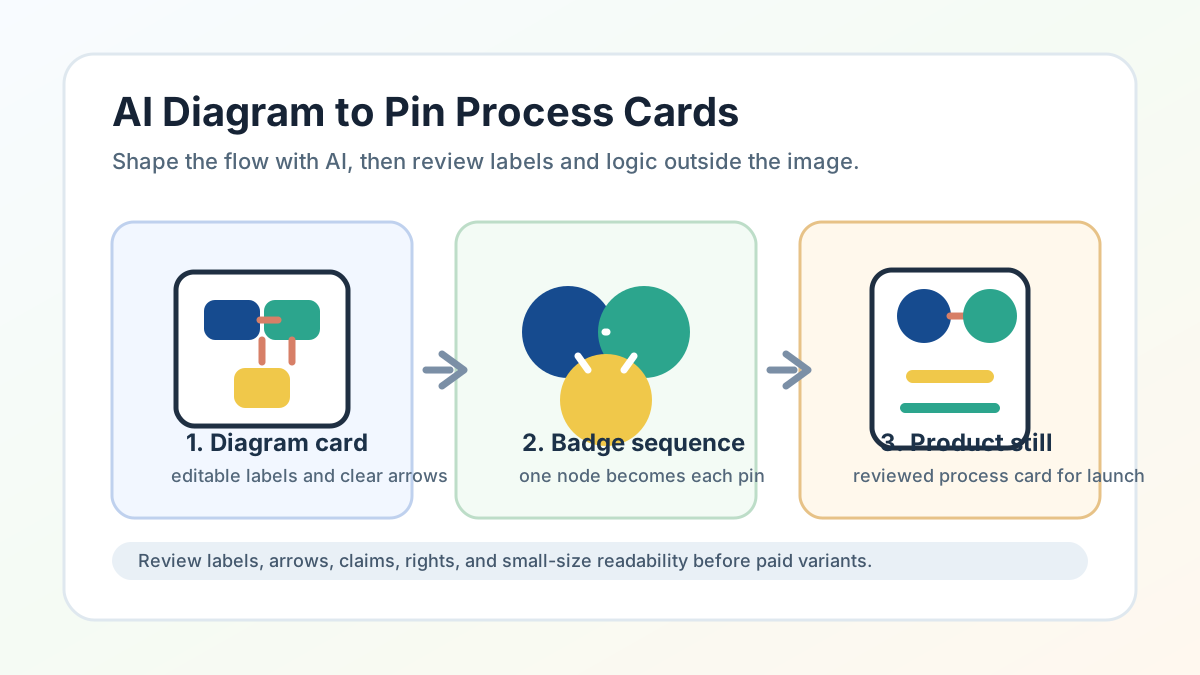 AI Diagram Generator Workflow for Pin Process Cards
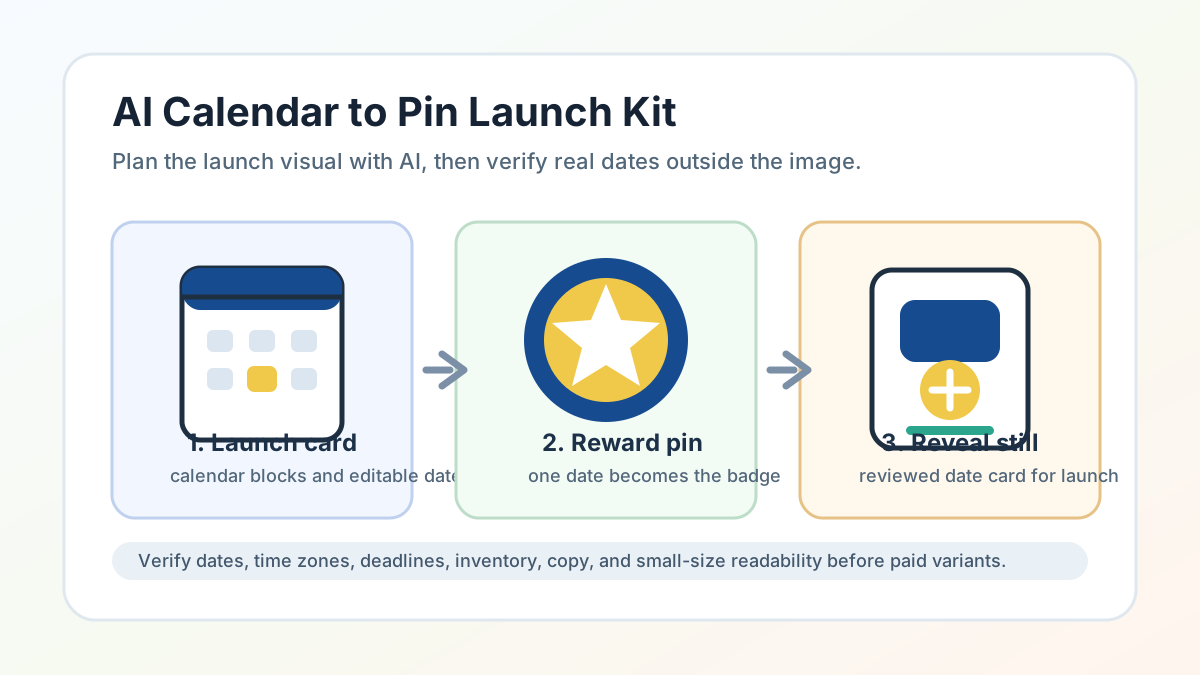 AI Calendar Generator Workflow for Pin Launch Planning
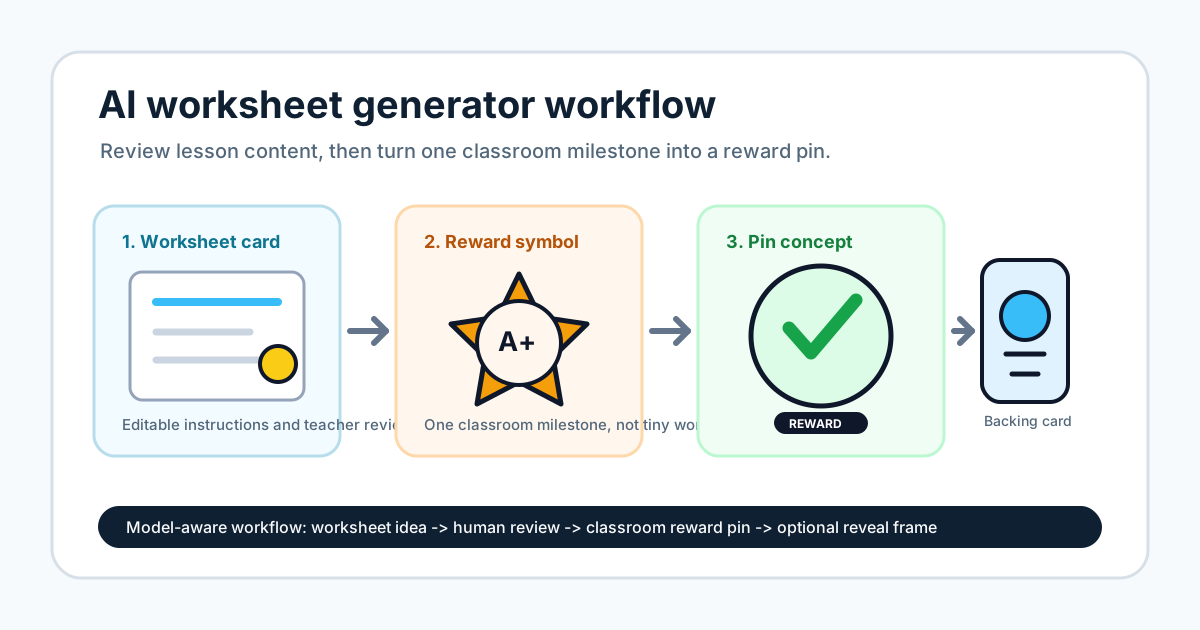 AI Worksheet Generator for Reward Pins
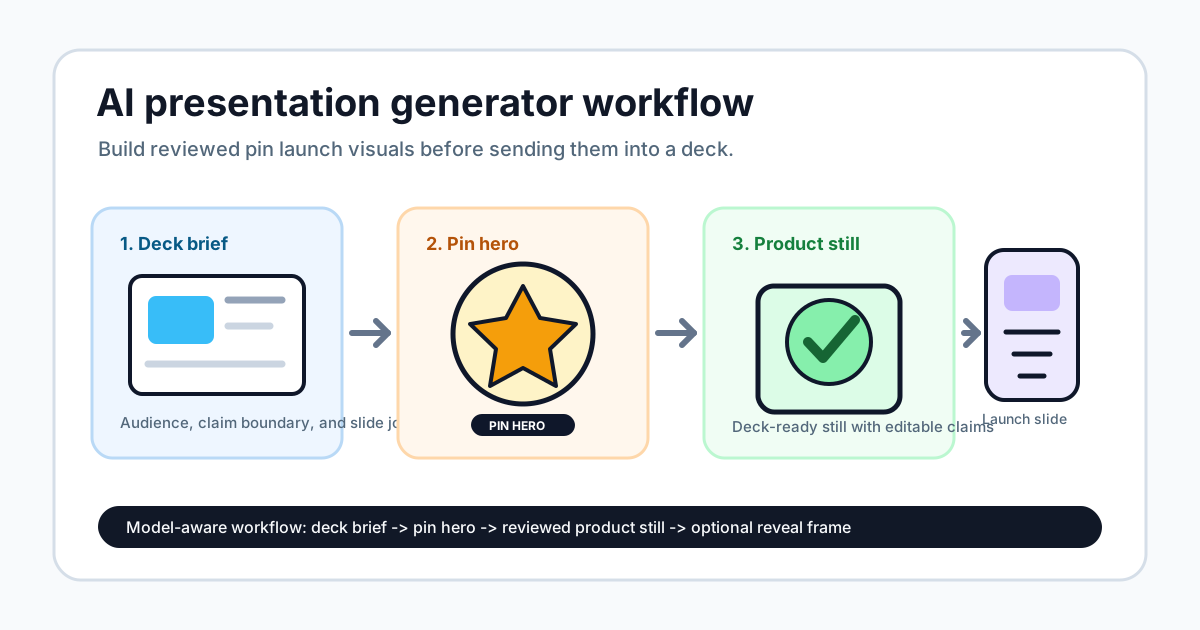 AI Presentation Generator Workflow for Pin Launch
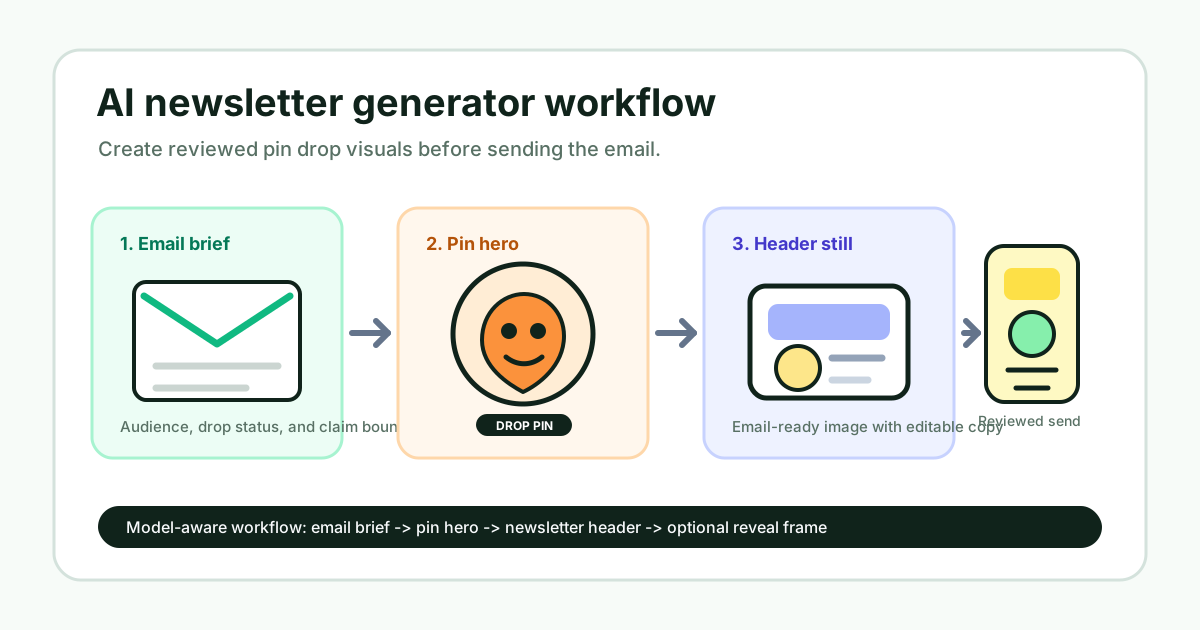 AI Newsletter Generator Workflow for Pin Drop Updates
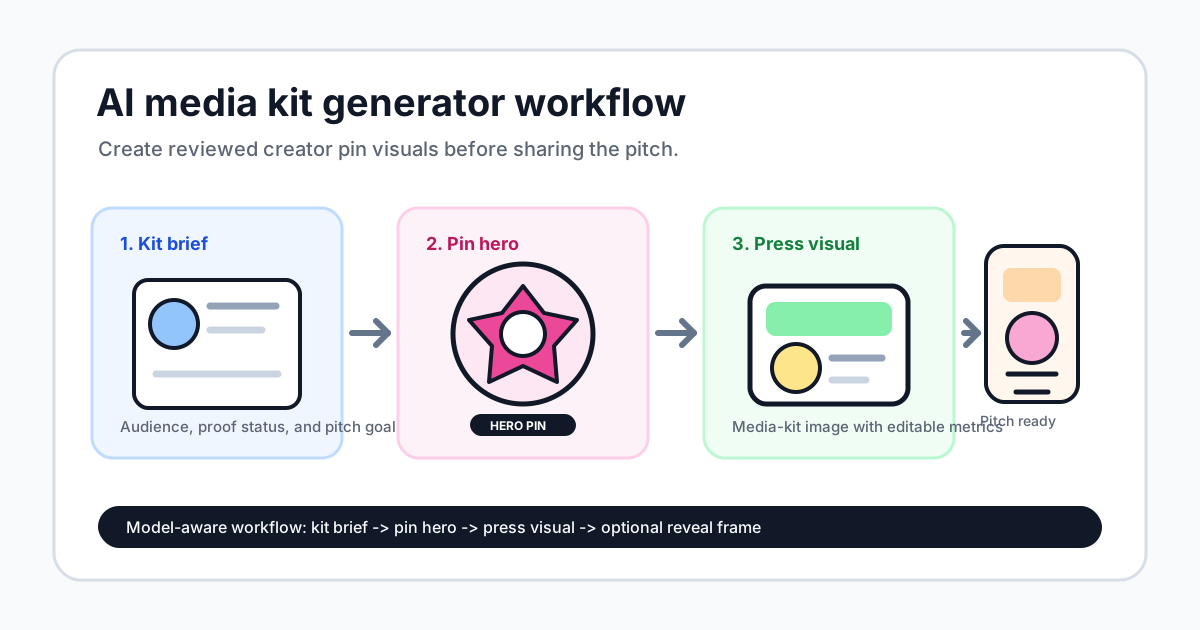 AI Media Kit Generator Workflow for Pin Press Kits
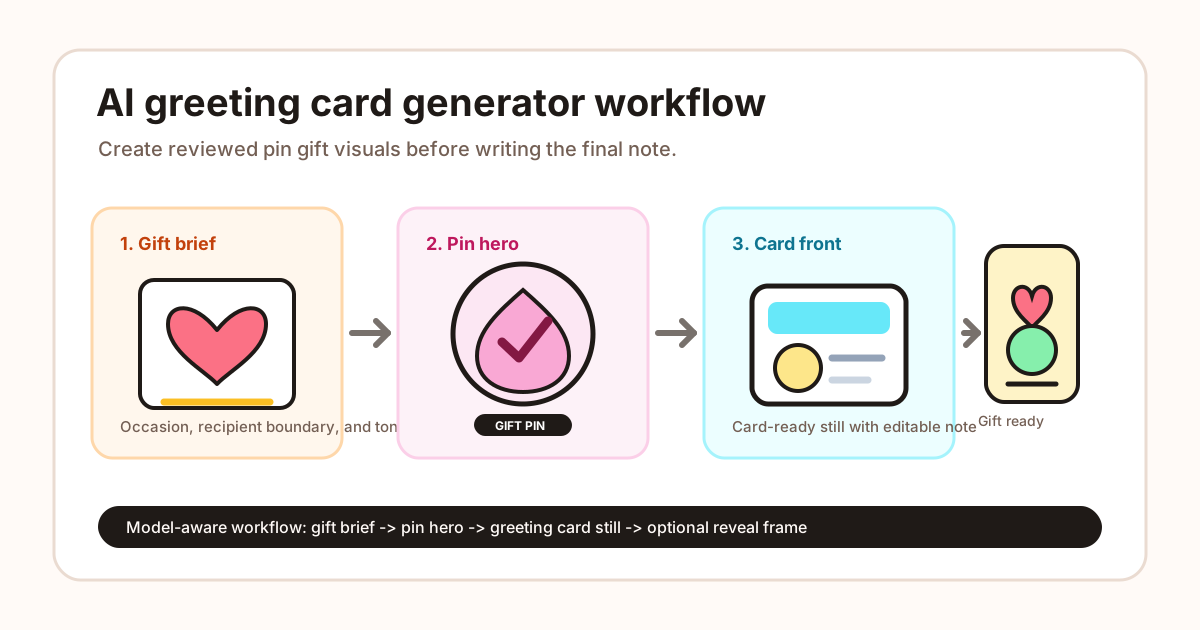 AI Greeting Card Generator Workflow for Pin Gift Cards
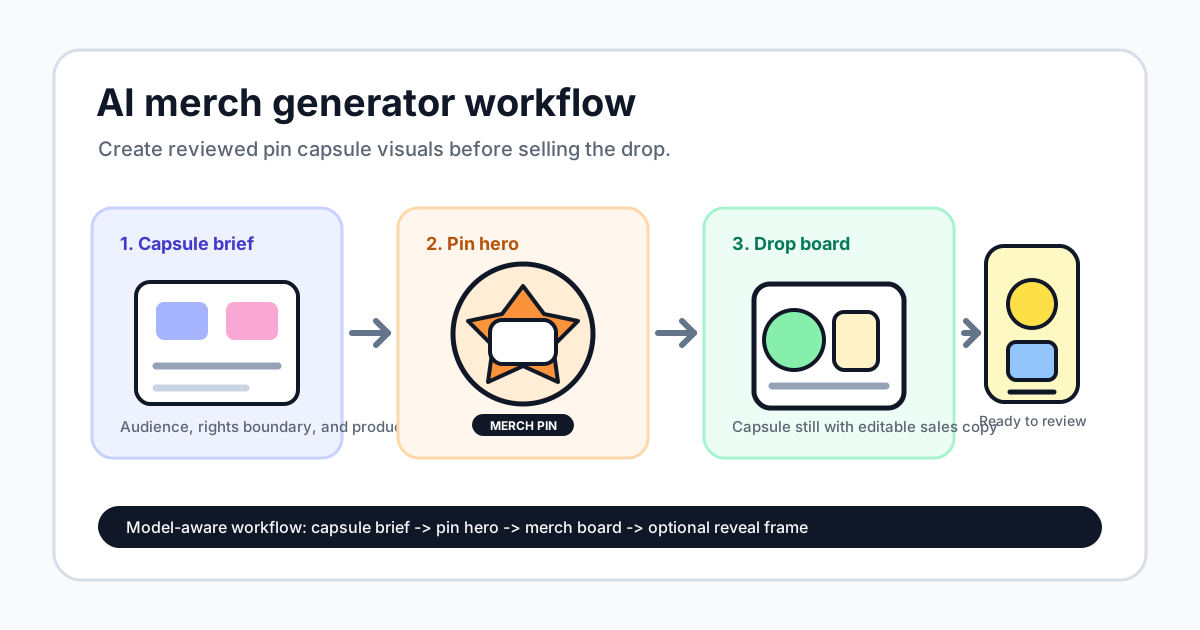 AI Merch Generator Workflow for Pin Capsule Drops
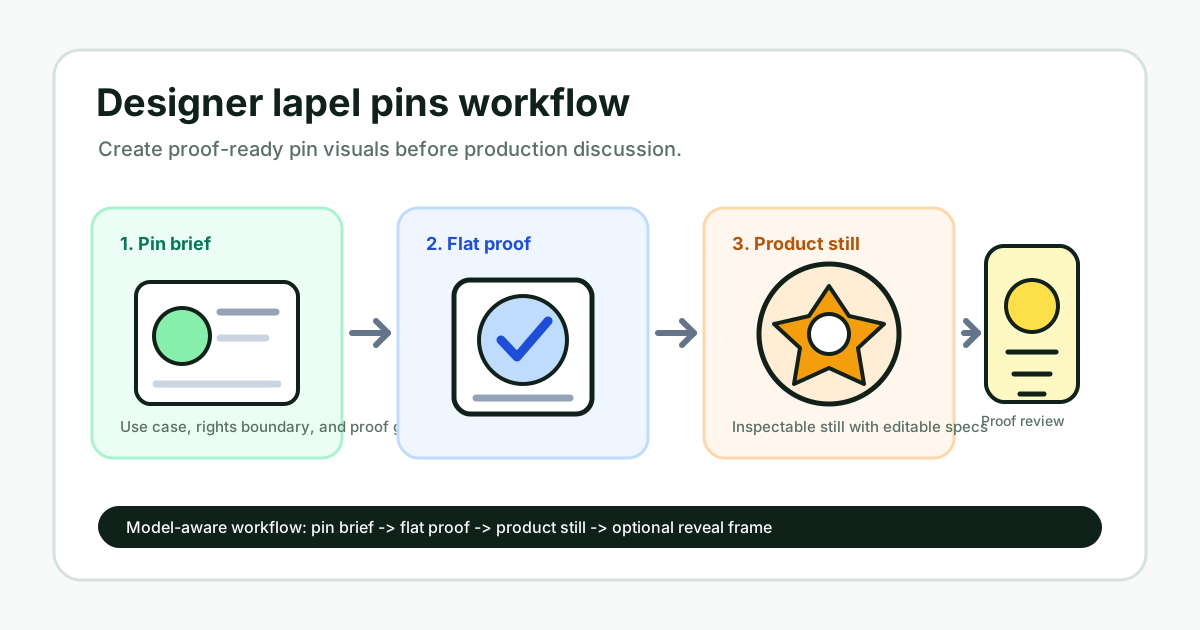 Designer Lapel Pins Workflow with AI Proof Visuals
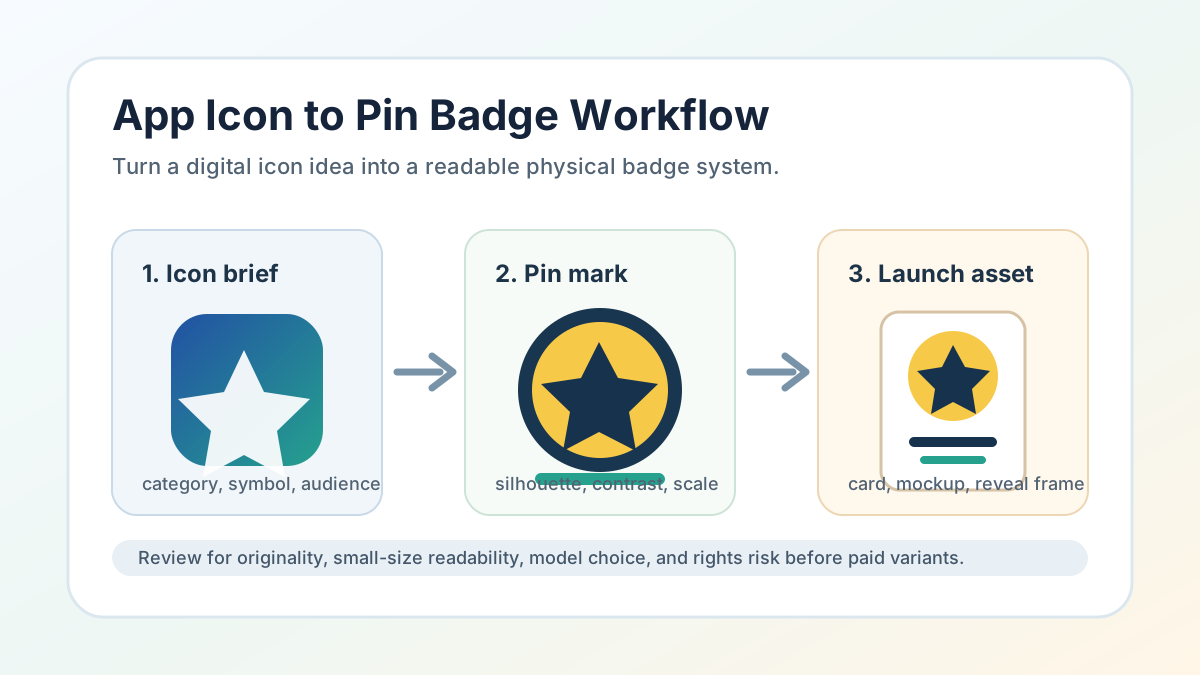 App Icon Generator Workflow for Pin Badges
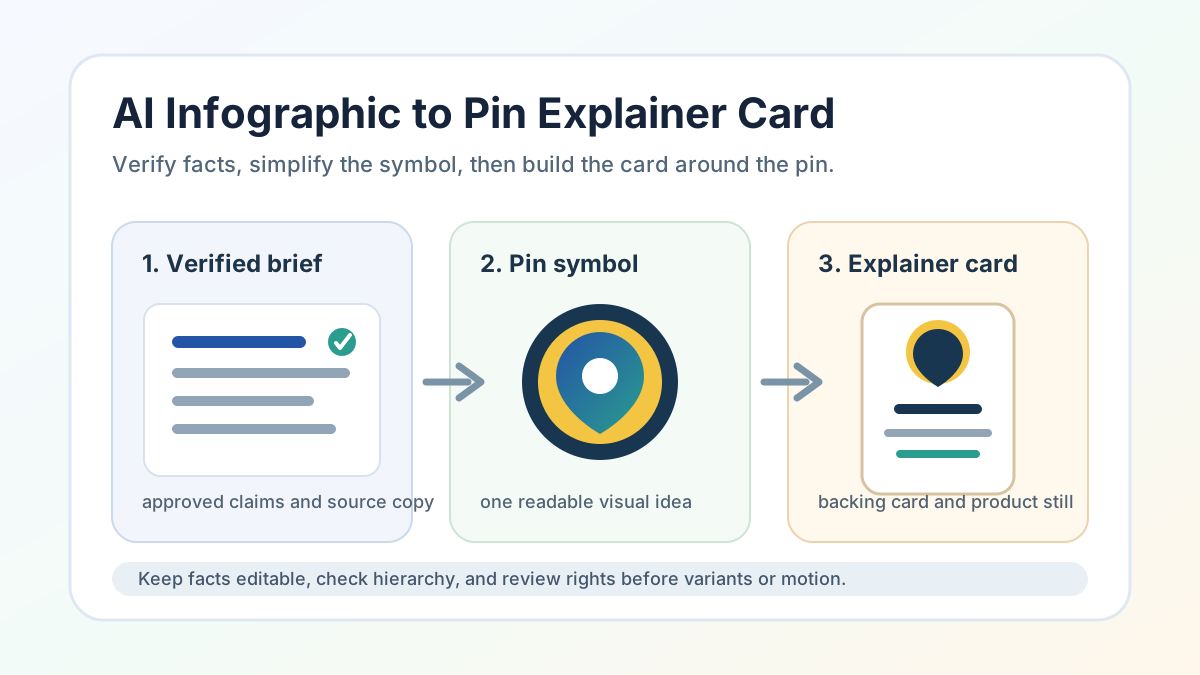 AI Infographic Generator for Explainer Cards
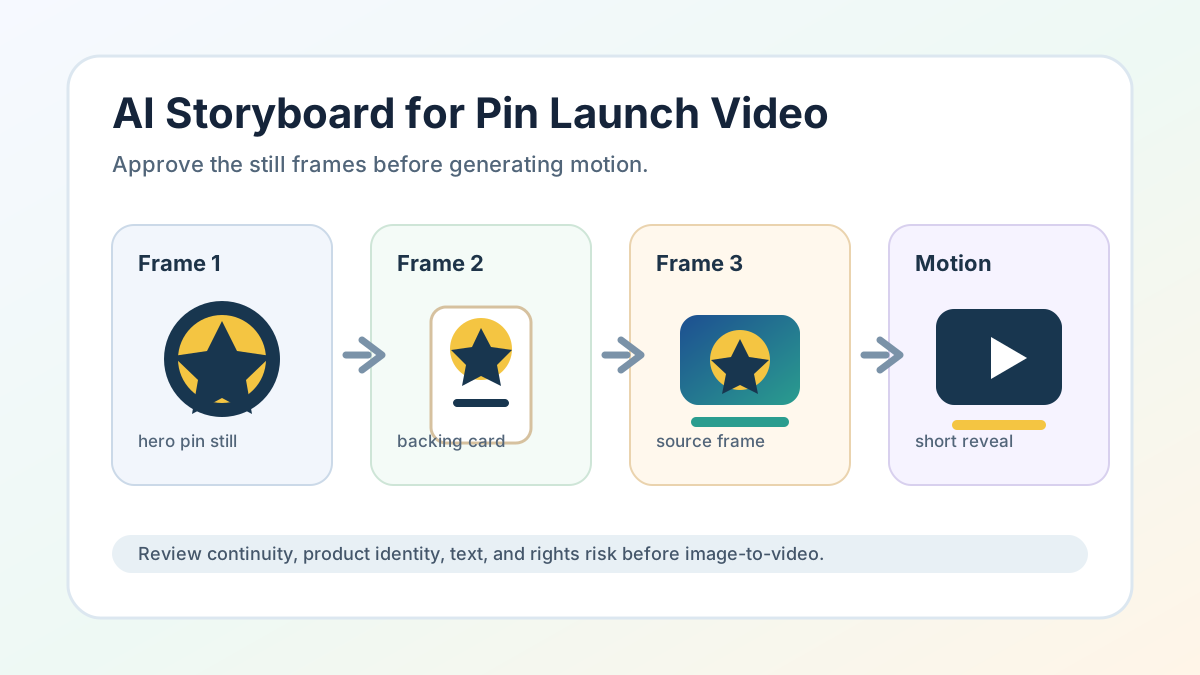 AI Storyboard Generator Workflow for Pin Launch Videos
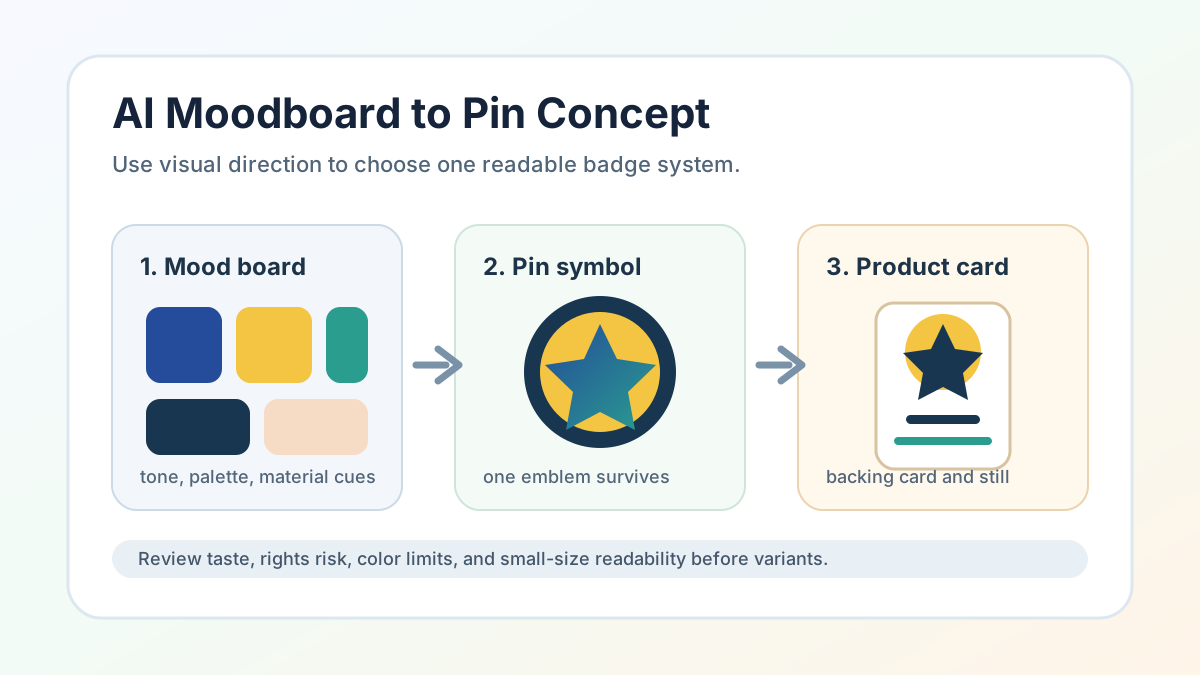 AI Moodboard Generator Workflow for Pin Concepts
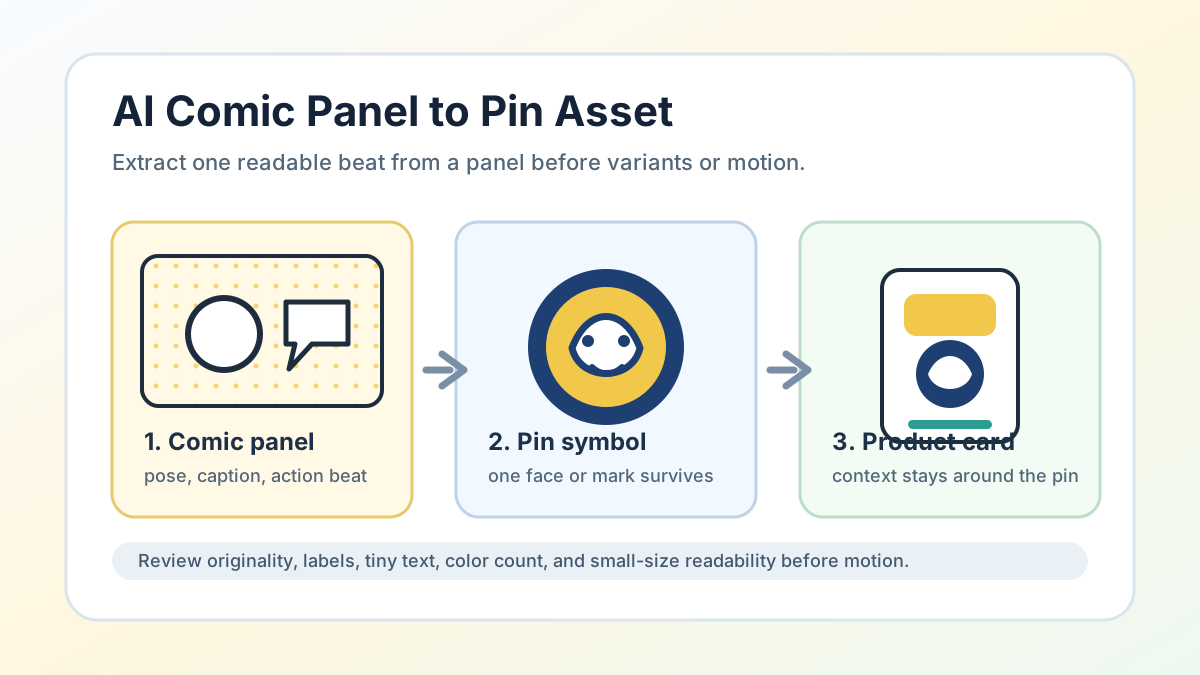 AI Comic Generator Workflow for Pin Panels
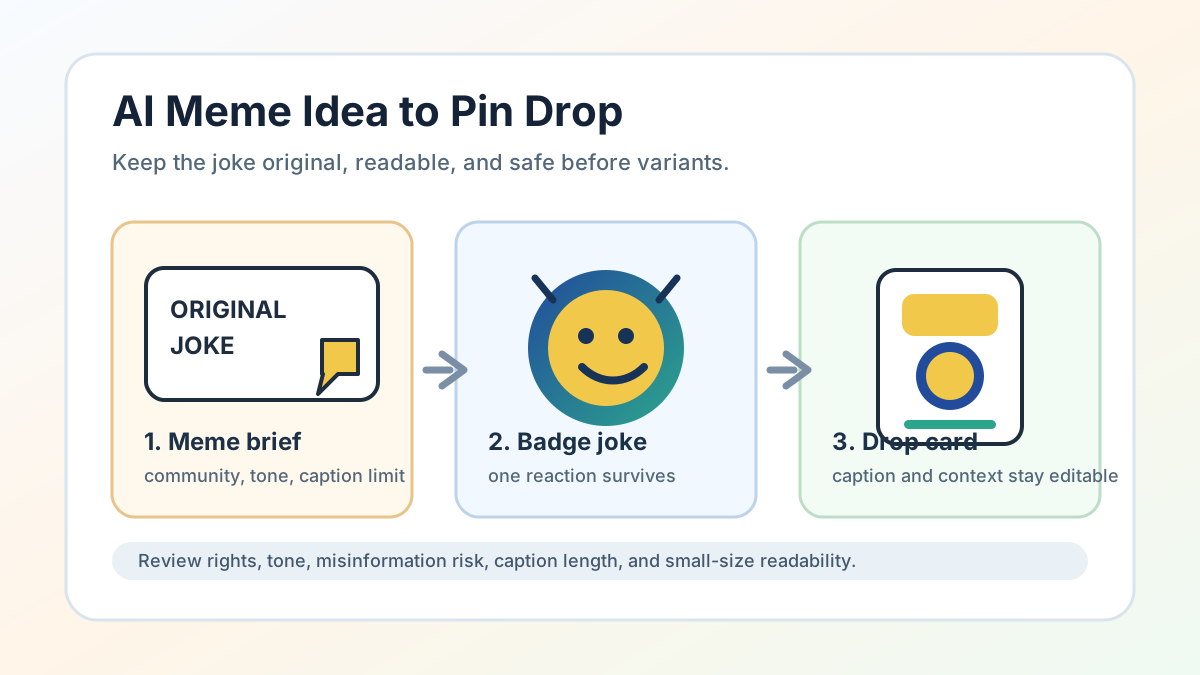 AI Meme Generator Workflow for Pin Drops
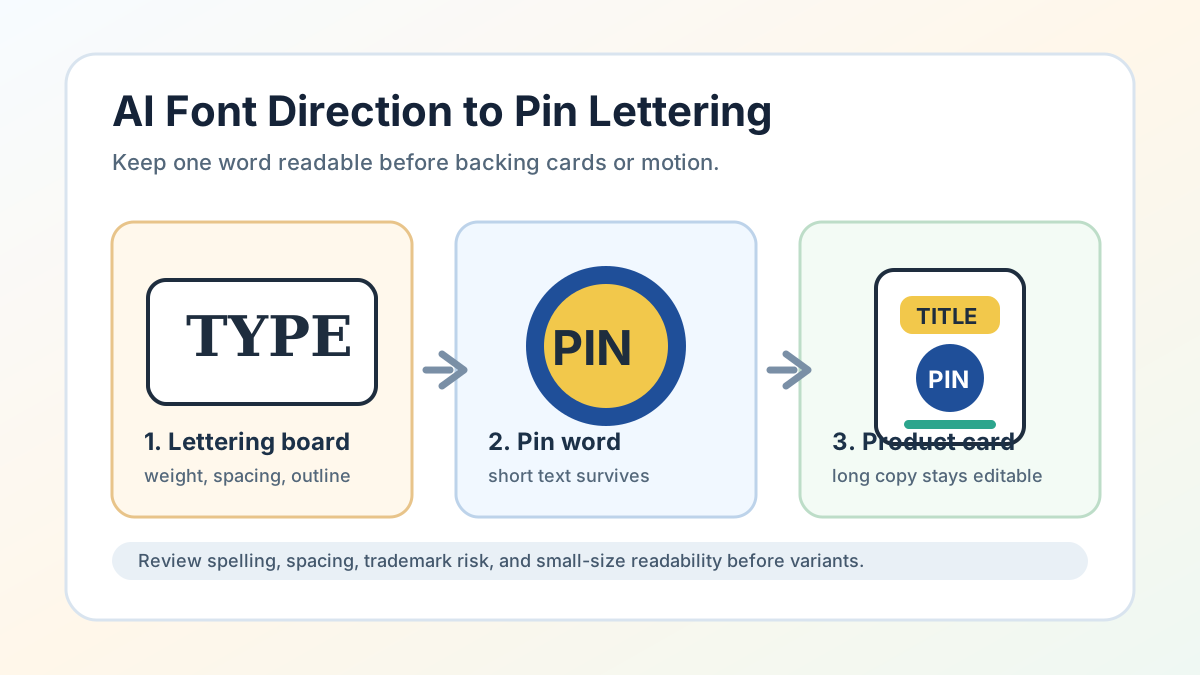 AI Font Generator Workflow for Pin Lettering
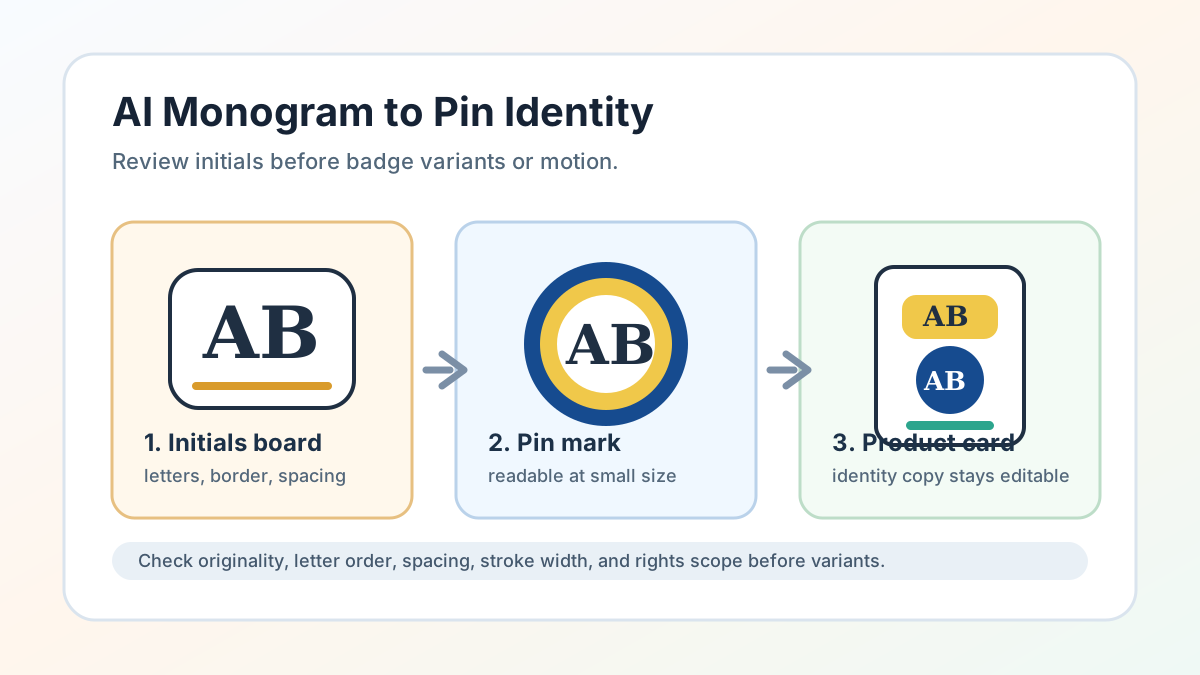 AI Monogram Generator Workflow for Pin Identity Marks
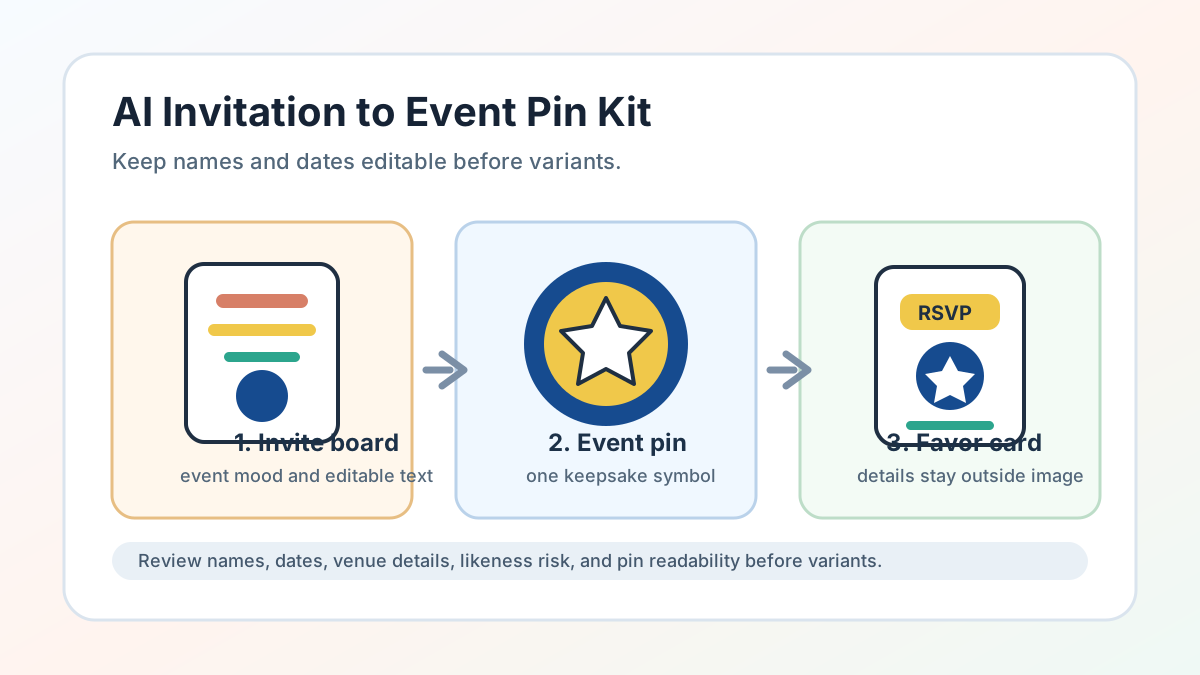 AI Invitation Generator Workflow for Pin Event Kits
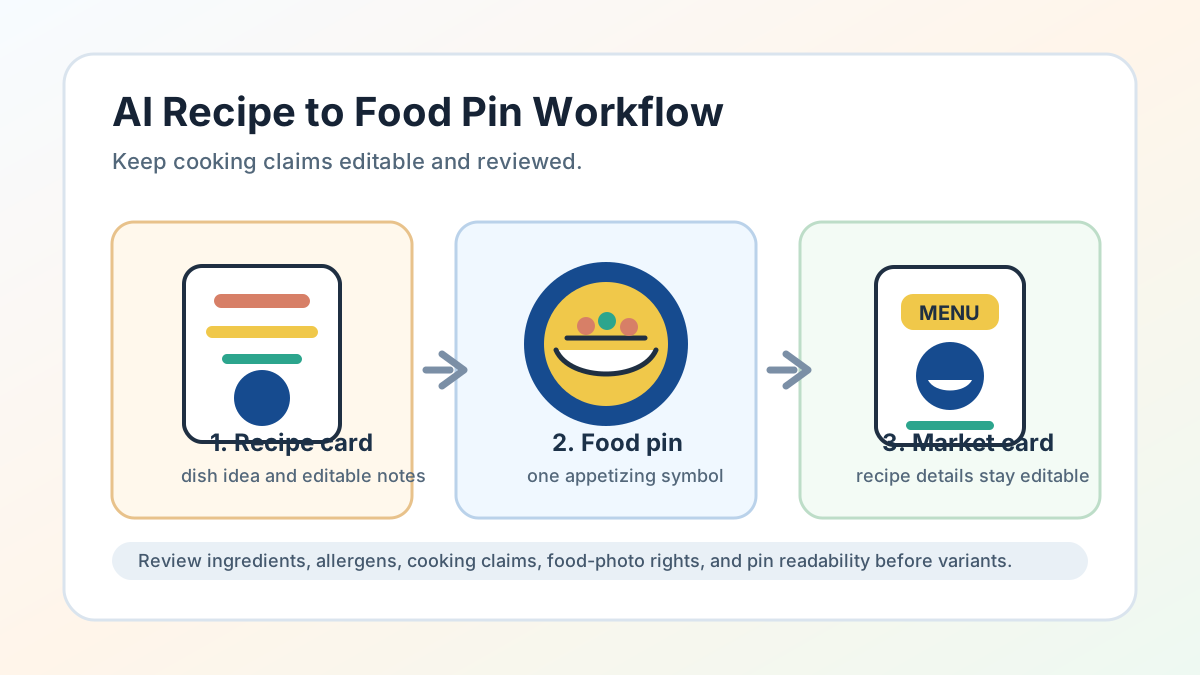 AI Recipe Generator Workflow for Food Pin Concepts
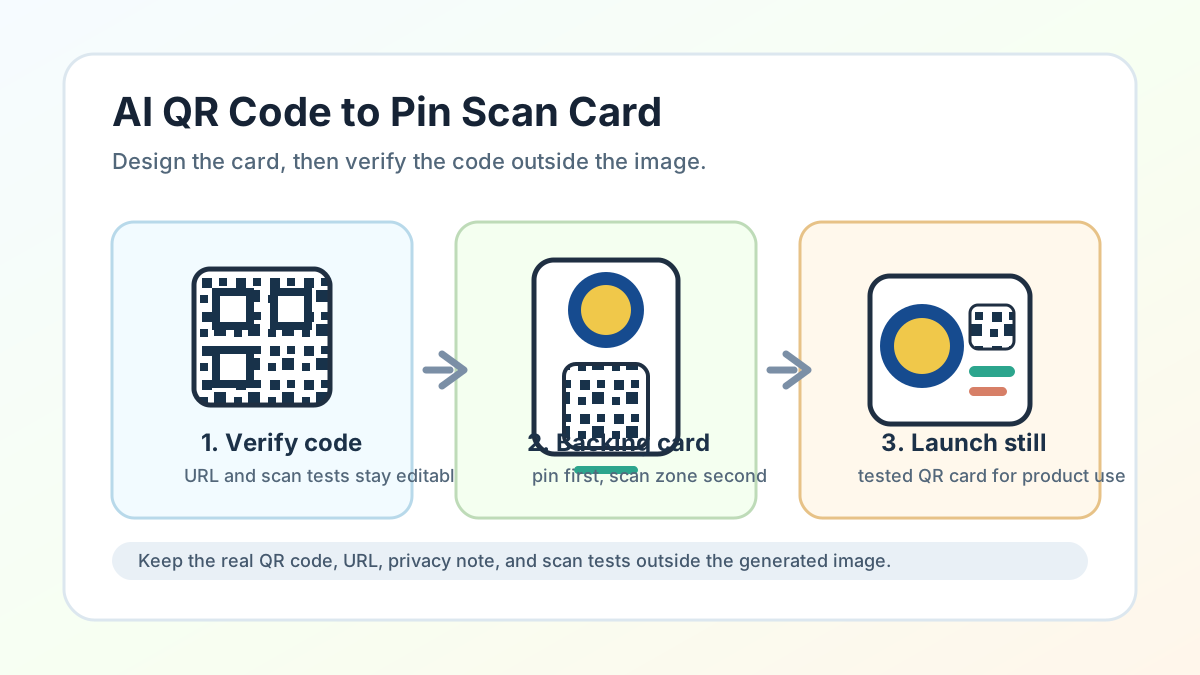 AI QR Code Generator Workflow for Pin Scan Cards
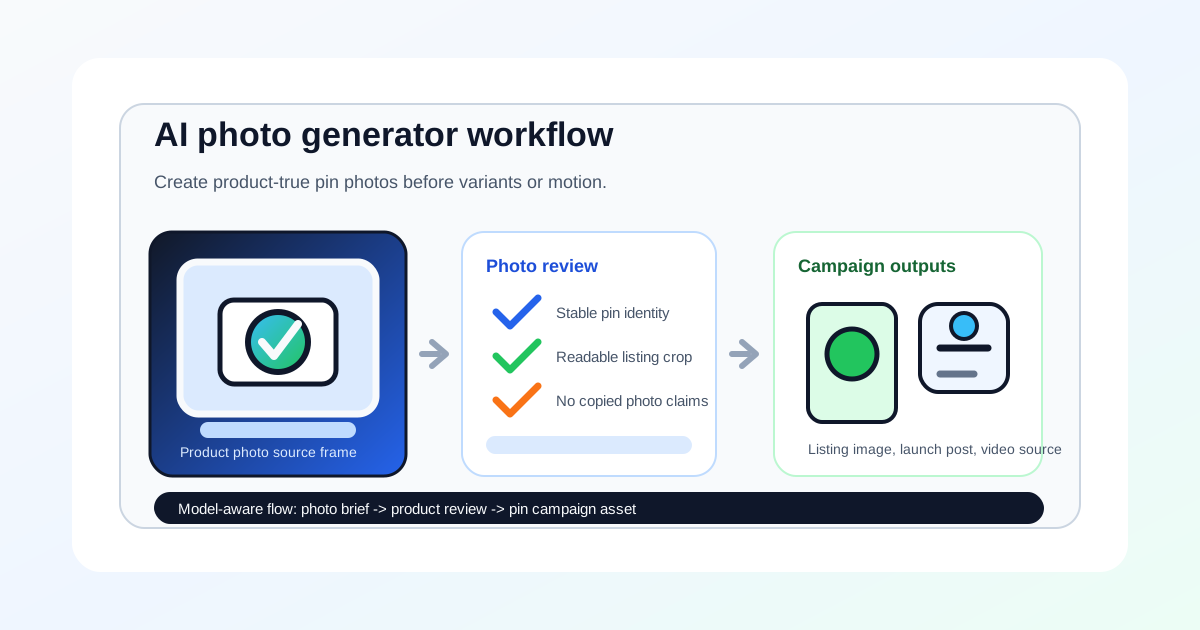 AI Photo Generator Workflow for Pin Product Visuals
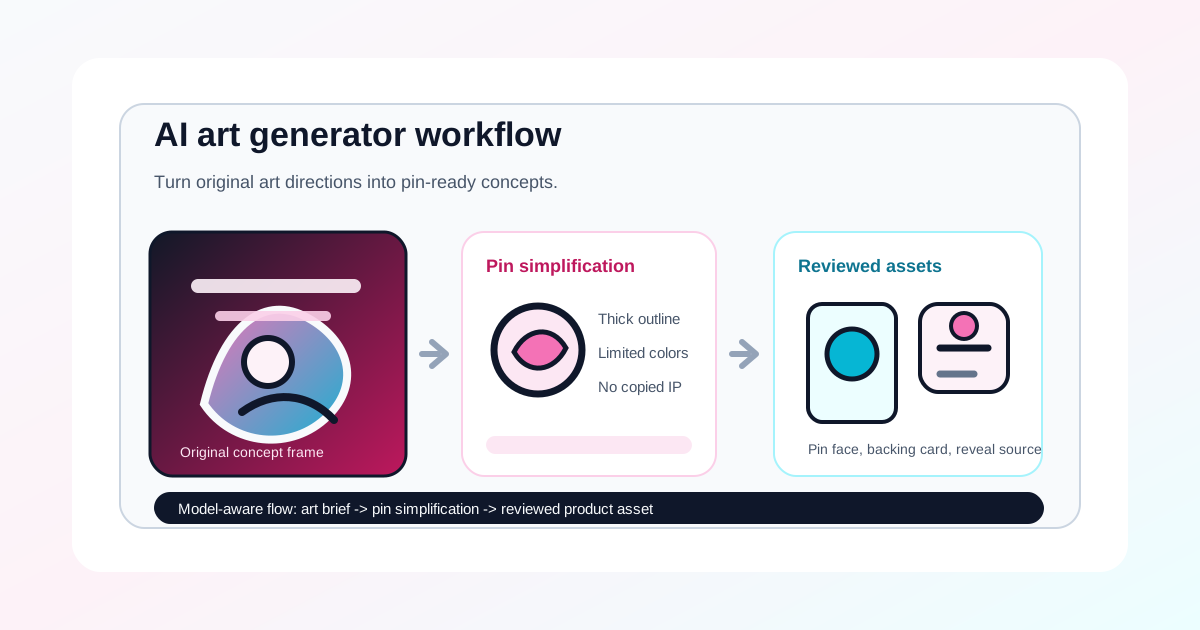 AI Art Generator Workflow for Pin Concept Art
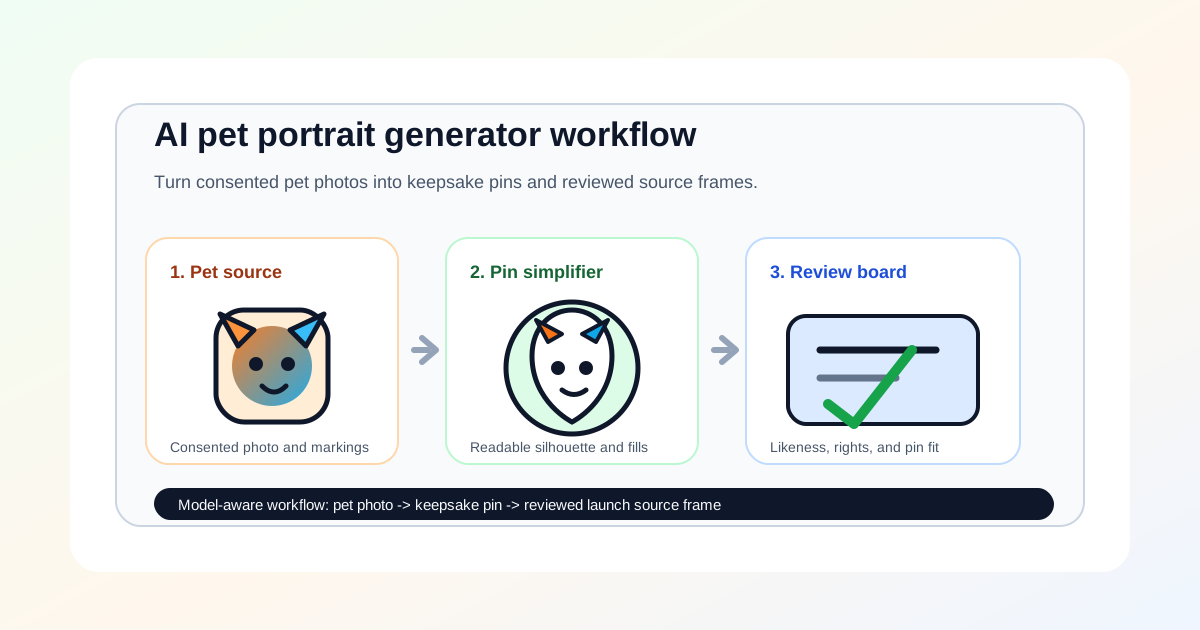 AI Pet Portrait Generator Workflow for Keepsake Pins
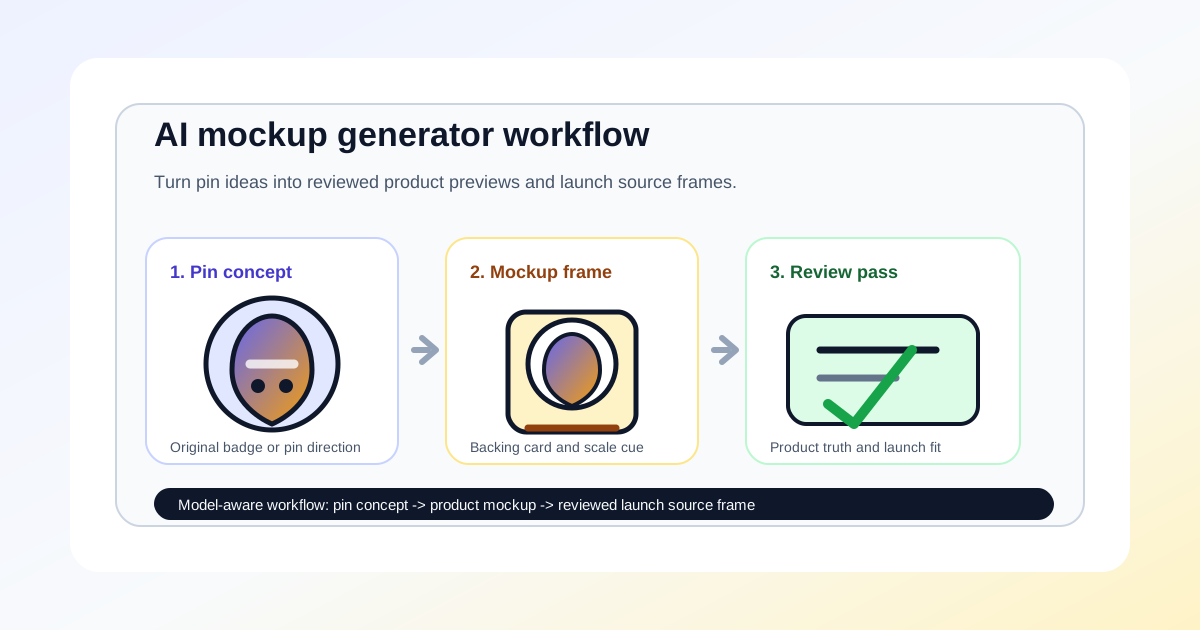 AI Mockup Generator Workflow for Pin Product Concepts
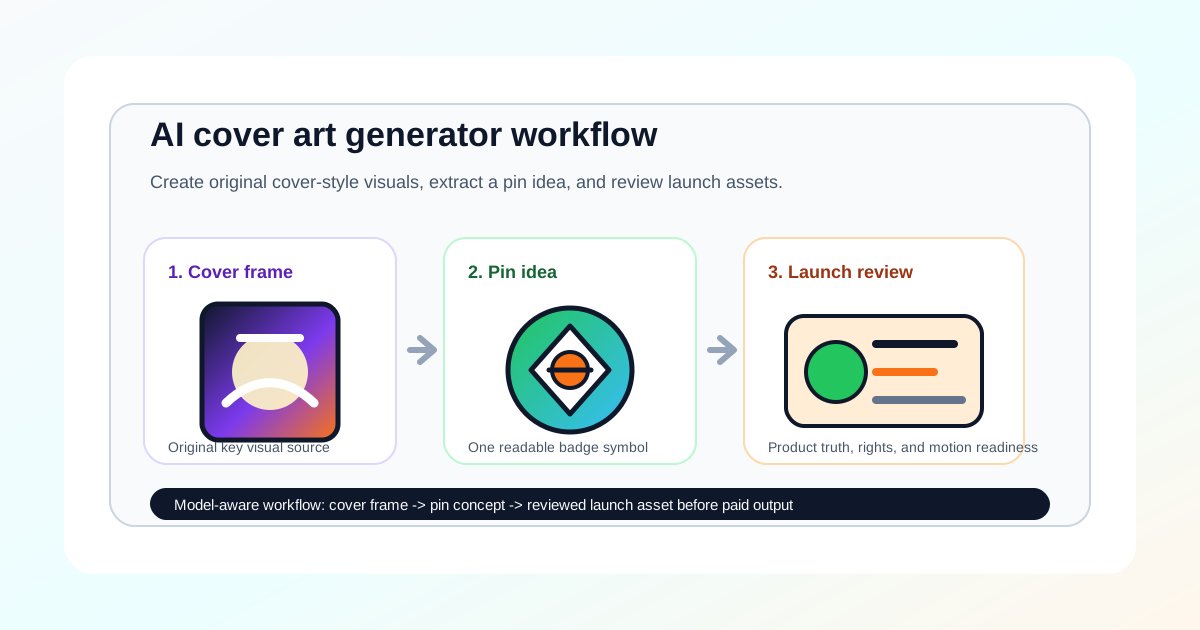 AI Cover Art Generator Workflow for Pin Launch Visuals
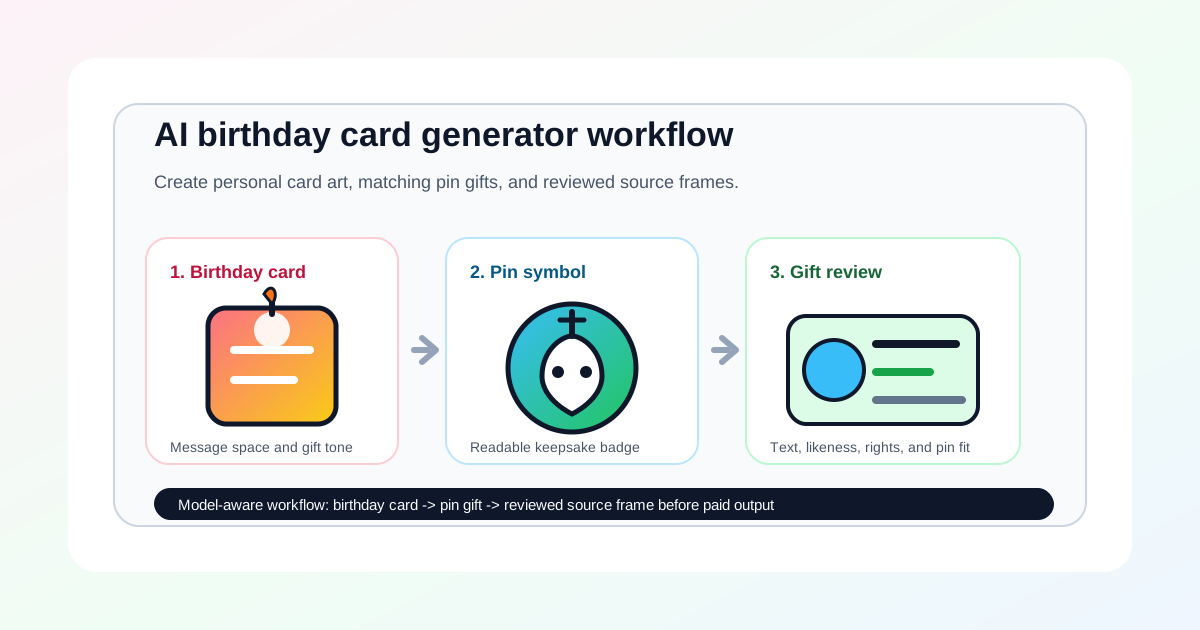 AI Birthday Card Generator Workflow for Pin Gift Sets
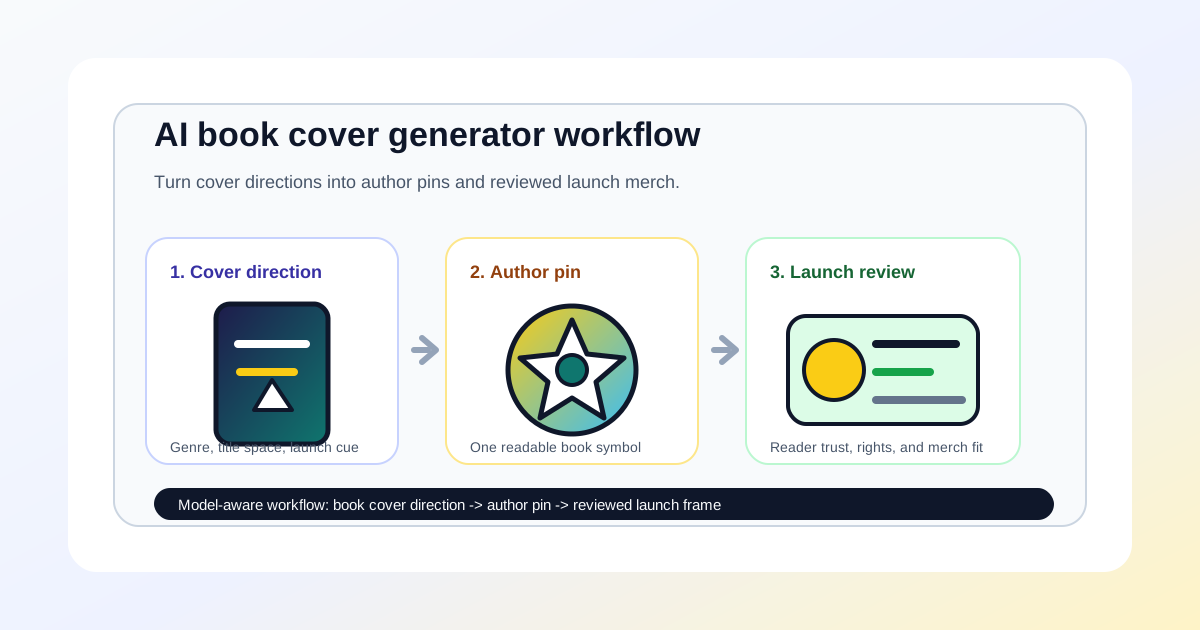 AI Book Cover Generator Workflow for Author Pin Merch
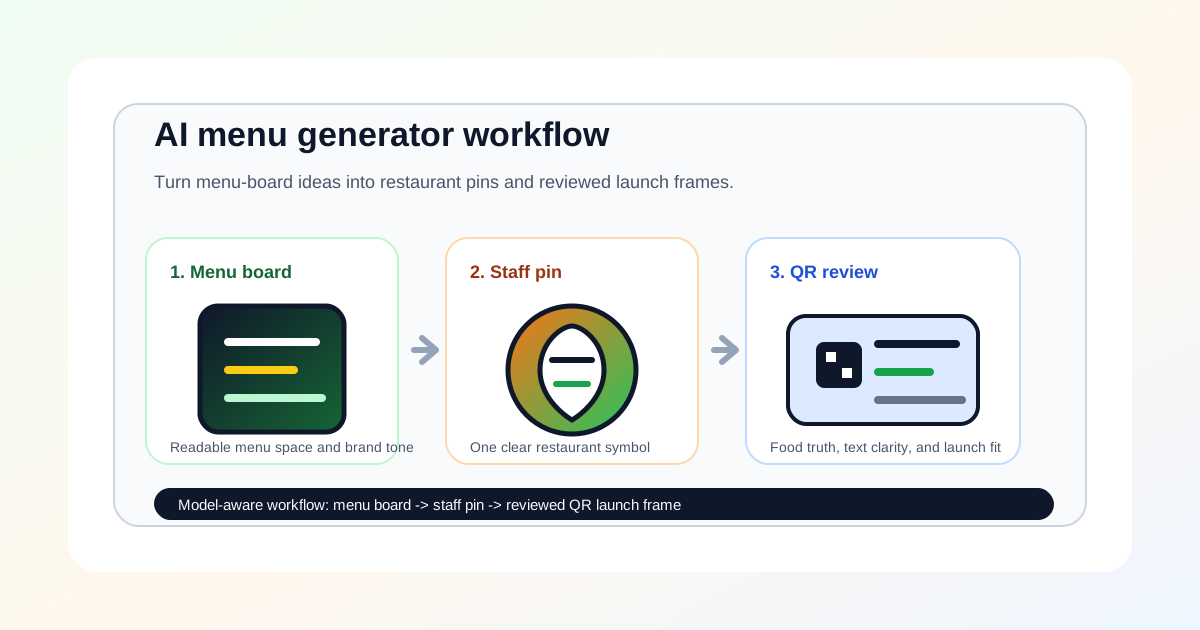 AI Menu Generator Workflow for Restaurant Pin Launches
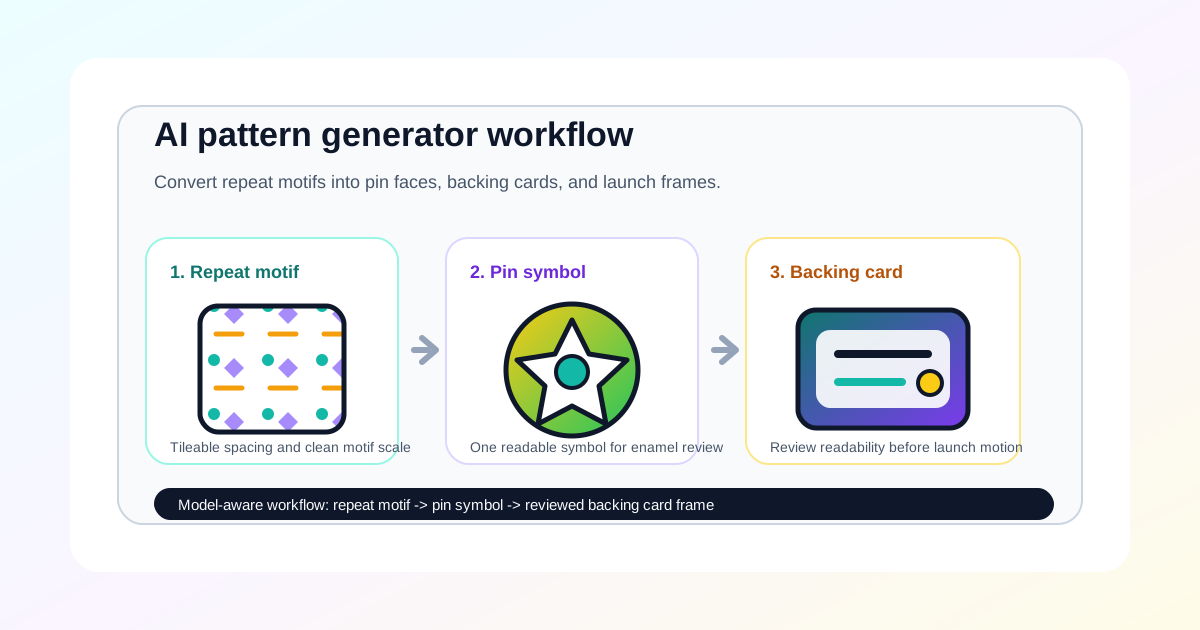 AI Pattern Generator Workflow for Pin Backing Cards
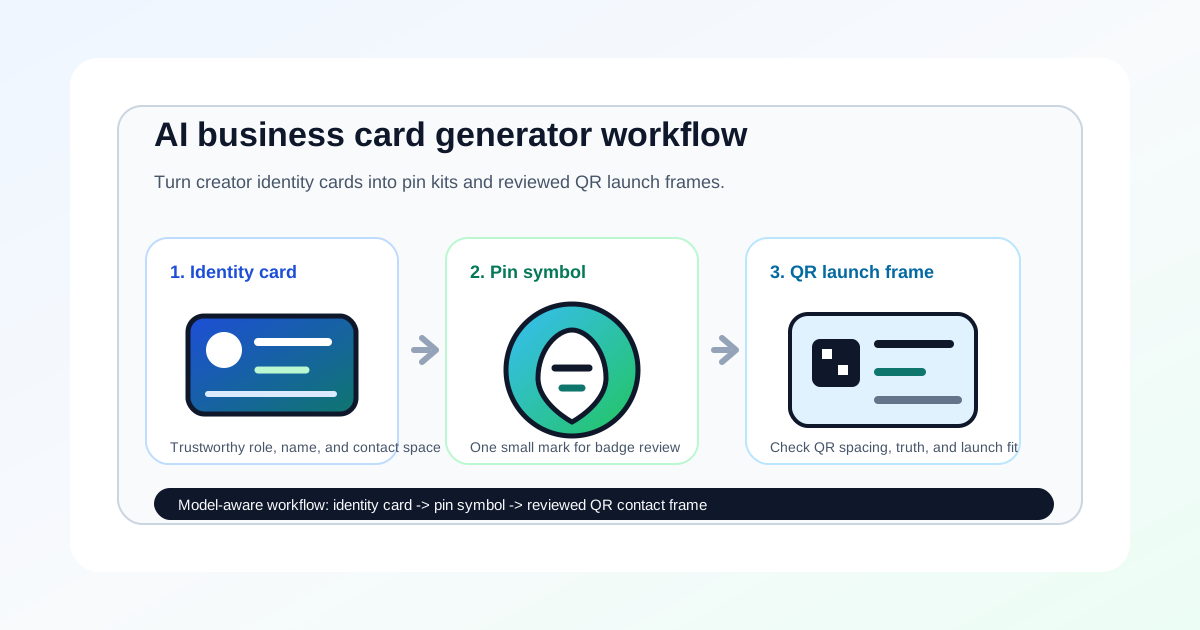 AI Business Card Generator for Identity Kits
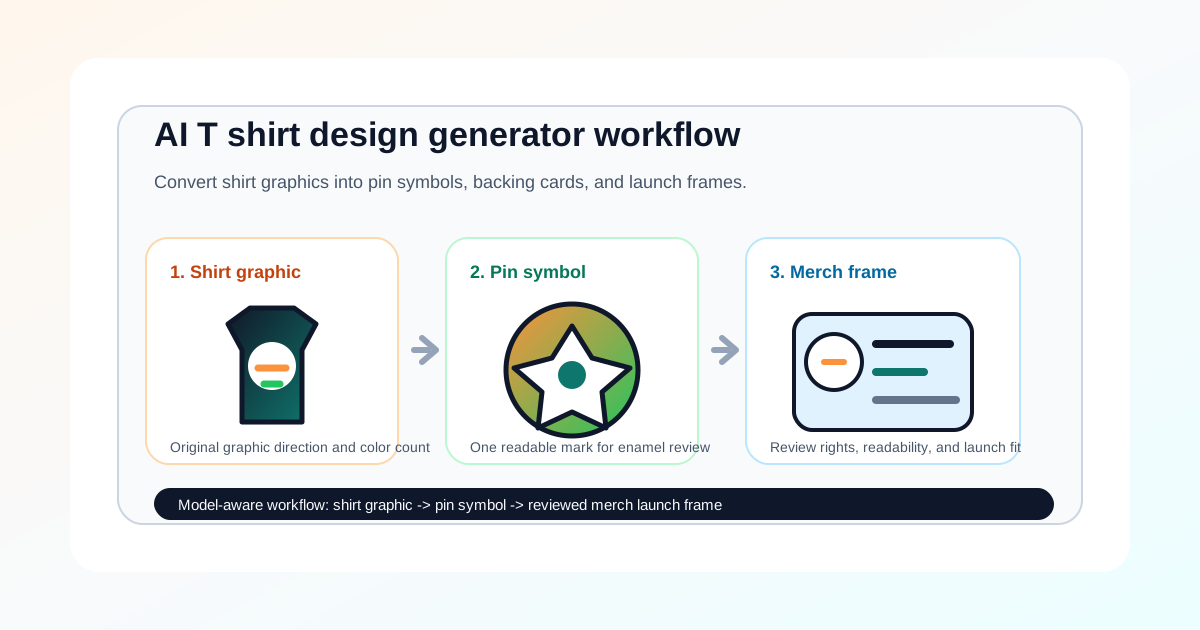 AI T Shirt Design Generator Workflow for Pin Merch
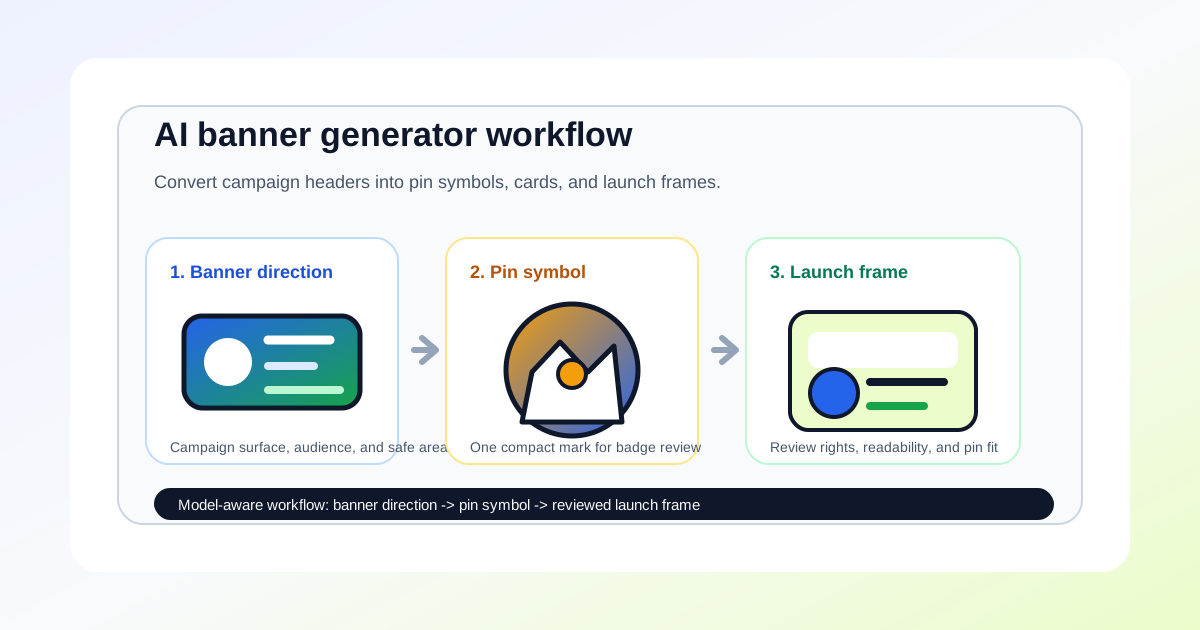 AI Banner Generator Workflow for Pin Launch Visuals
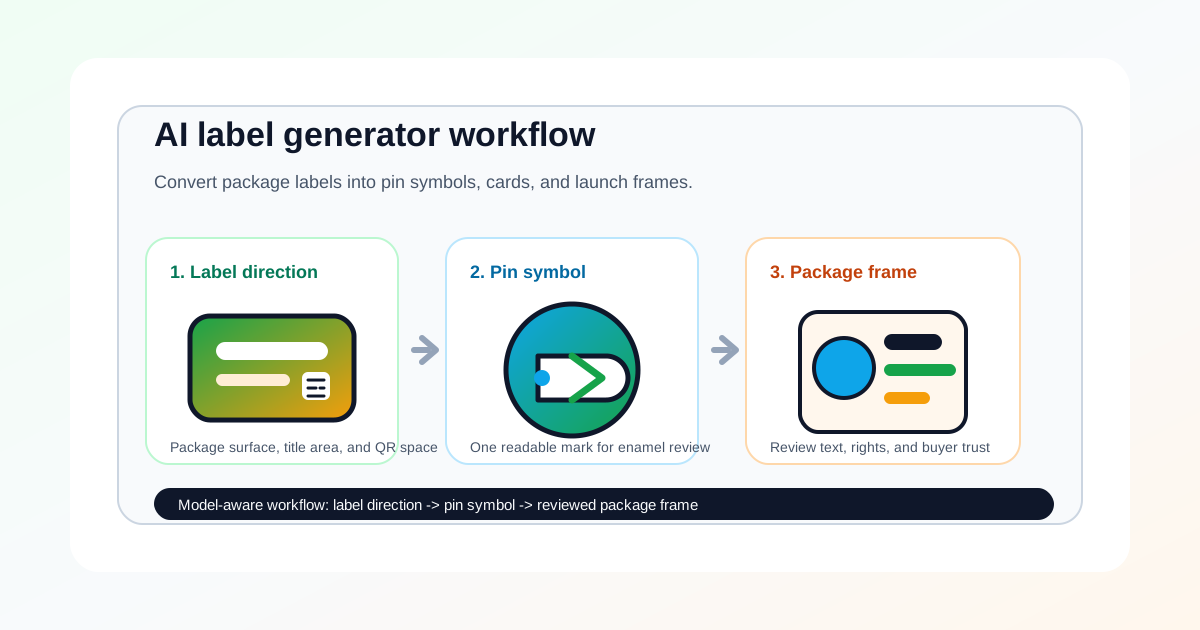 AI Label Generator Workflow for Pin Packaging
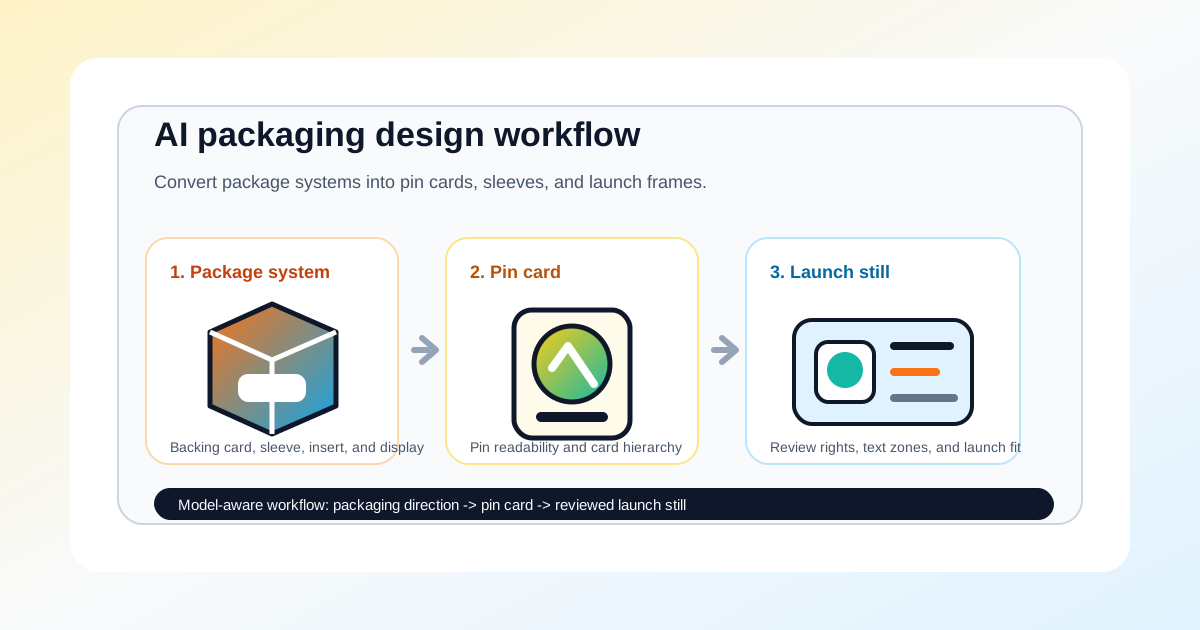 AI Packaging Design Workflow for Pin Product Drops
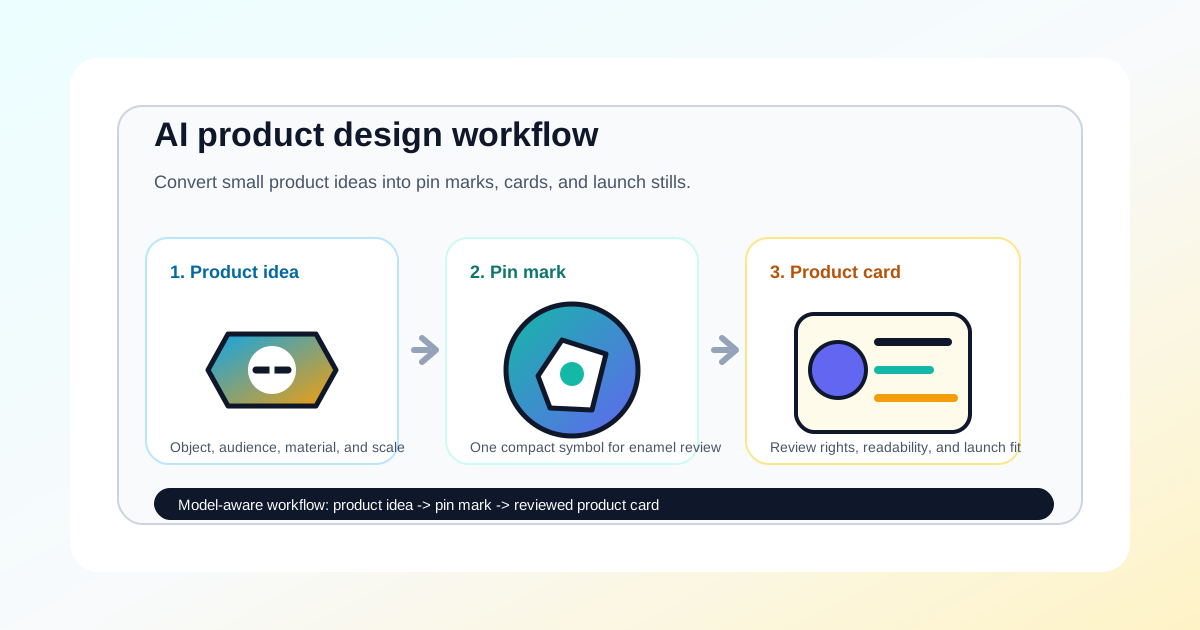 AI Product Design Workflow for Pin Concepts
 Enamel Pin Mockup Maker for Custom Pins
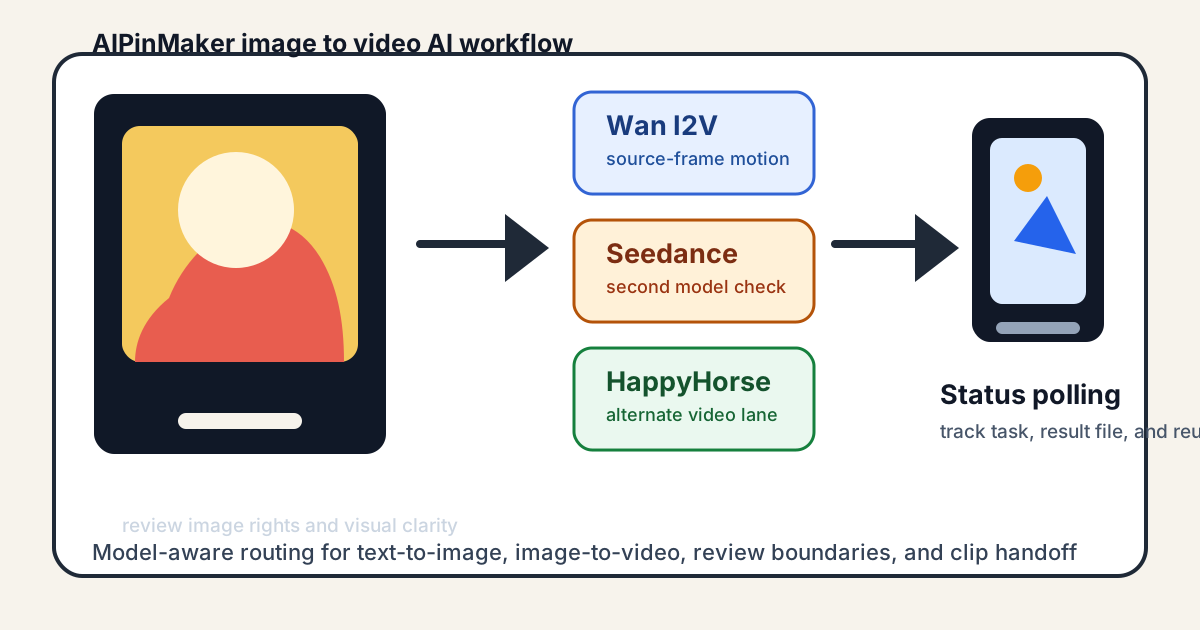 Image to Video AI Model Switching
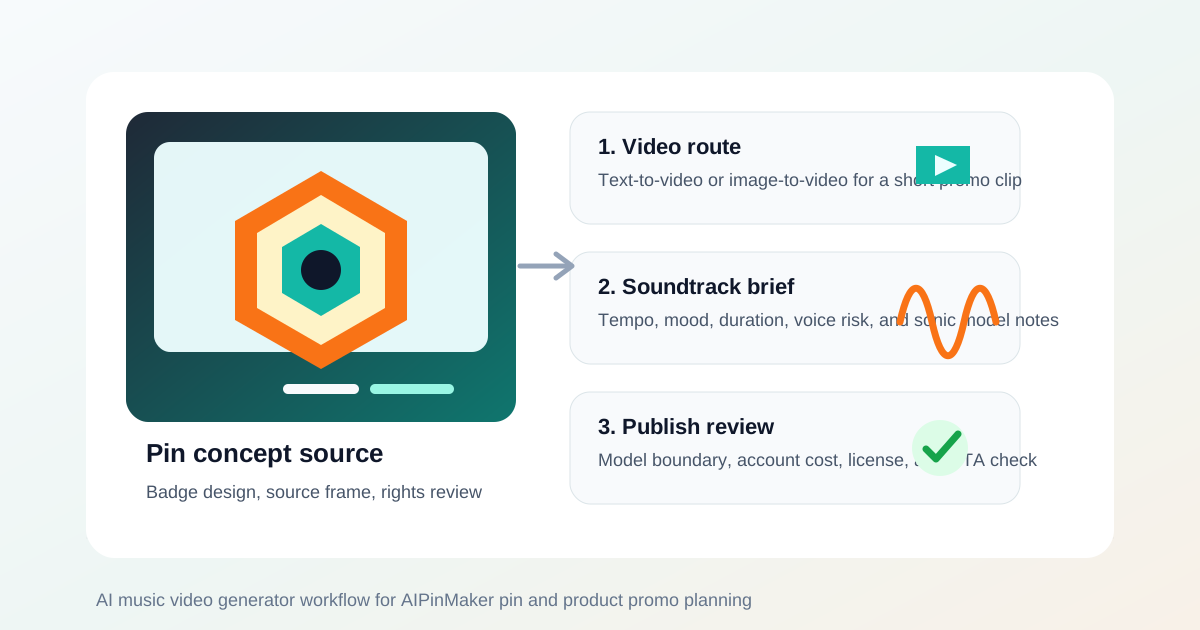 AI Music Video Generator Workflow for Pin Promo Clips
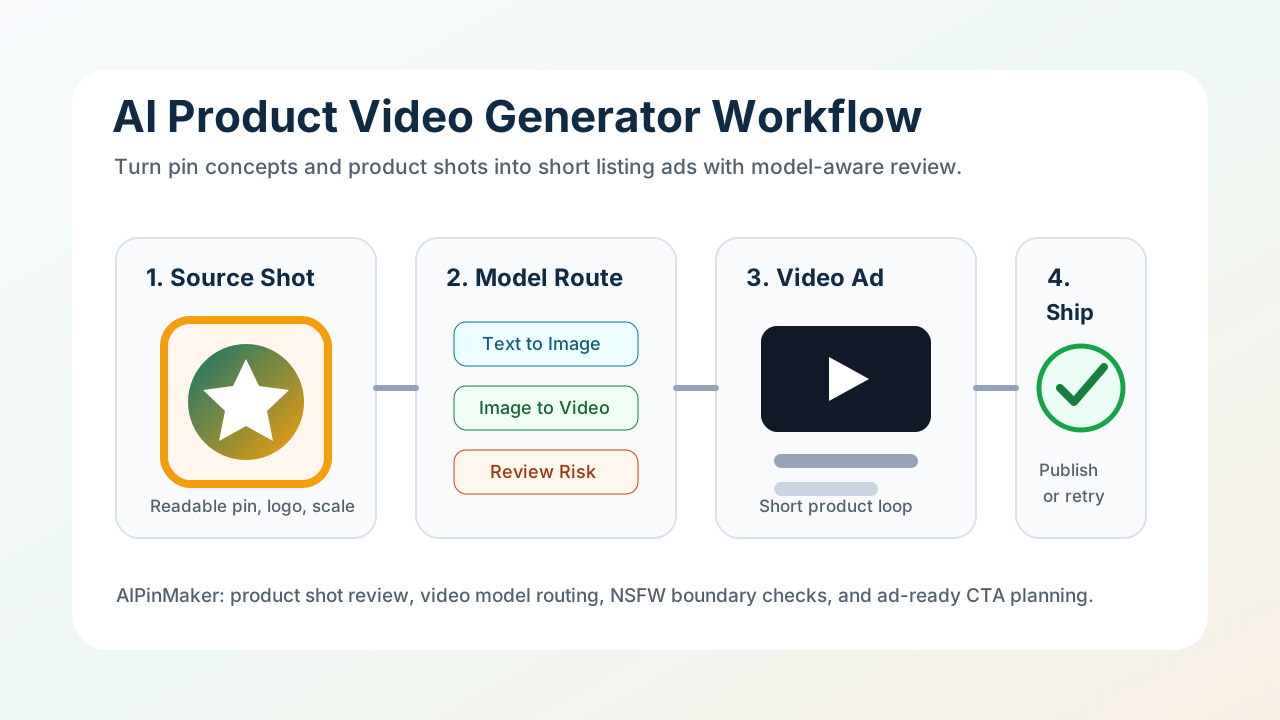 AI Product Video Generator for Pin Ads
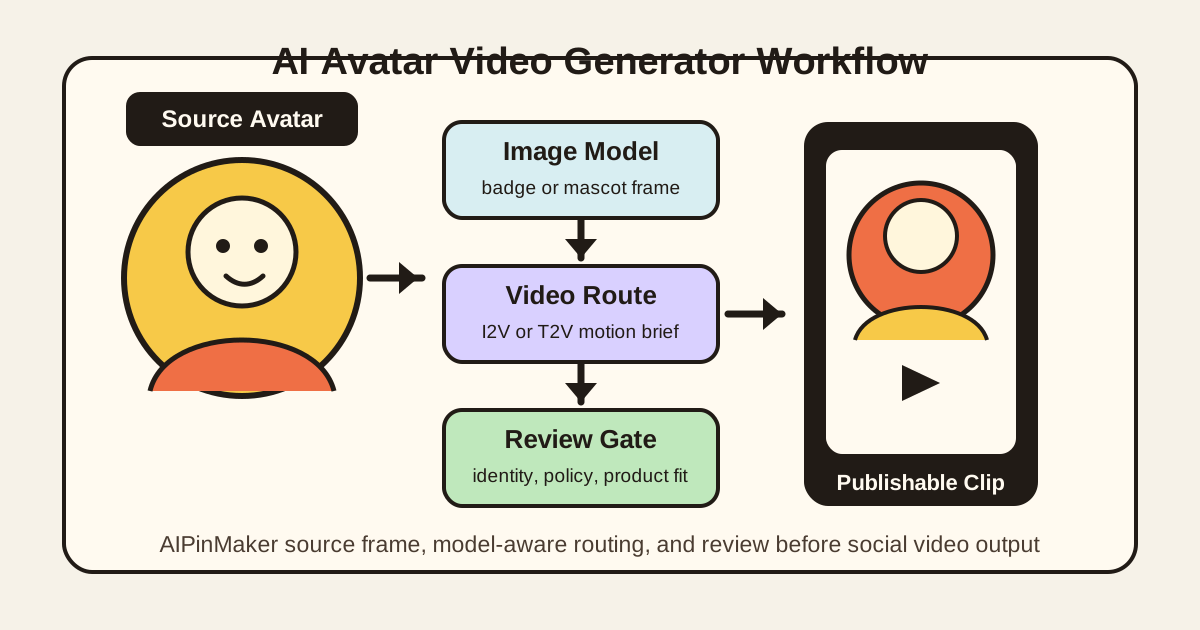 AI Avatar Video Generator for Pin Characters
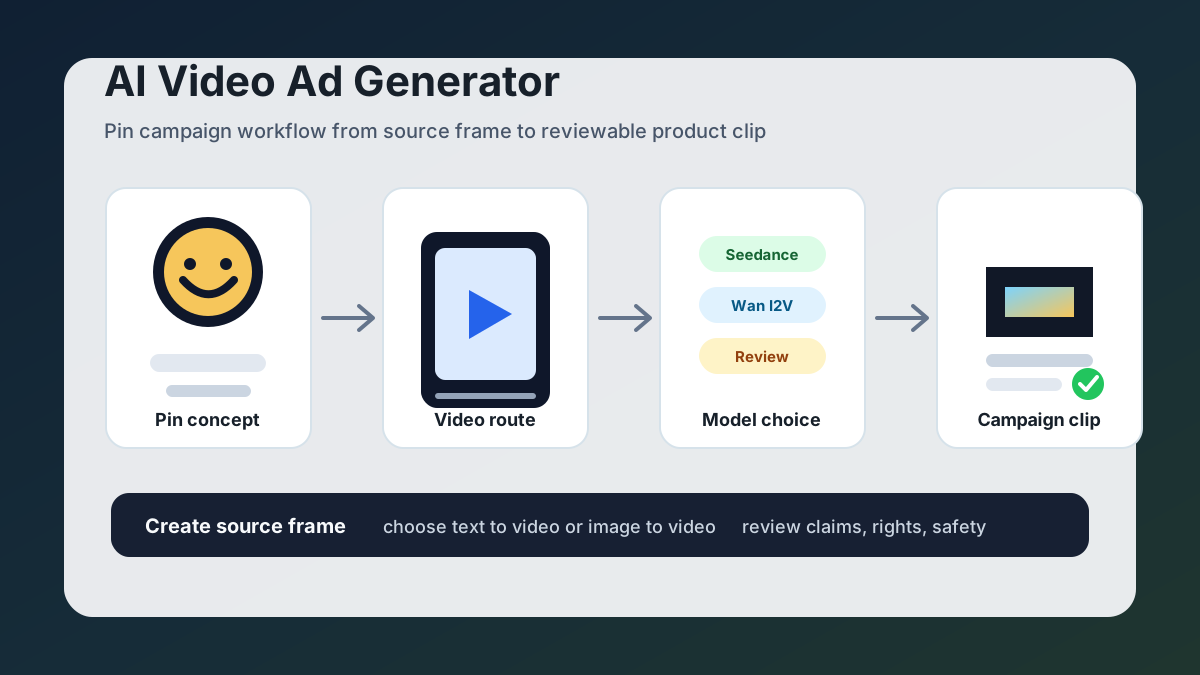 AI Video Ad Generator for Pin Campaigns
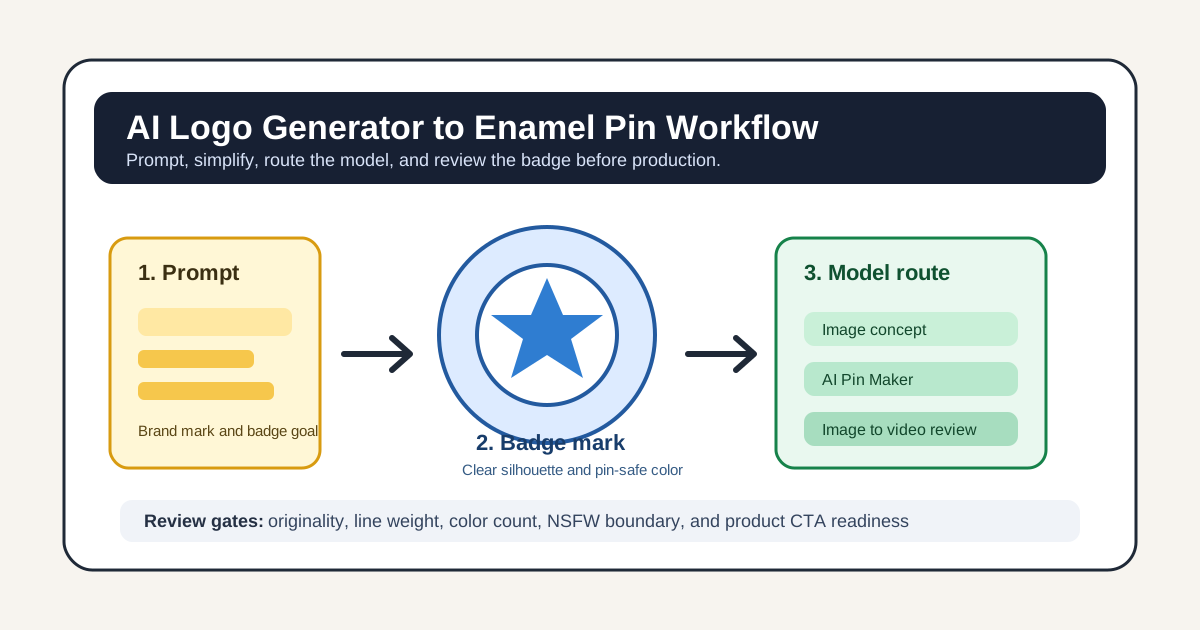 AI Logo Generator for Pin & Badge
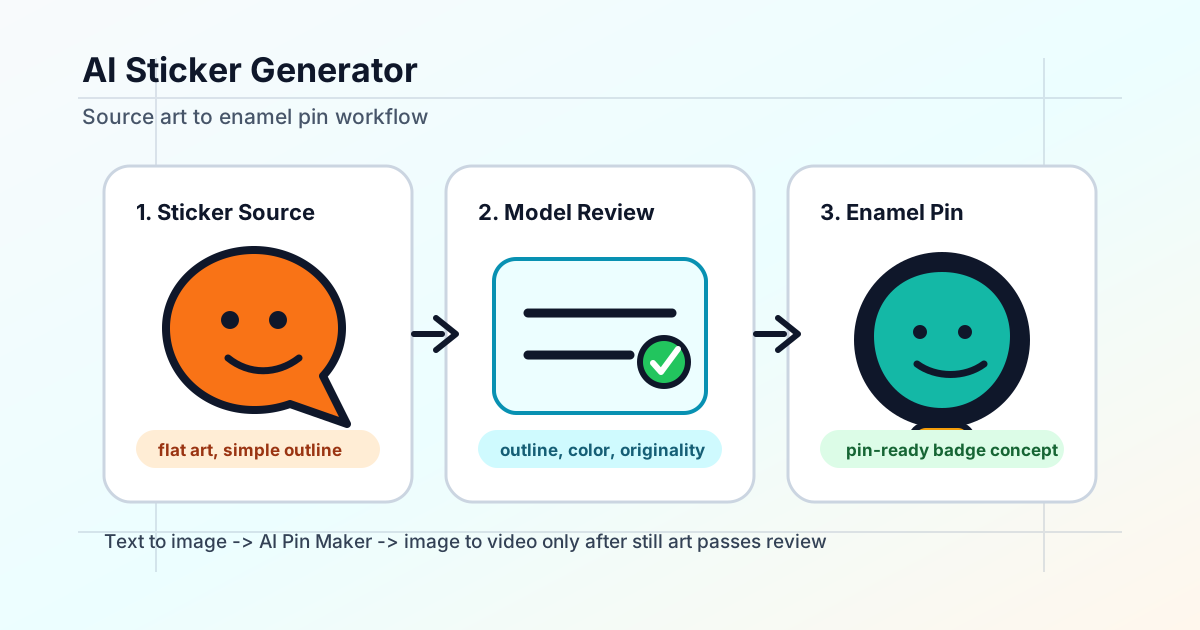 AI Sticker Generator Workflow for Enamel Pin Concepts
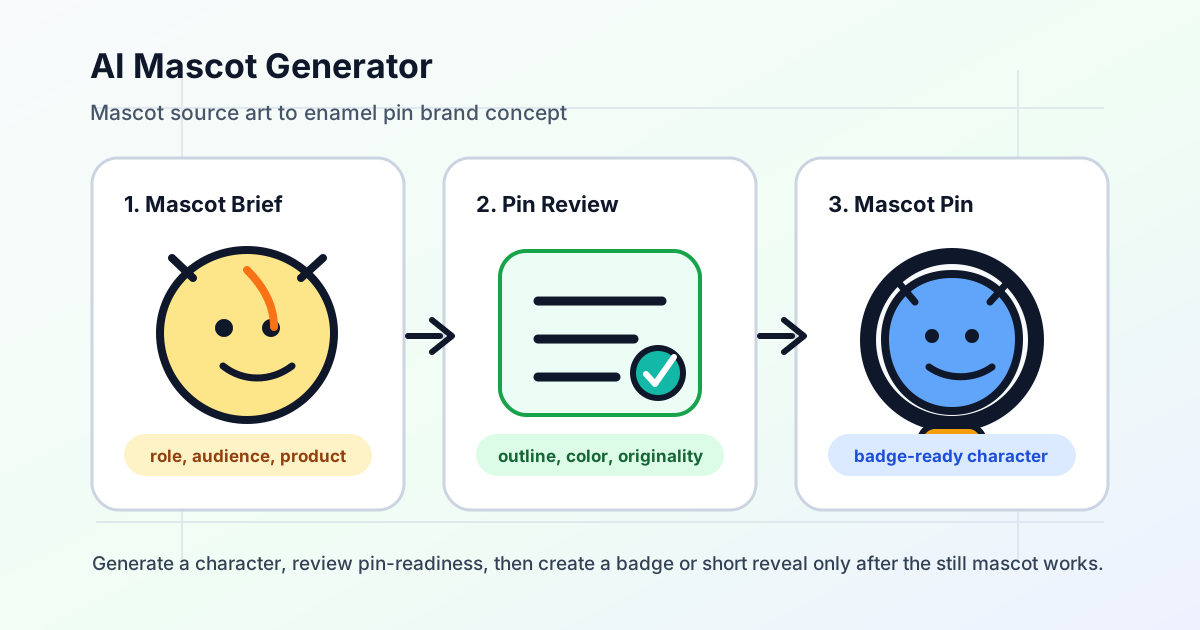 AI Mascot Generator Workflow for Pin Brand Concepts
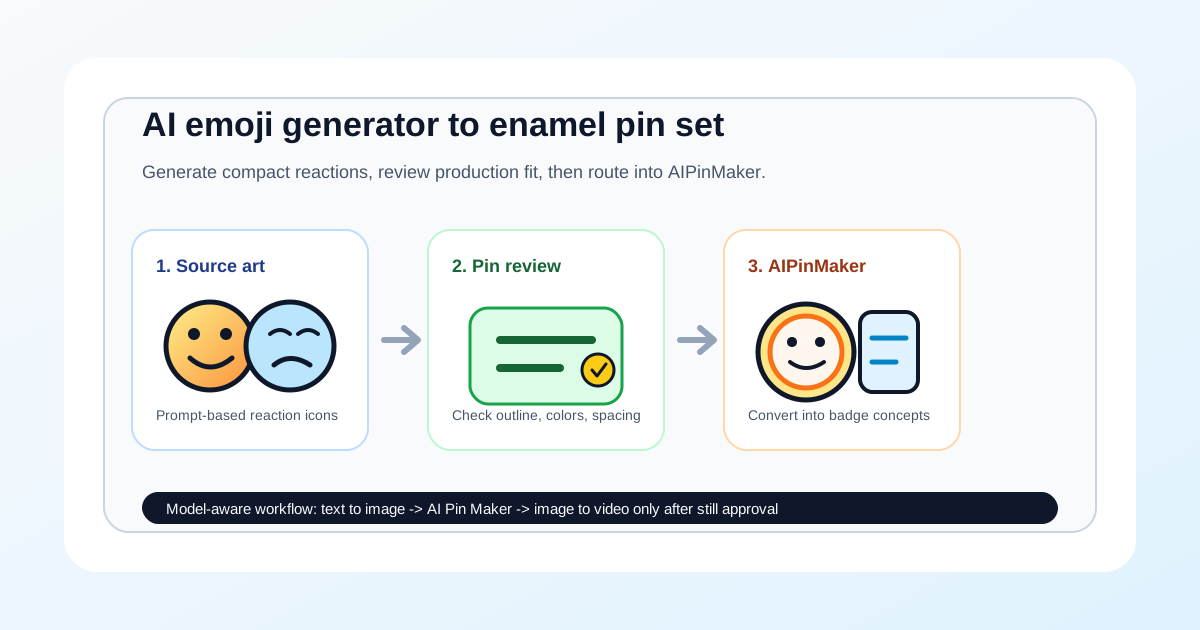 AI Emoji Generator Workflow for Pin Set Concepts
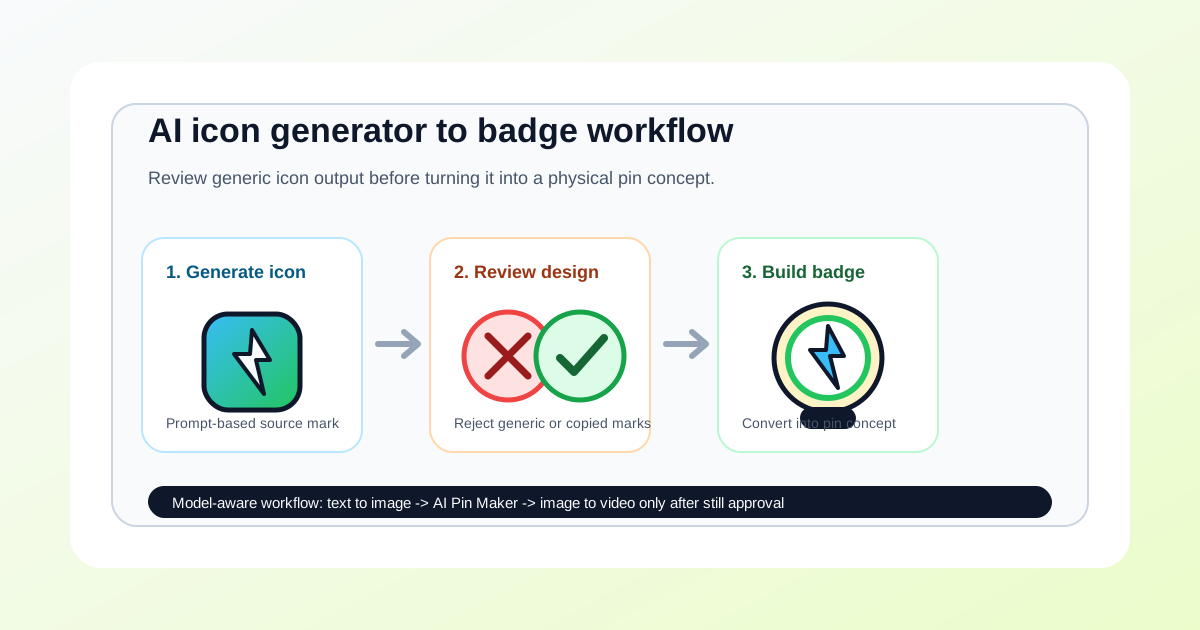 AI Icon Generator Workflow for Badge and Pin Concepts
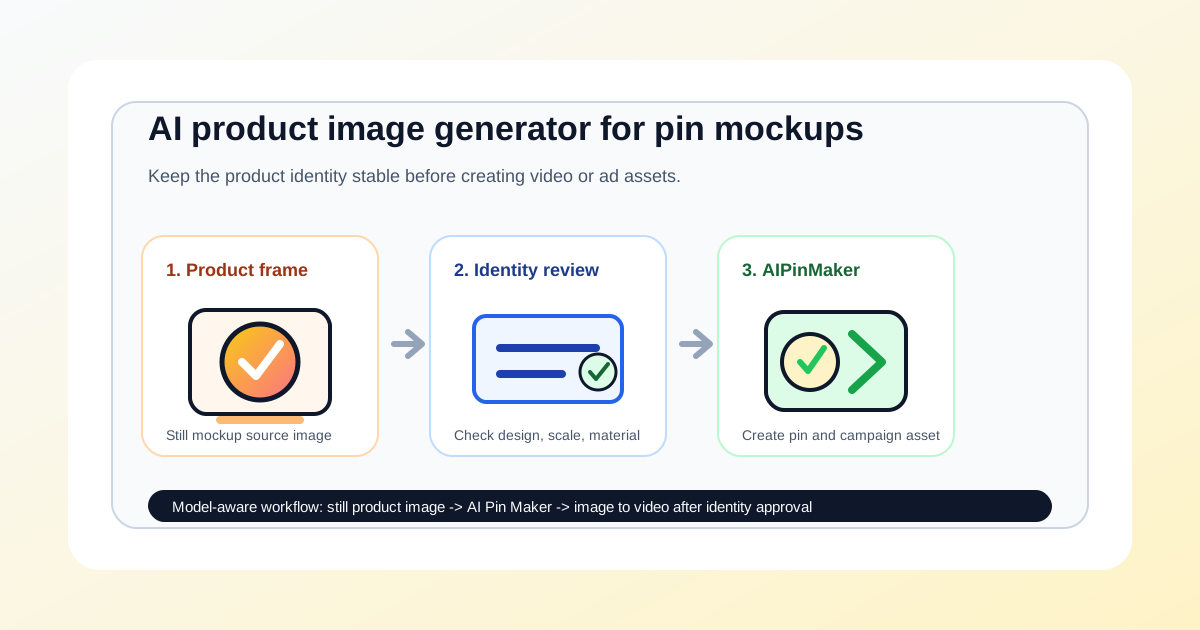 AI Product Image Generator Workflow for Pin Mockups
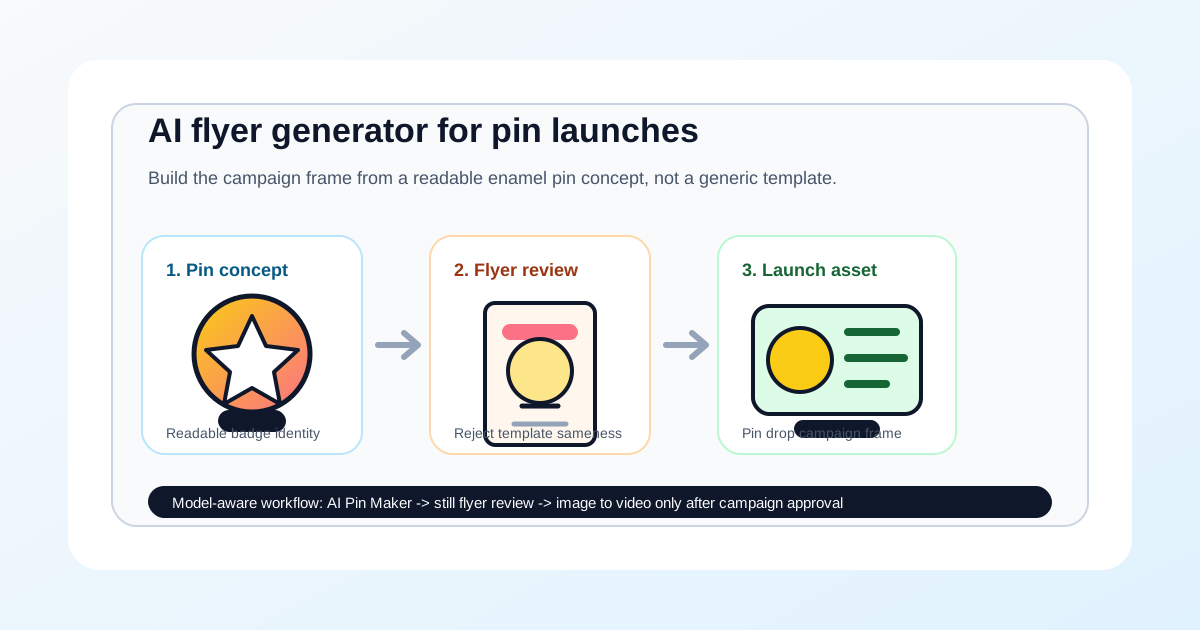 AI Flyer Generator Workflow for Pin Launch Campaigns
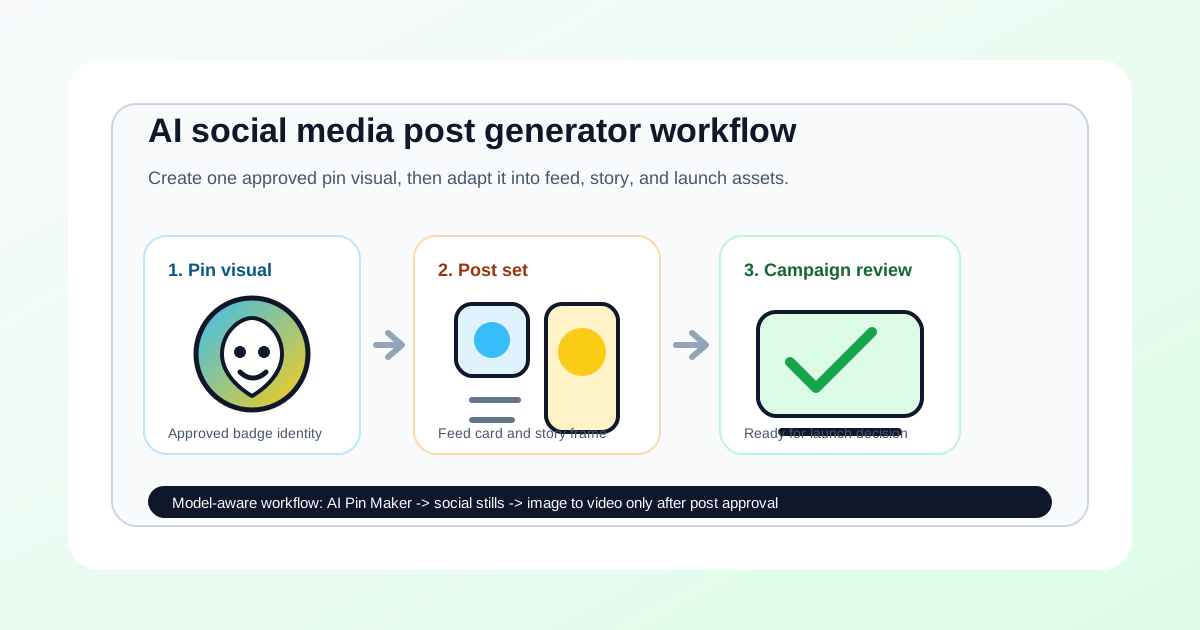 AI Social Media Post Generator Workflow for Pin Drops
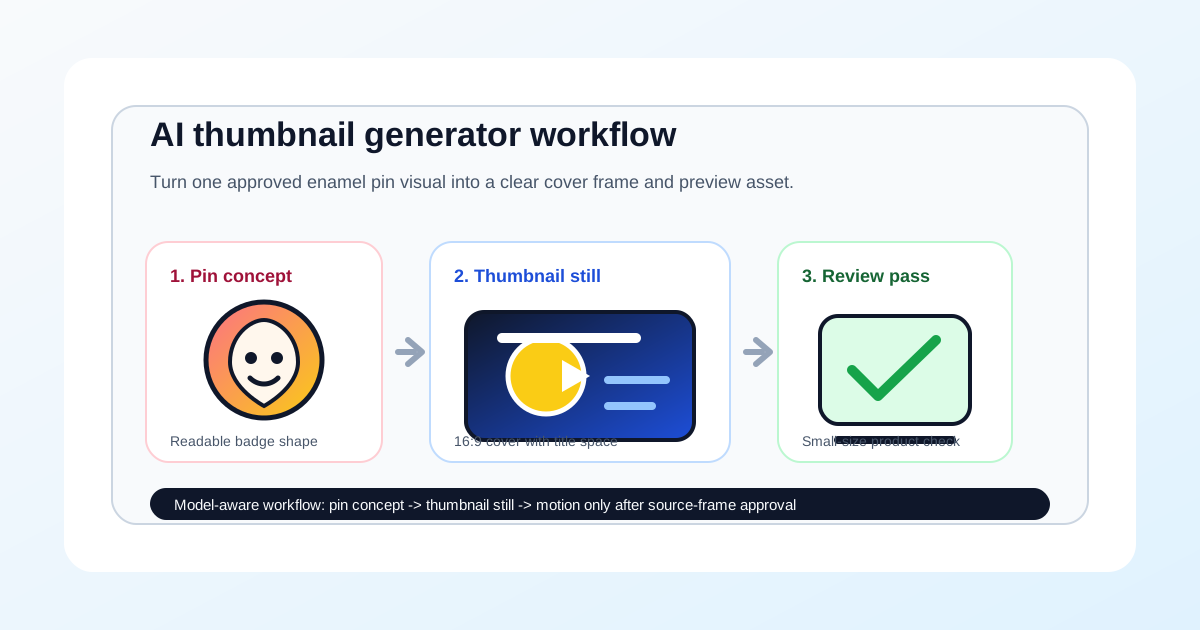 AI Thumbnail Generator Workflow for Pin Previews
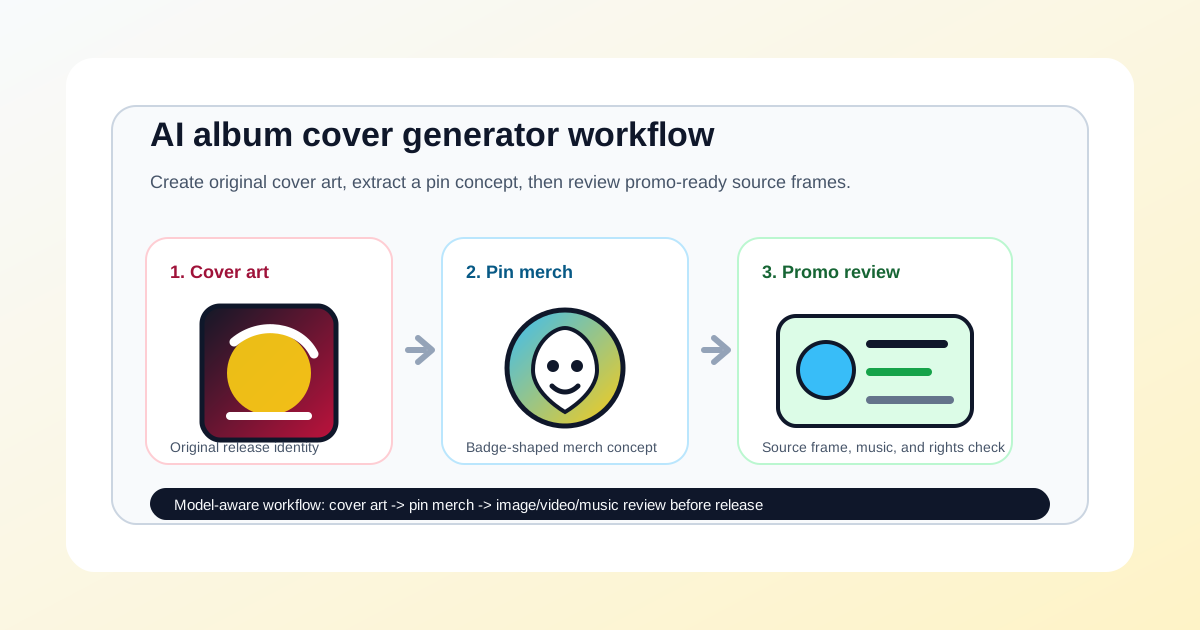 AI Album Cover Generator Workflow for Pin Merch
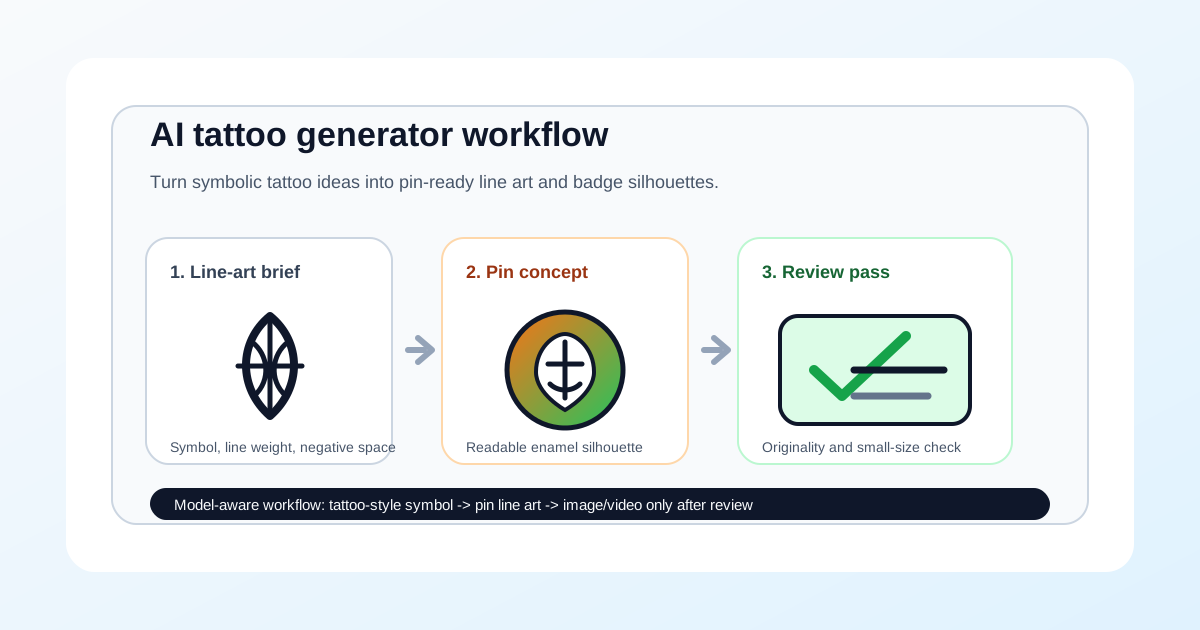 AI Tattoo Generator Workflow for Pin-Ready Line Art
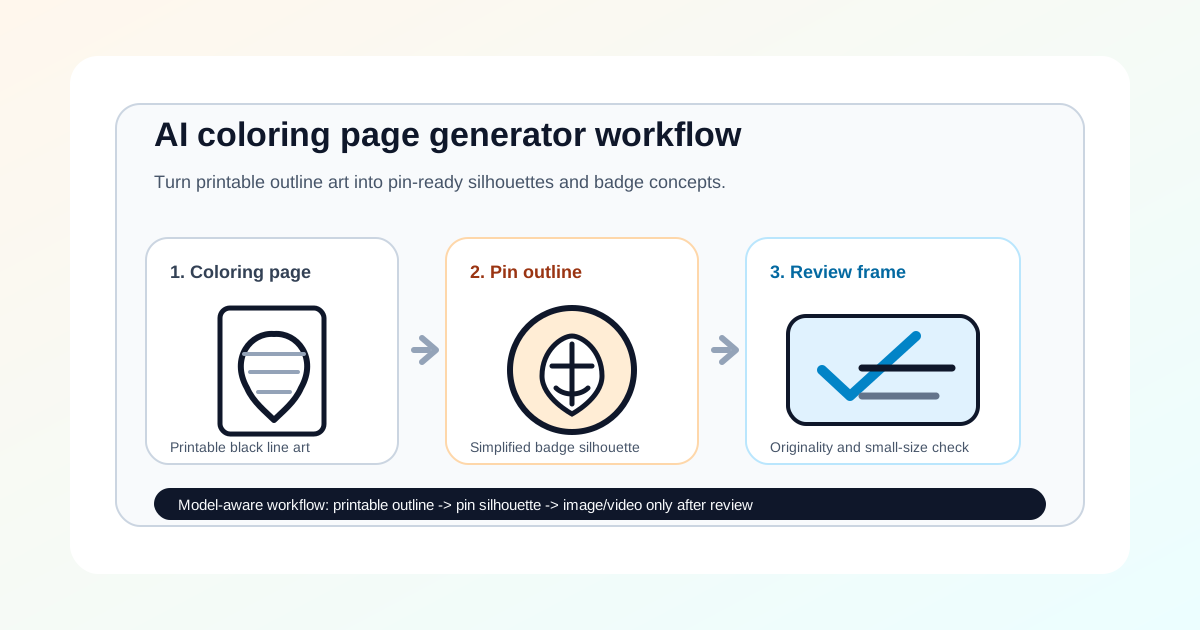 AI Coloring Page Generator Workflow for Pin Outline
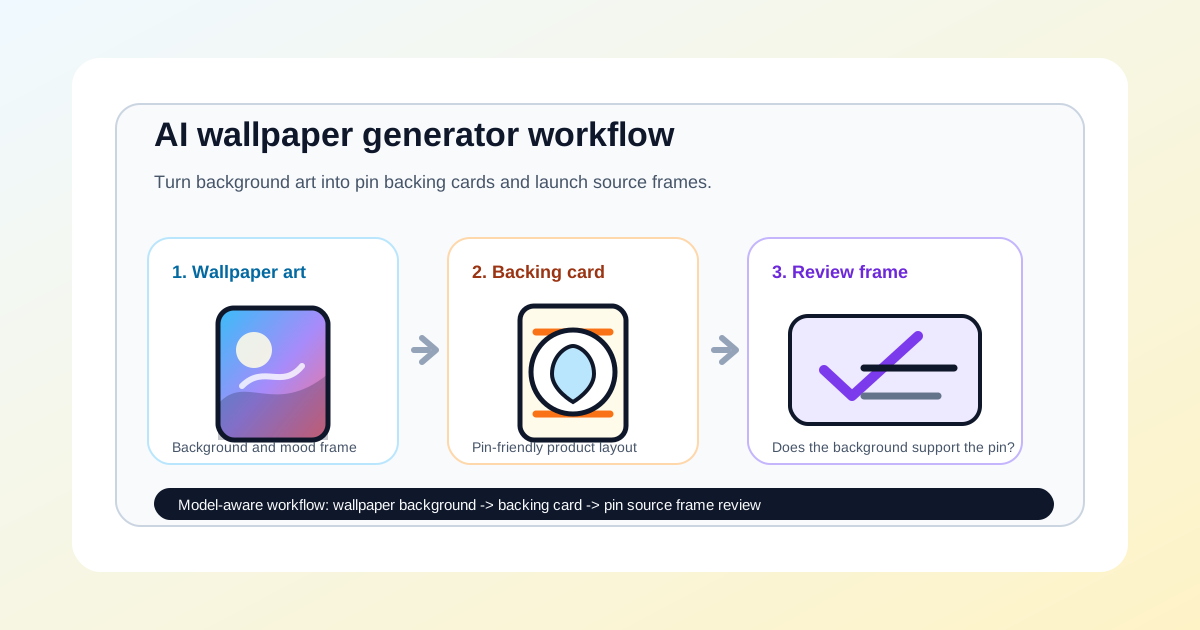 AI Wallpaper Generator Workflow for Pin Backing Cards
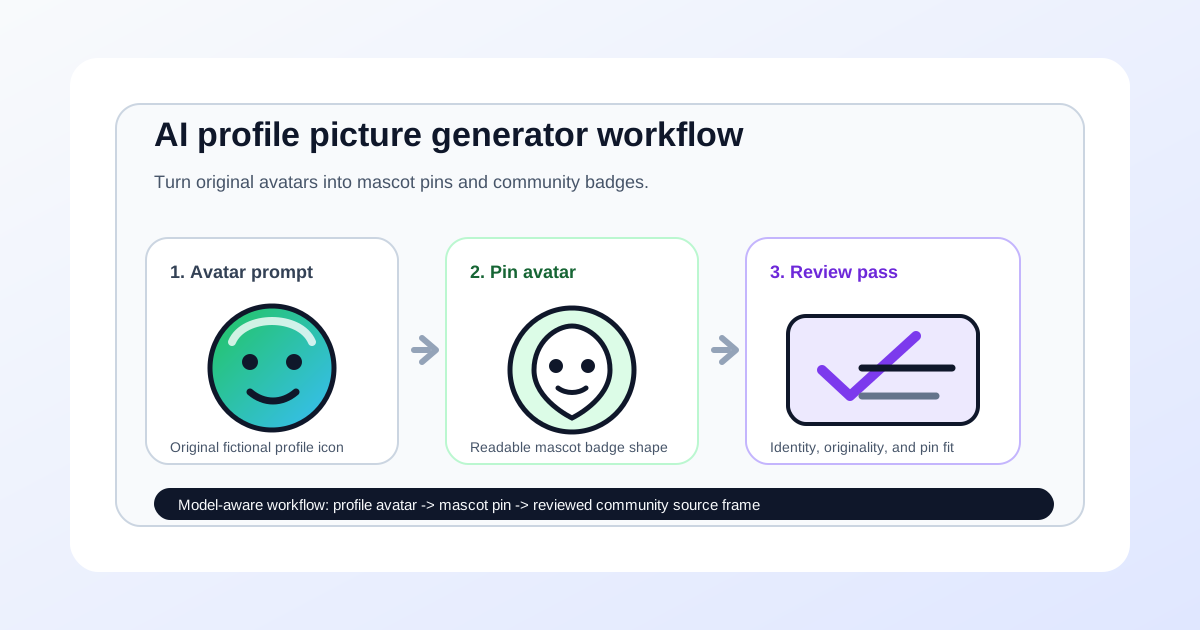 AI Profile Picture Generator Workflow for Pin Avatars
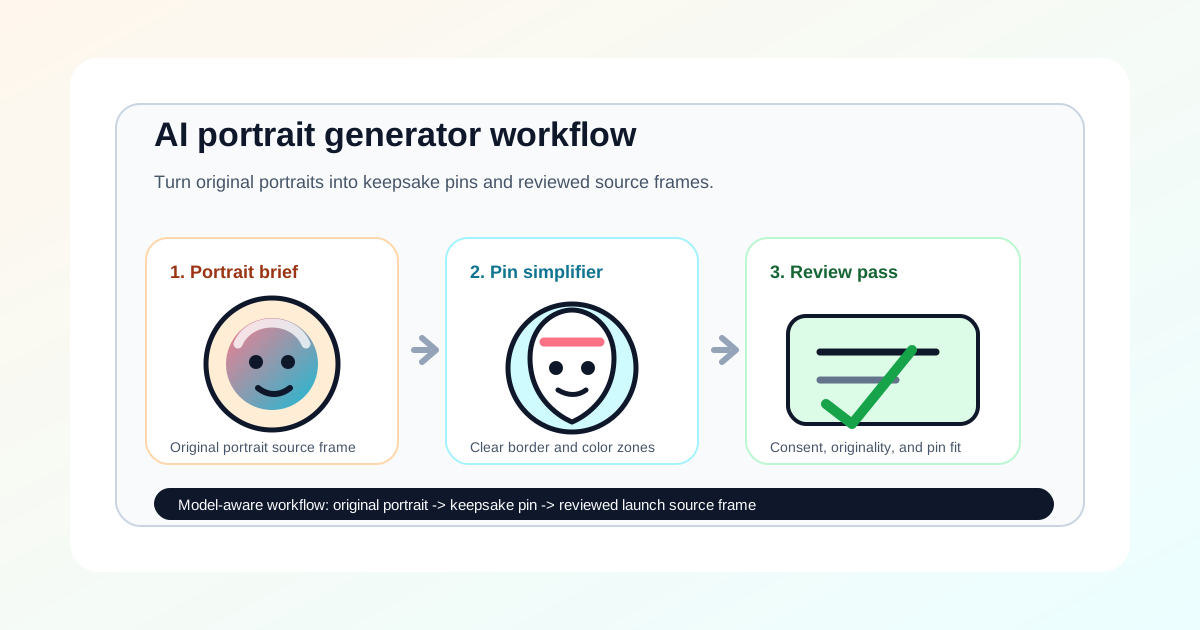 AI Portrait Generator Workflow for Pin Keepsakes
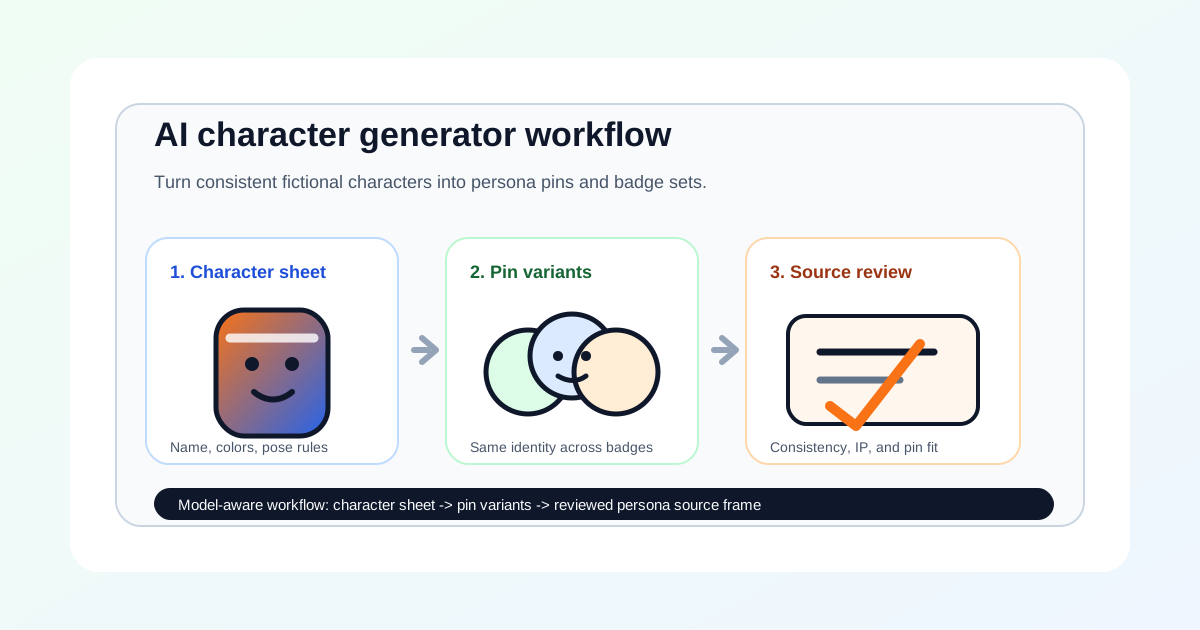 AI Character Generator Workflow for Pin Personas
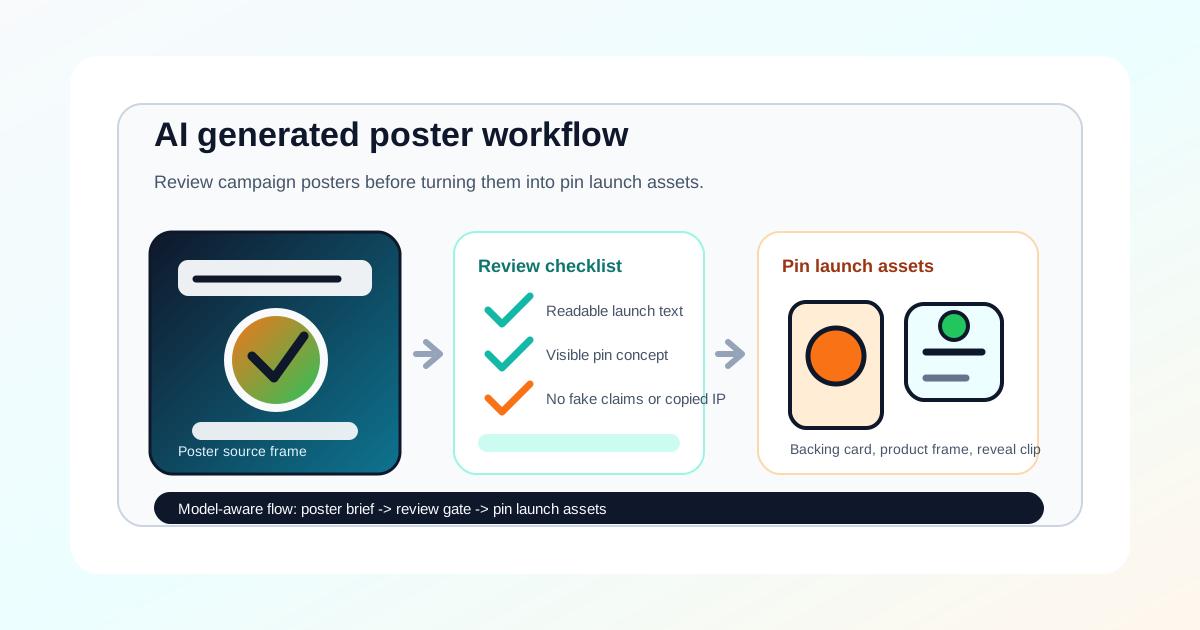 AI Generated Poster Workflow for Pin Launch Campaigns
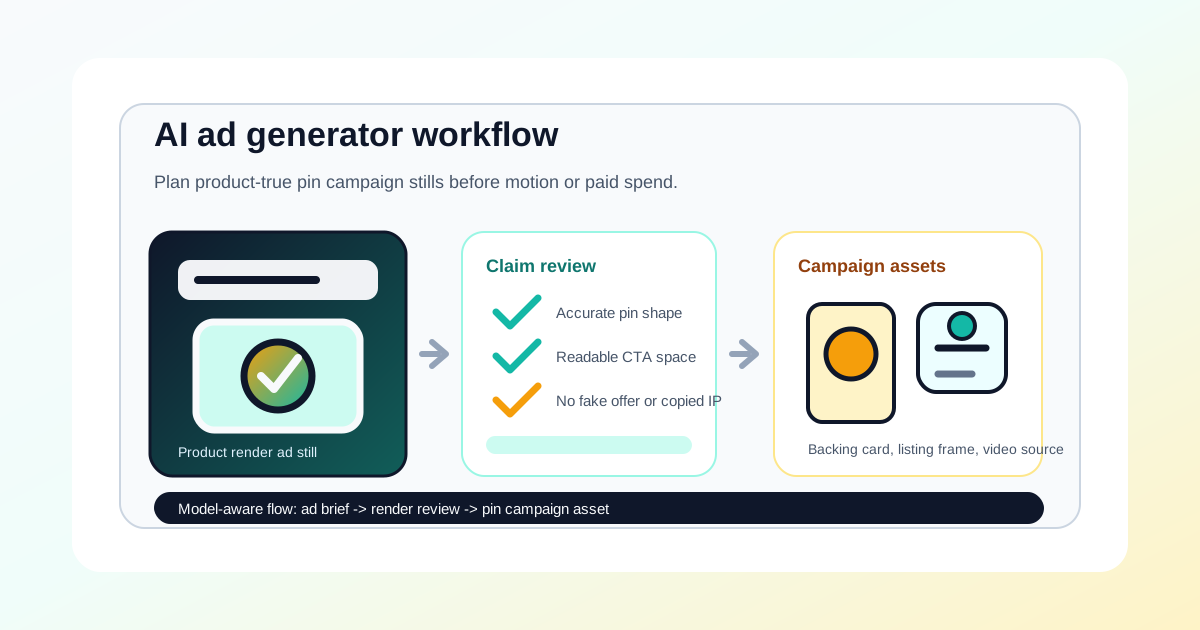 AI Ad Generator Workflow for Pin Campaign Stills
AI Baby Generator from Parents Photos
AI Image & Video Generator for Pins & Baby
Text to Image AI Prompt Guide for Brand Visuals
How to Make Enamel Pins with AI Pin Maker
AI Ad Generator Workflow for Pin Campaign Stills
AI Baby Generator from Parents Photos
AI Image & Video Generator for Pins & Baby
Text to Image AI Prompt Guide for Brand Visuals
How to Make Enamel Pins with AI Pin Maker
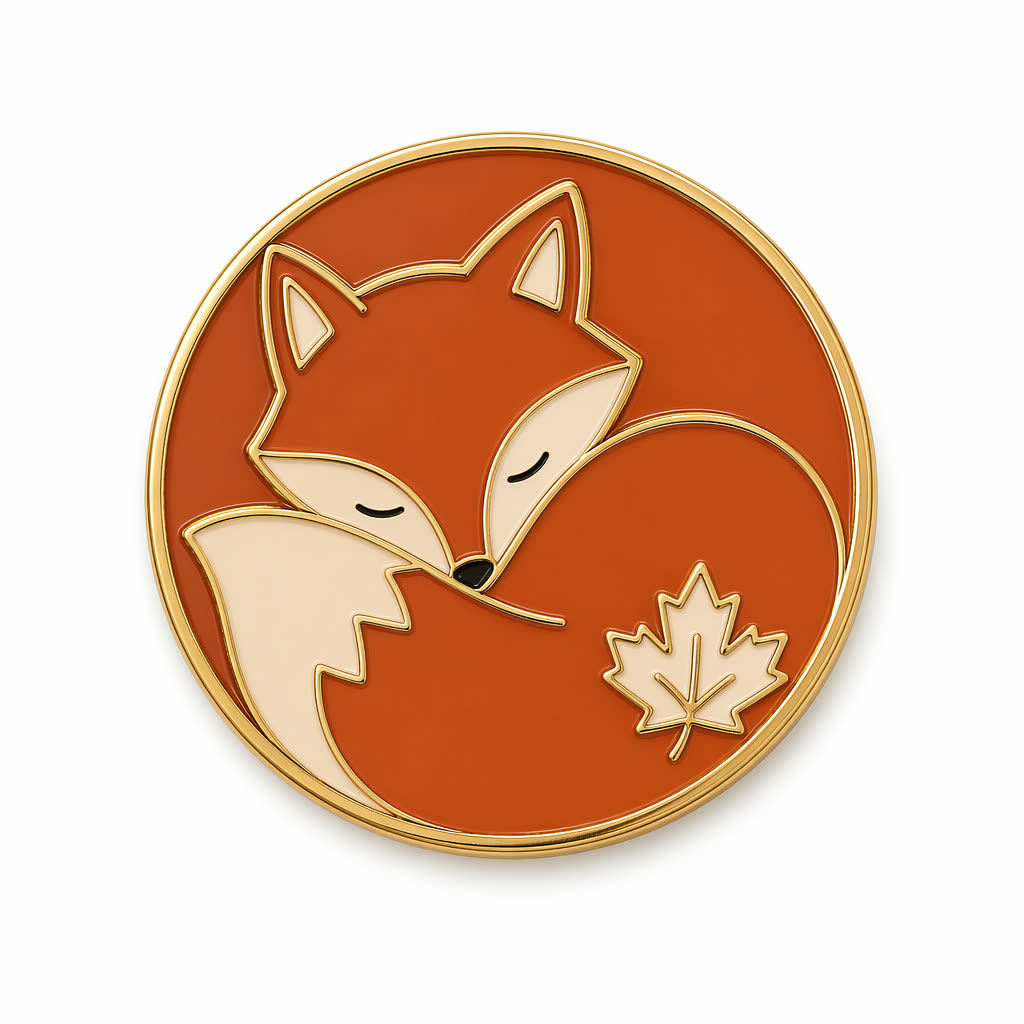 What Is AI Pin Maker? Badge & Pin Guide
AI Badge Design Checklist for Enamel Pins
Anime Pin Prompt Guide for AI Anime Pins
What Is AI Pin Maker? Badge & Pin Guide
AI Badge Design Checklist for Enamel Pins
Anime Pin Prompt Guide for AI Anime Pins
Get product updates, prompt ideas, and free credit events.